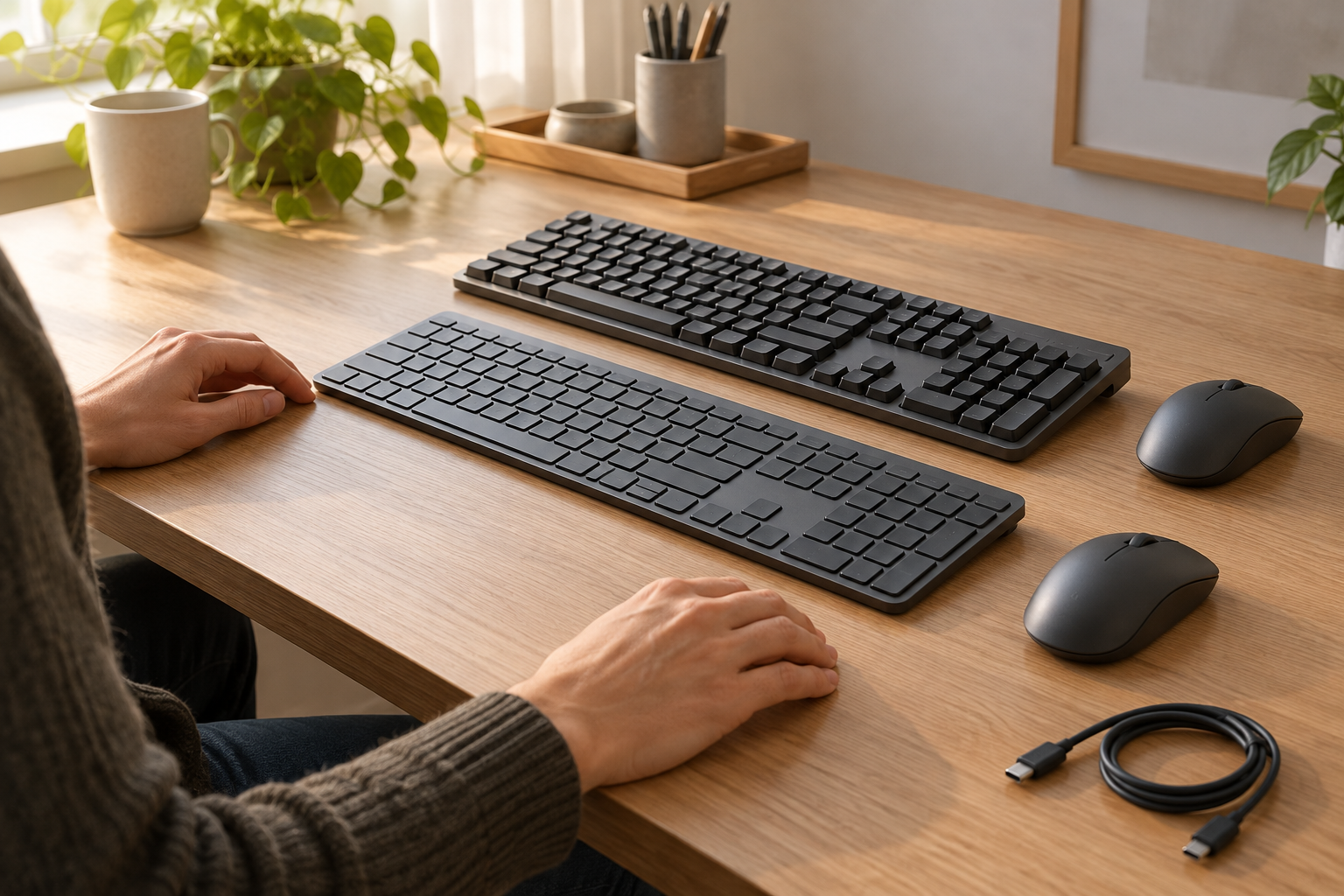
KeyboardsChoose between mechanical switch options and a flatter scissor-key arrangement using exact full-size dimensions, charging conditions and receiver requirements.
Read the guide ↗ 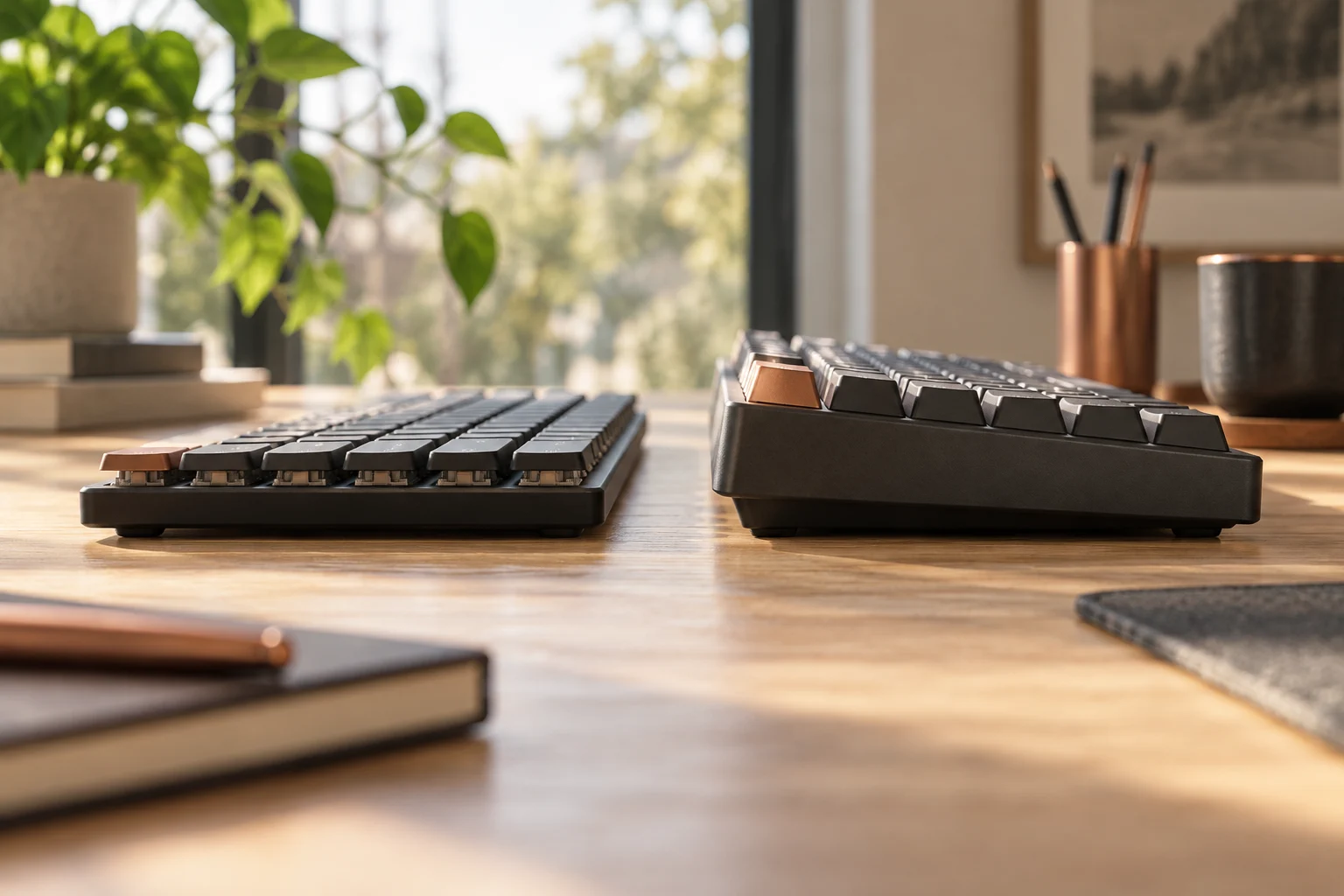
KeyboardsCompare K3 Version 2 low-profile mechanical and optical options with the regular-height K2 Version 2 reference, keeping hot-swap, keycaps and exact generation separate.
Read the guide ↗ 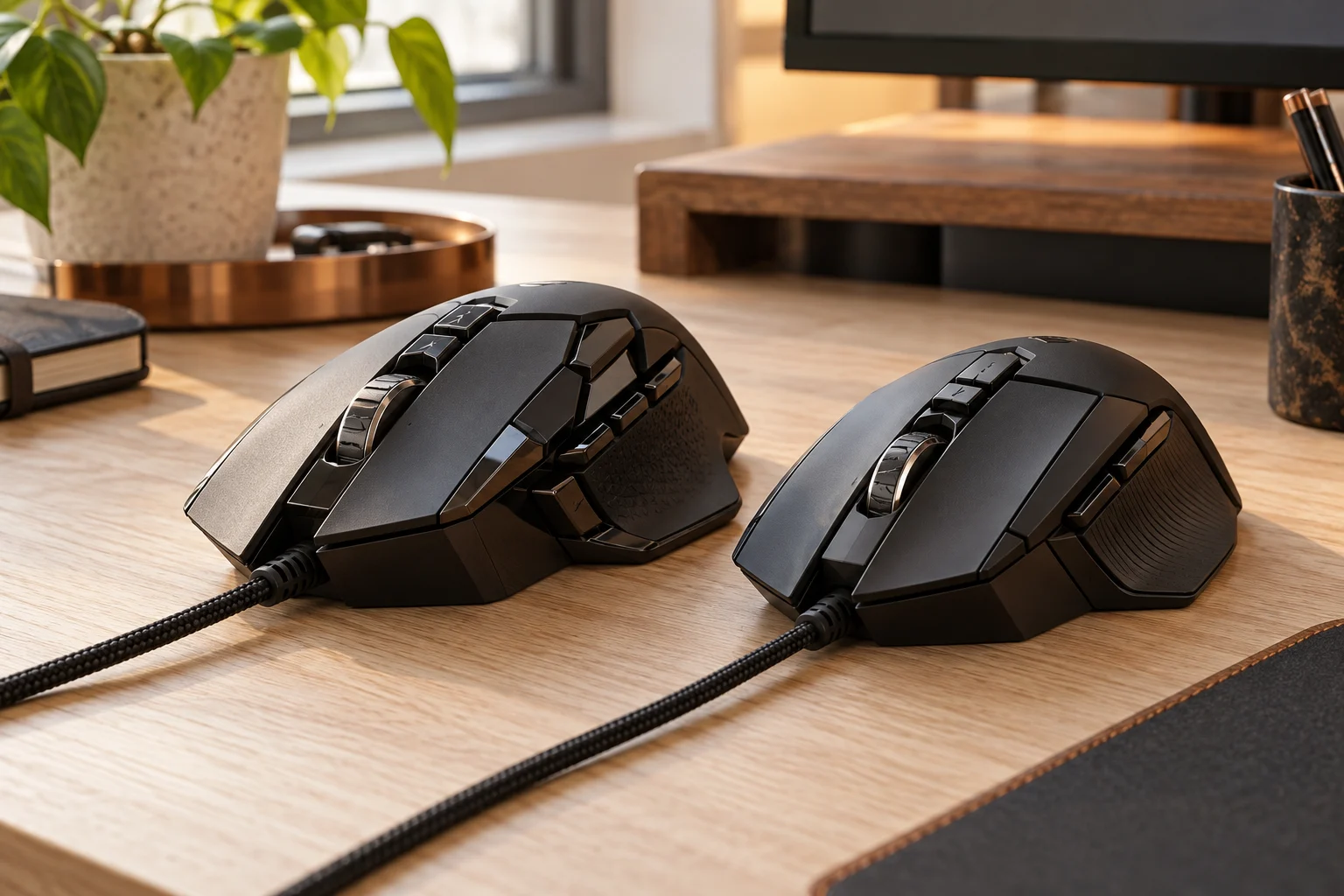
Mice & trackballsCompare the documented wired G502 HERO and G502 X body weights, optional HERO weights and control specifications without mixing LIGHTSPEED models or older tuning parts.
Read the guide ↗ 
Mice & trackballsCompare the documented body dimensions, mass and horizontal-scroll controls of MX Master 3S and MX Anywhere 3S, with receiver-edition and charging conditions kept separate.
Read the guide ↗ 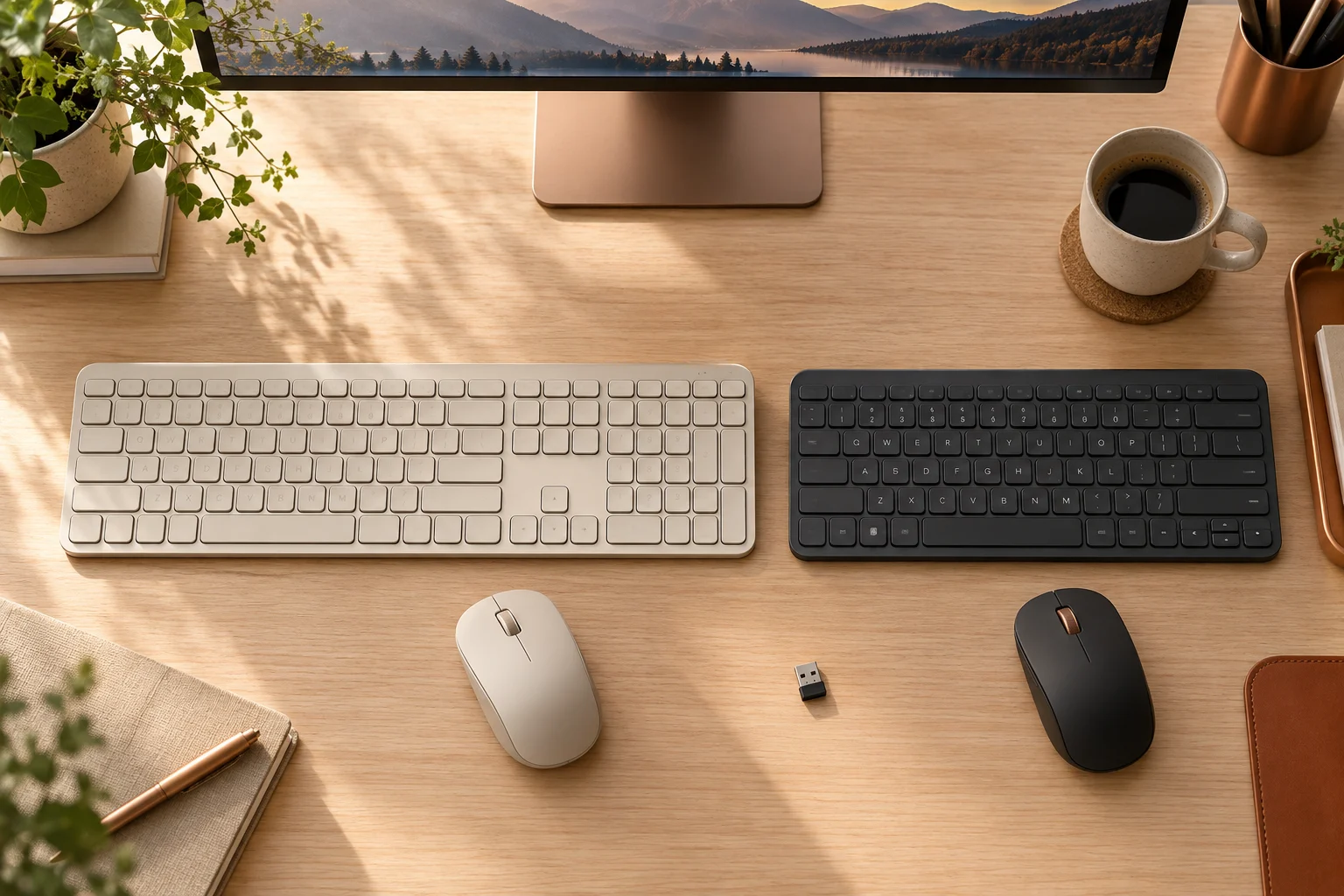
KeyboardsCompare MX Keys S and MX Keys Mini body width, number pad and the standard US receiver packages, while keeping older MX Keys and Unifying hardware separate.
Read the guide ↗ 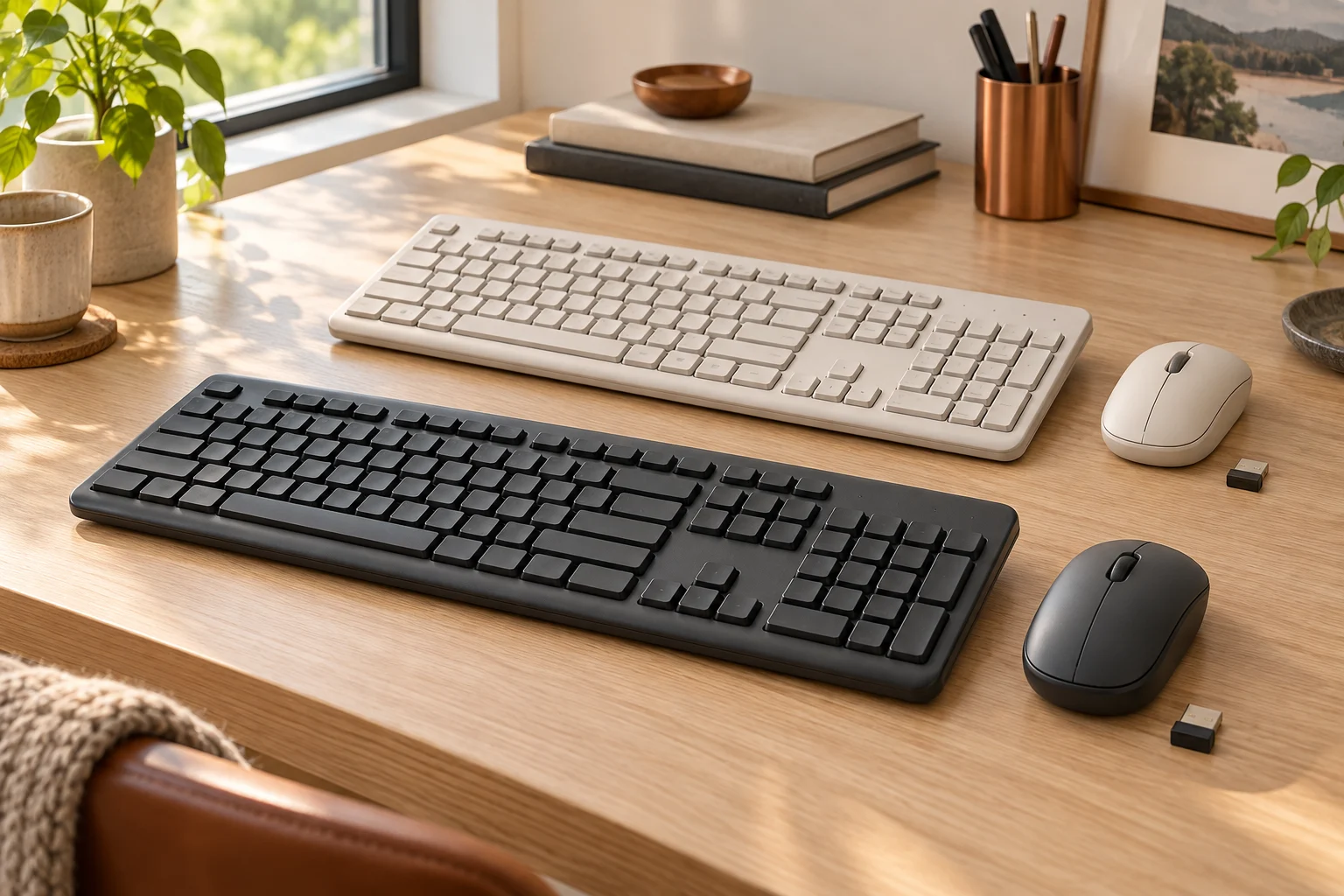
KeyboardsCompare the US MK270 and MK295 offers, full-size layout, SilentTouch claim and model revisions before assuming that a similar keyboard or tiny receiver identifies the same bundle.
Read the guide ↗ 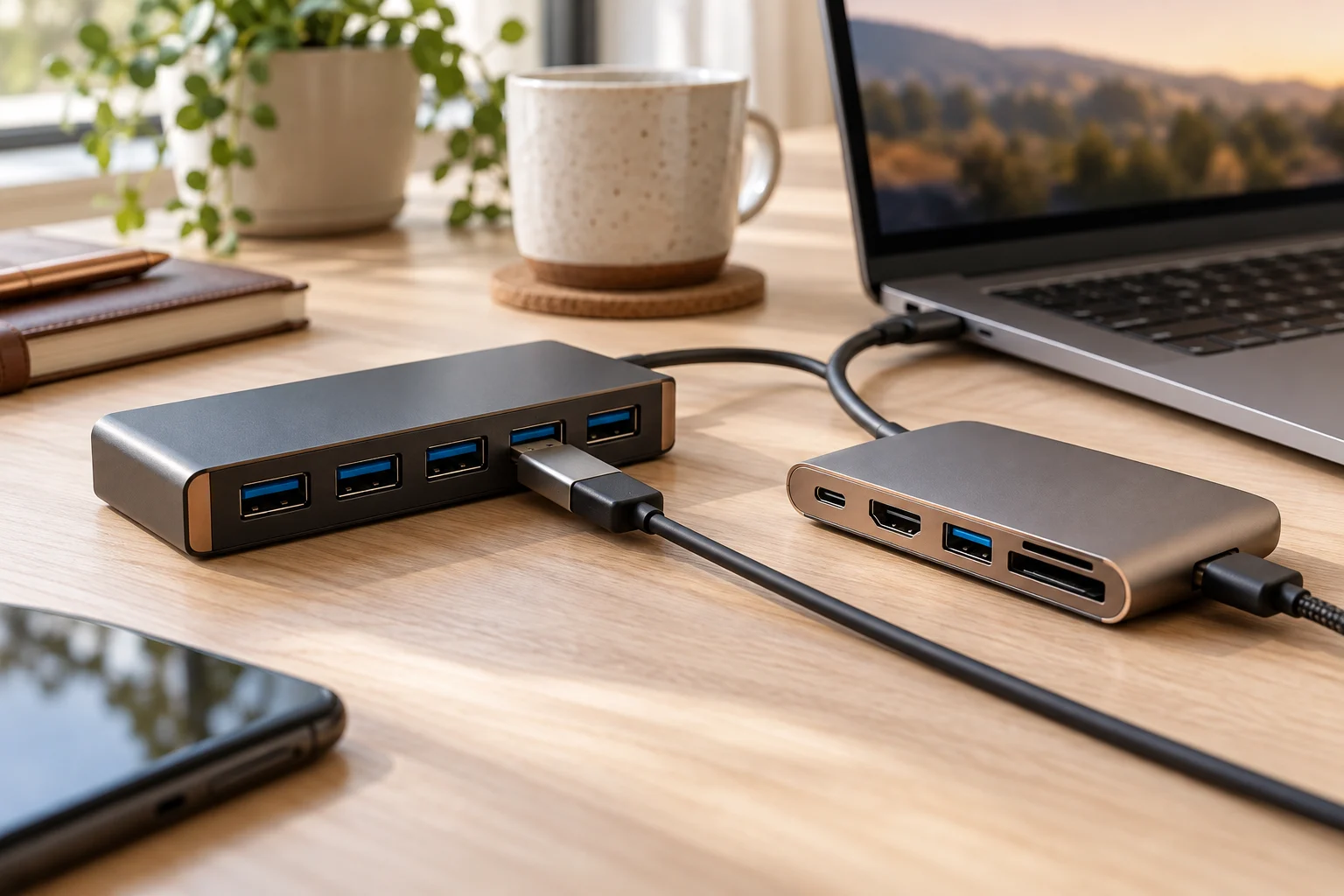
USB hubsCompare Sabrent HB-UM43 and HB-B7C3 by actual data-port count, dedicated charging outputs, host bandwidth and supplied power hardware.
Read the guide ↗ 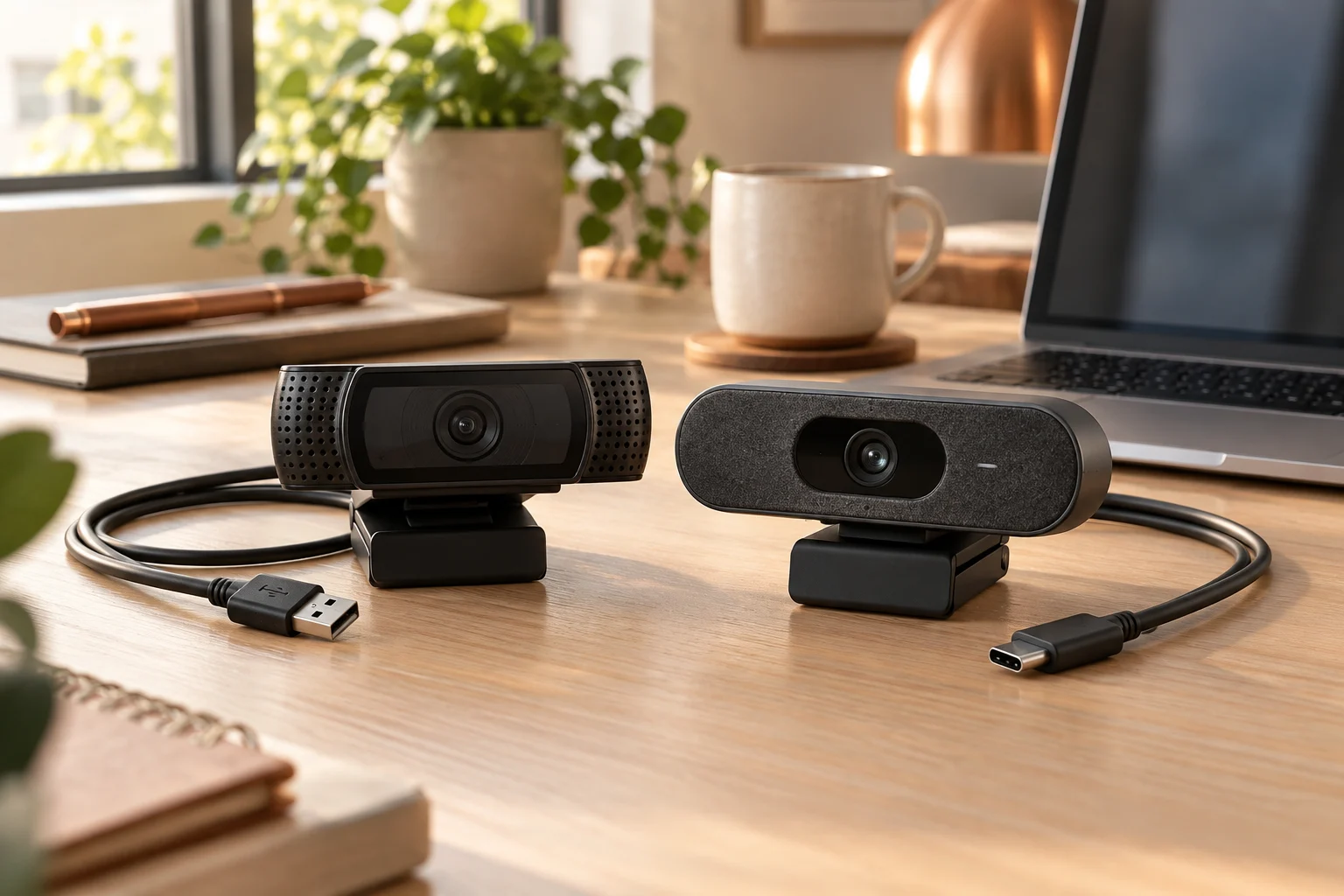
WebcamsChoose C920s for a documented USB-A connection and fixed 78° view; consider Brio 500 for USB-C, selectable framing and its software-dependent features. Both specify 1080p at 30 fps.
Read the guide ↗ 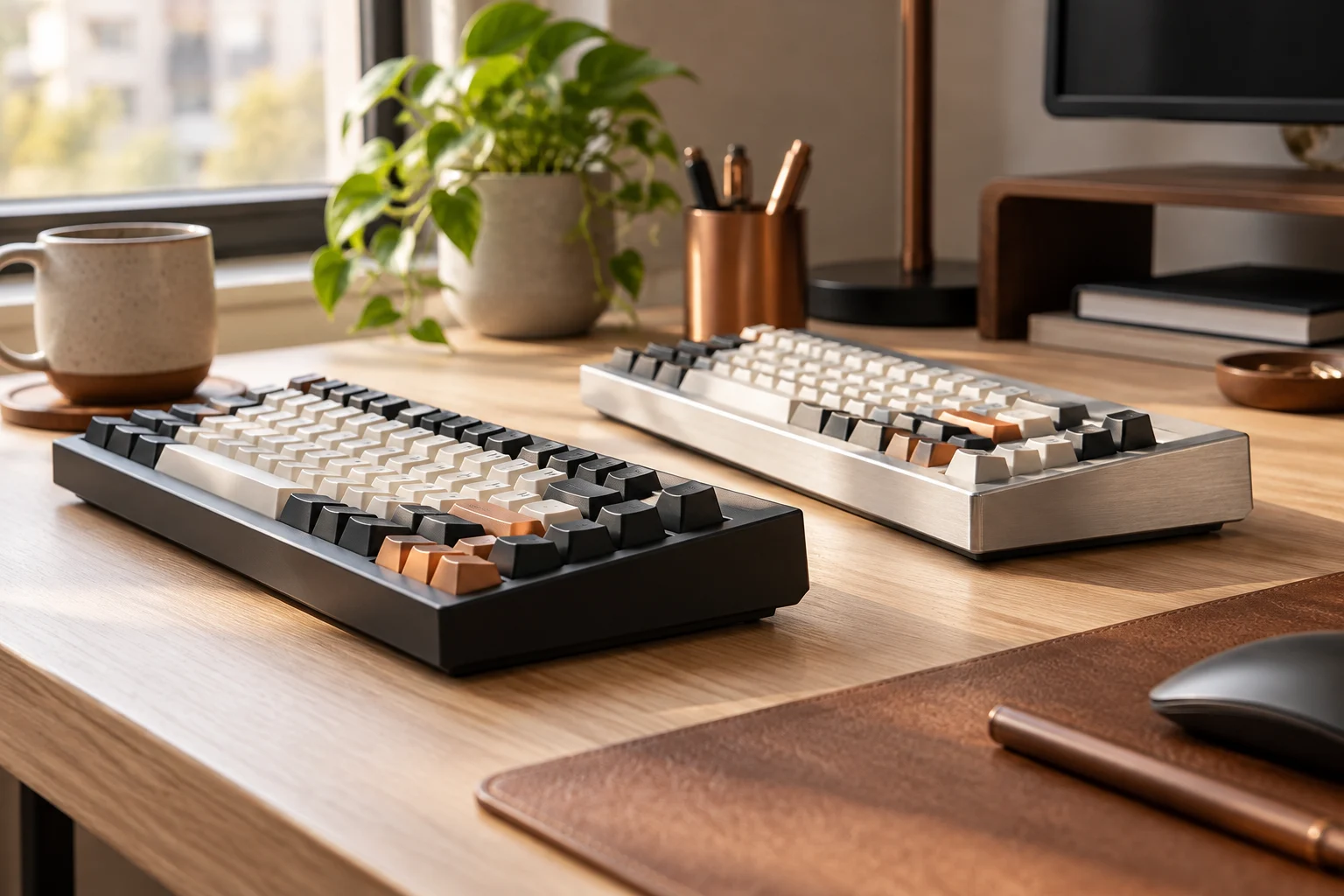
KeyboardsThe manufacturer's V1/Q1 comparison lists an ABS tray-mounted V1 and an aluminium double-gasket Q1. Compare that construction difference without treating it as a measured sound or speed ranking.
Read the guide ↗ 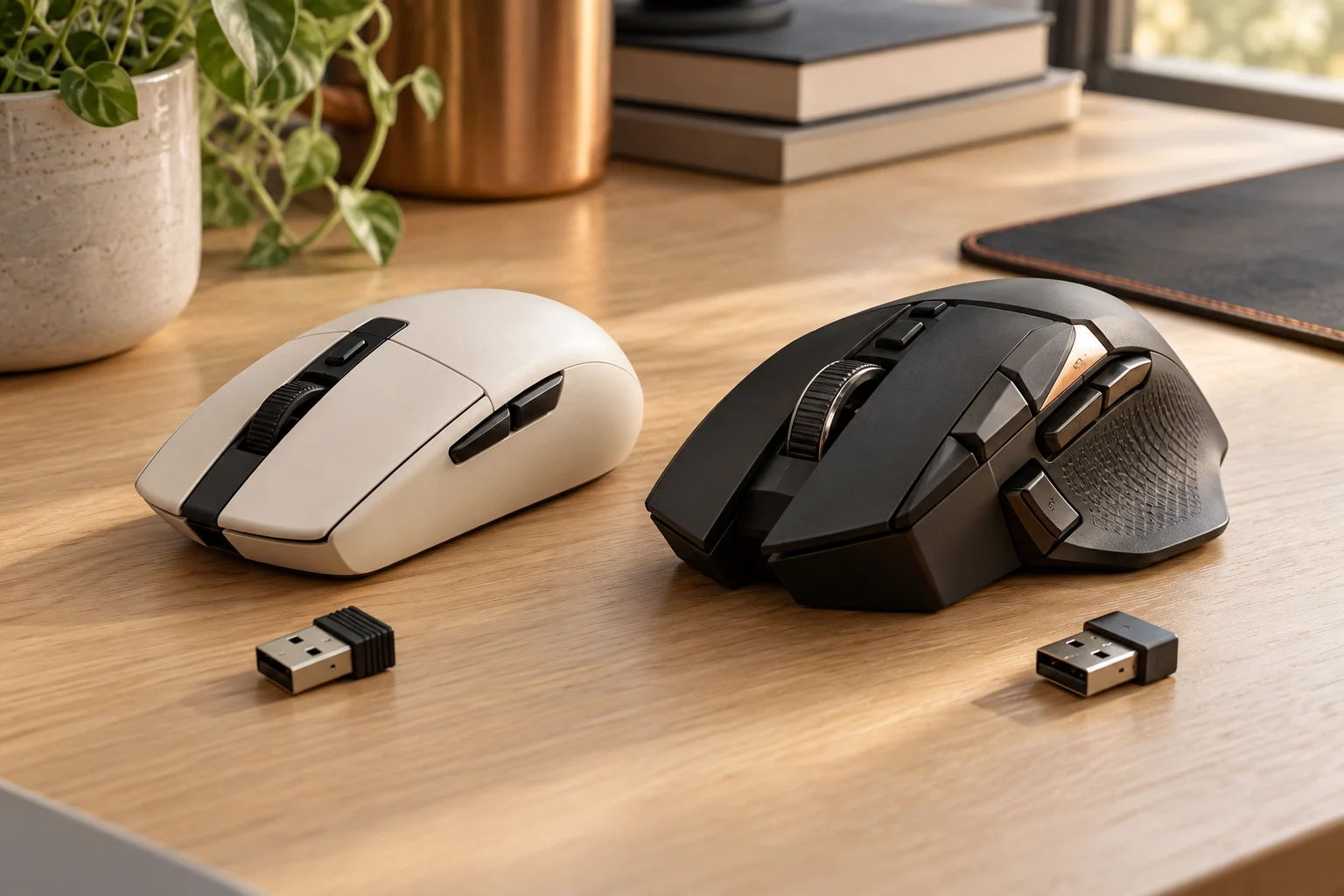
Mice & trackballsChoose between two named LIGHTSPEED mice using actual programmable controls, body dimensions and battery systems; manufacturer specifications are not our latency or comfort tests.
Read the guide ↗ 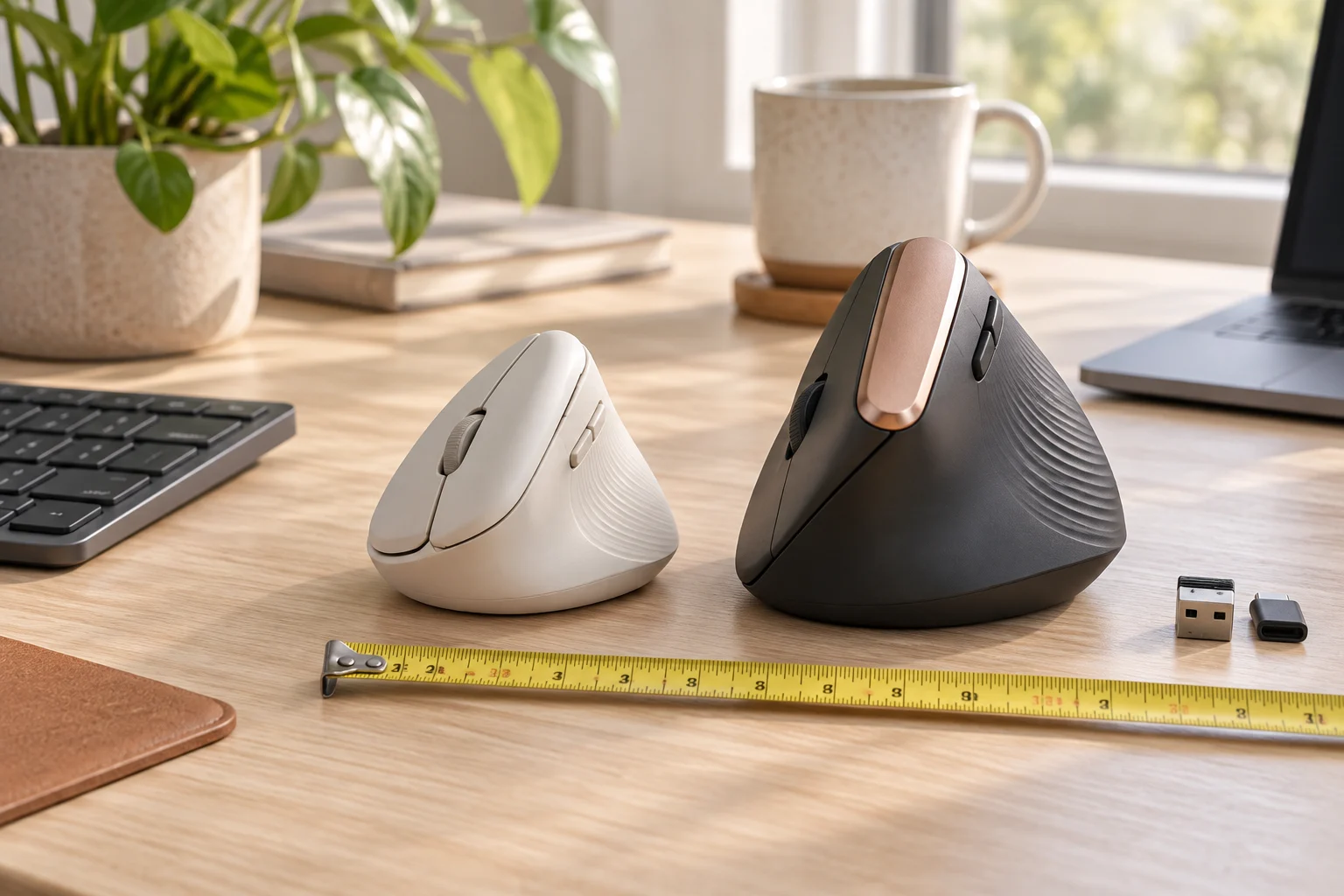
Mice & trackballsCompare Logitech Lift and MX Vertical by size, power and receiver family, then check the fit in your own workspace.
Read the guide ↗ 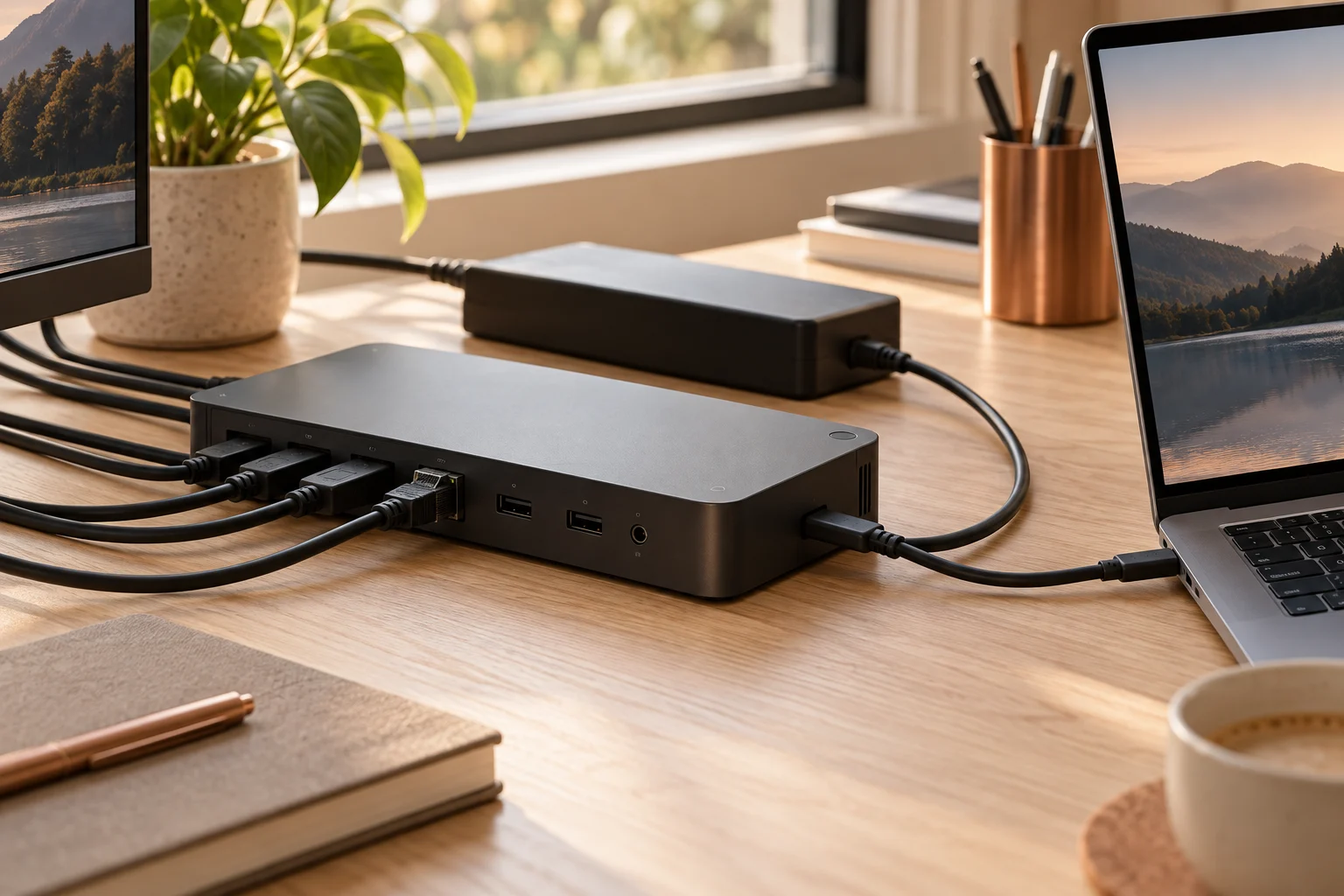
Docking stationsCompare the actual Dell dock, included adapter and laptop power limit before treating a USB-C connector or a 180 W brick as a compatibility guarantee.
Read the guide ↗ 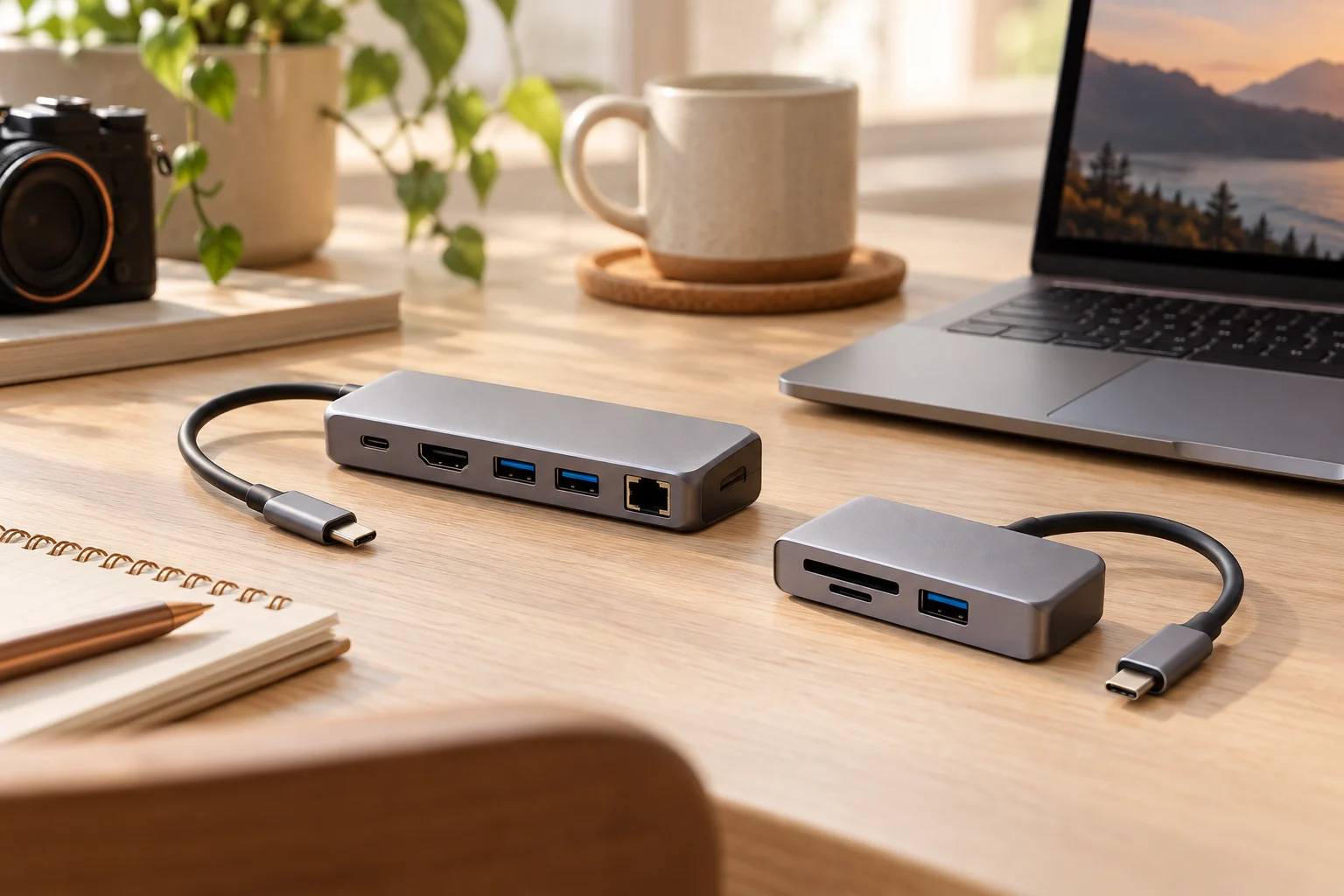
USB hubsCompare the verified A8355 and A8346 port maps, card slots and power limits, while keeping the 341 page’s contradictory USB-C speed claims visible.
Read the guide ↗ 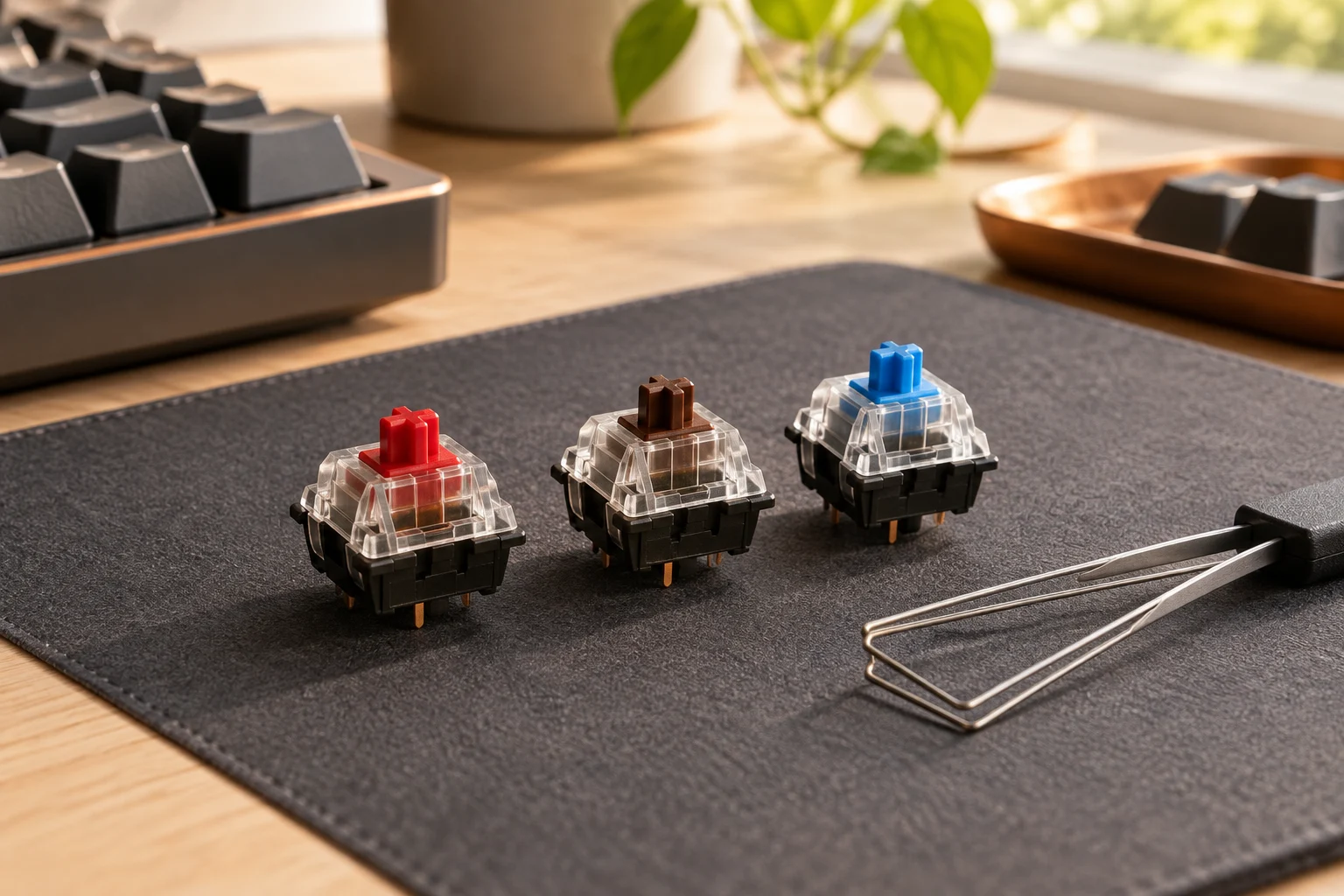
KeyboardsK Pro Red is listed as linear 45±10gf, Brown as tactile 50±10gf and Blue as clicky 60±10gf. Those are this switch family's ratings; colour alone does not establish compatibility or a guaranteed personal preference.
Read the guide ↗ 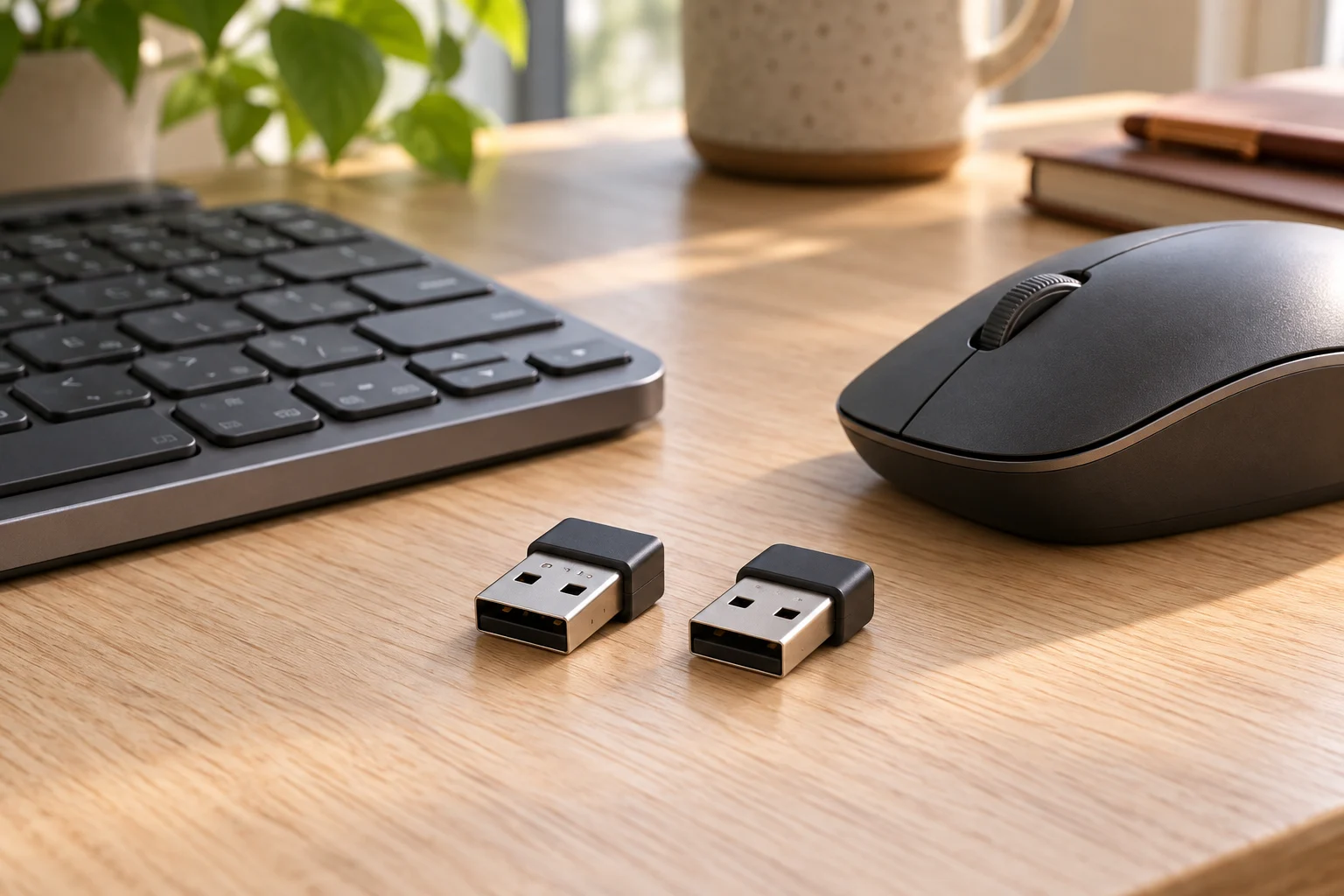
Connections & ownershipBolt and Unifying are different receiver families. Compare actual Lift, MX Vertical and G305 requirements before buying a replacement dongle or a new USB connector variant.
Read the guide ↗ 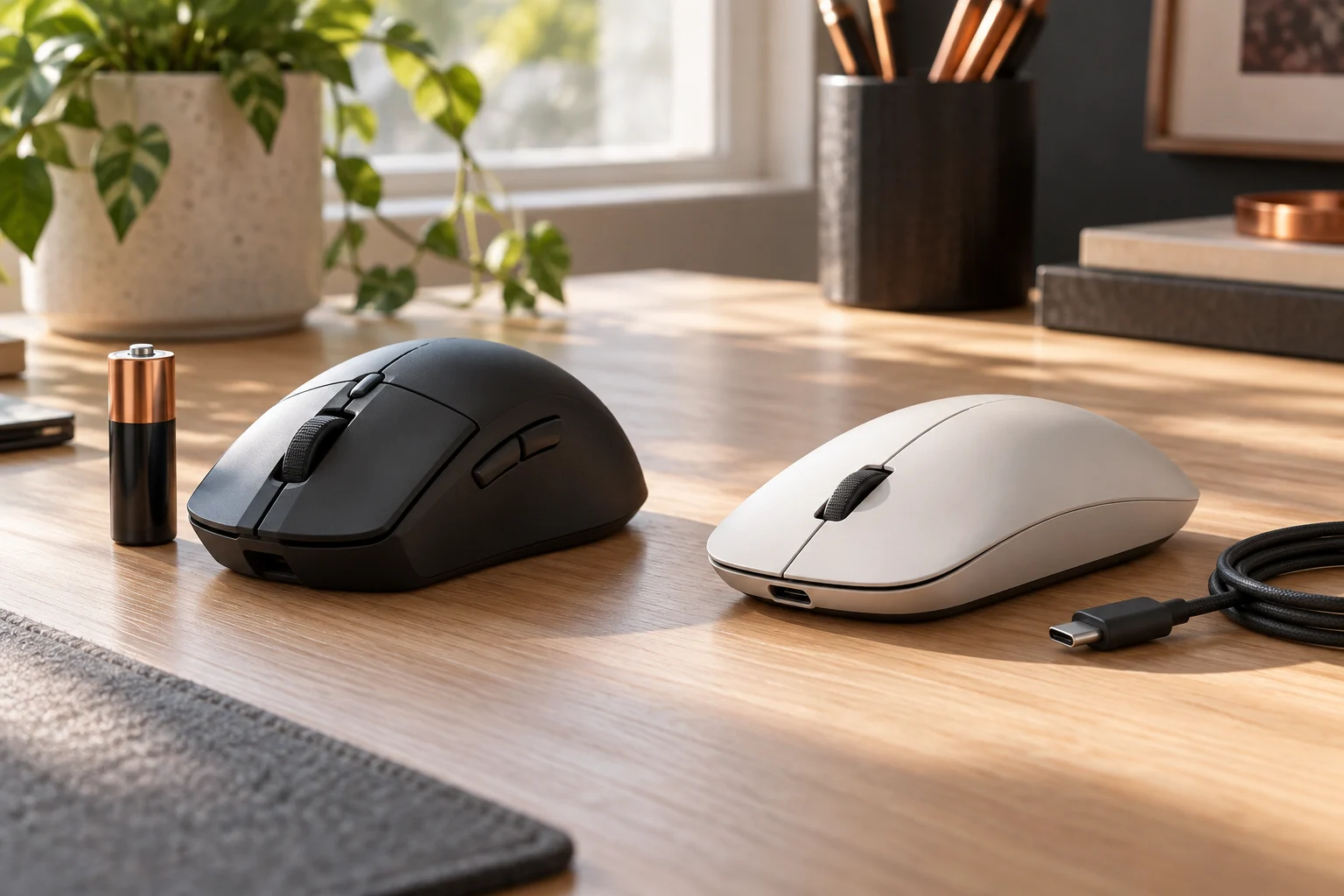
Mice & trackballsCompare G305's one-AA arrangement with SUPERLIGHT 2's USB-C charging, keeping manufacturer runtime claims and a real wired alternative separate from measured endurance or ownership cost.
Read the guide ↗ 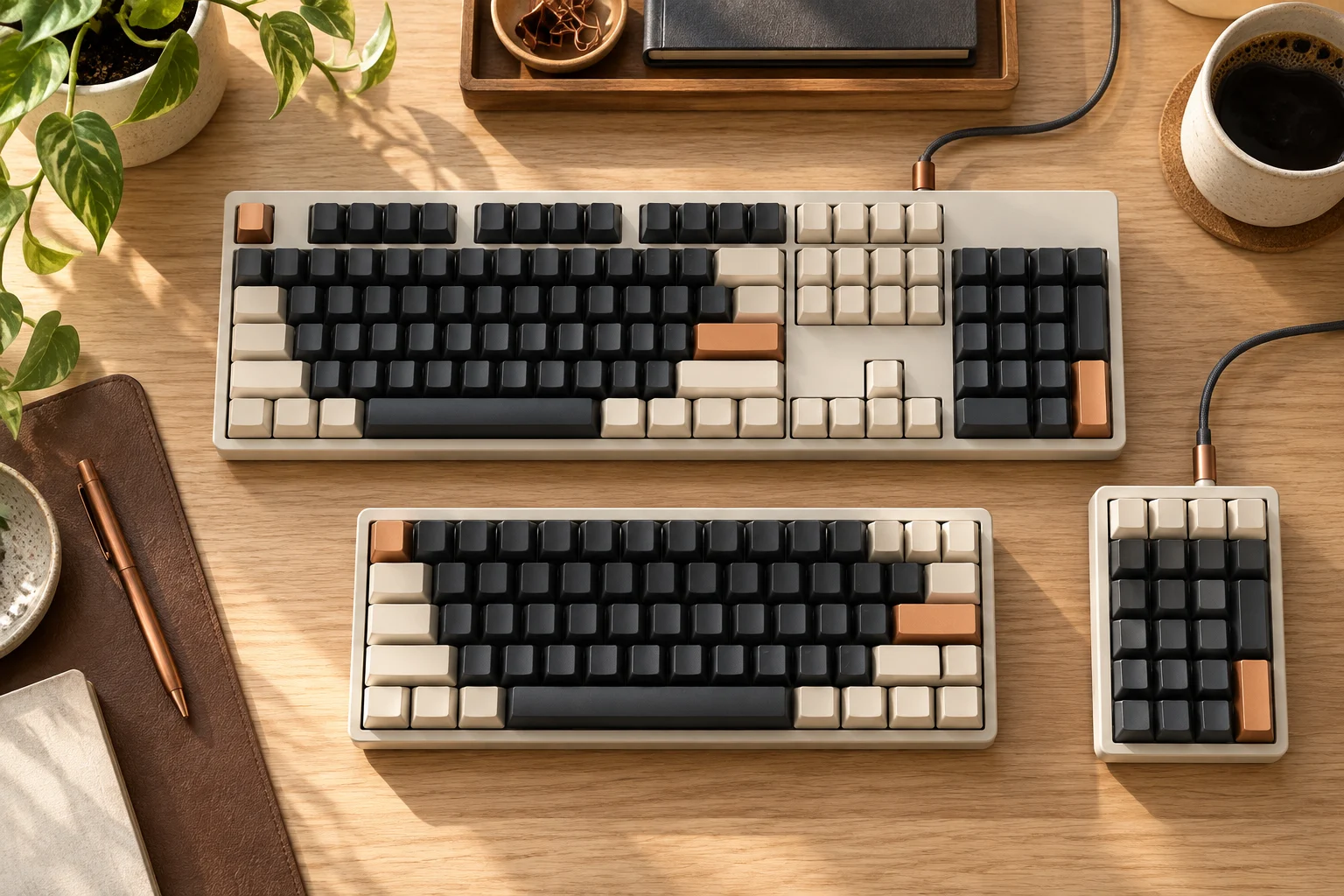
KeyboardsCompare the cited K2 Version 2 84-key 75% and classic K10 104-key full-size layouts, with actual key positions, generation and Windows-only Num Lock conditions kept clear.
Read the guide ↗ 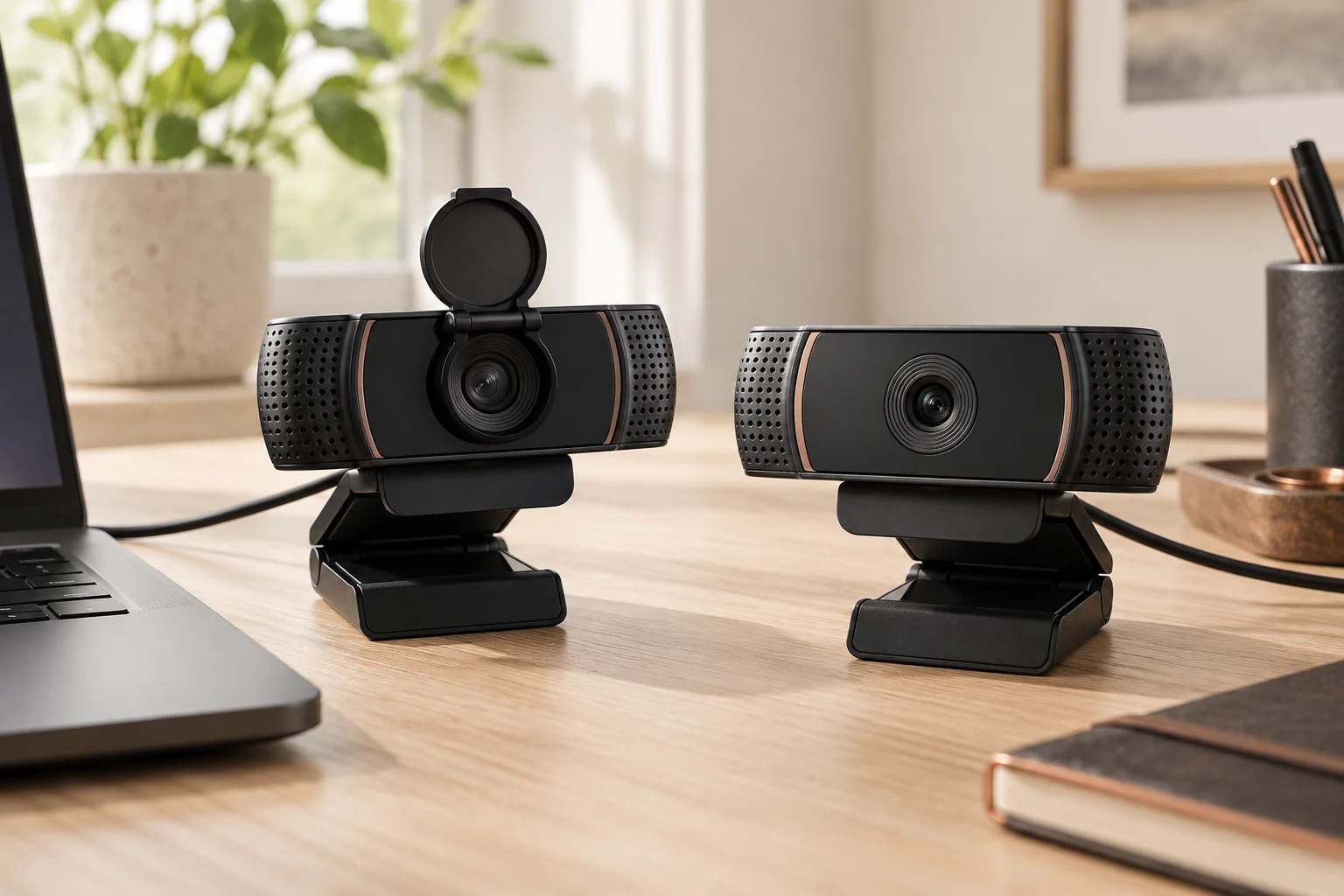
WebcamsC920s currently lists a privacy shutter in its manufacturer package contents. Compare that evidence with the historical C920 guide without assuming every present seller bundle is identical.
Read the guide ↗ 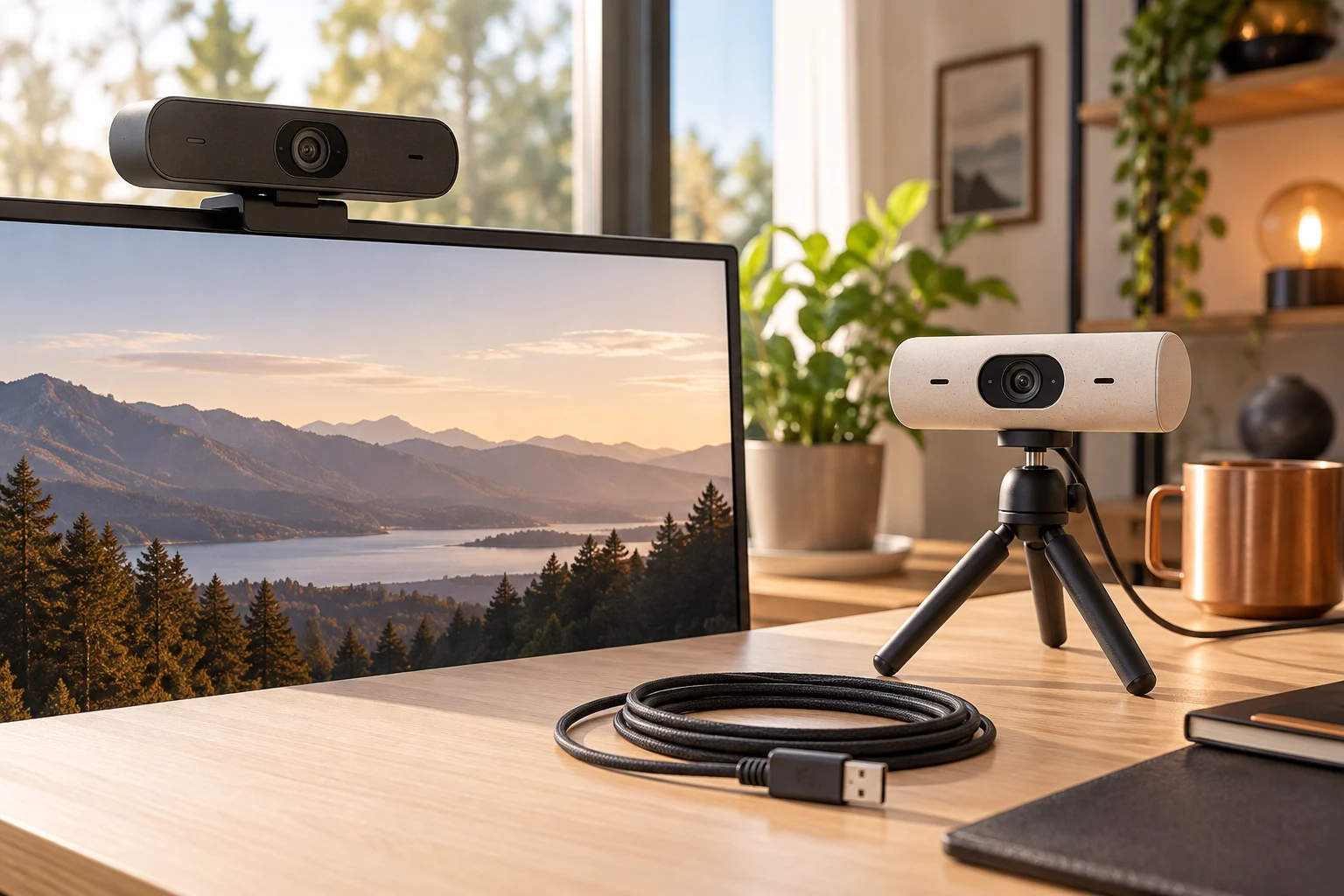
WebcamsCompare the current Brio 4K Business specification with Brio 500, including actual mode pairs, the manufacturer's USB 3.0 requirement and the complete host and application path.
Read the guide ↗ 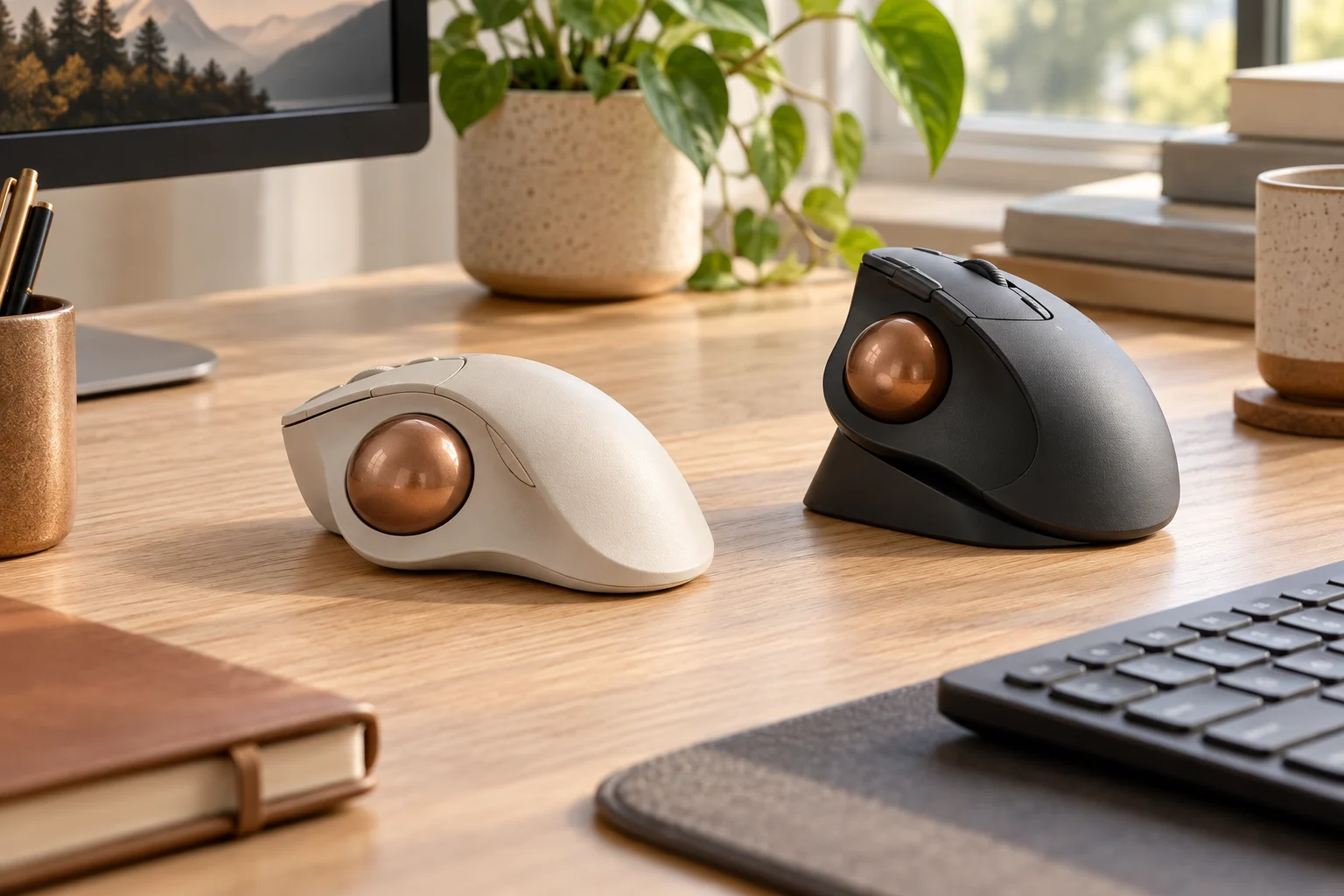
Mice & trackballsCompare current Logitech thumb trackballs by battery system, receiver, controls and listed dimensions, separating manufacturer facts from conceptual operating and charging illustrations.
Read the guide ↗