G305 or PRO X SUPERLIGHT 2: compare replaceable and rechargeable power
Compare G305's one-AA arrangement with SUPERLIGHT 2's USB-C charging, keeping manufacturer runtime claims and a real wired alternative separate from measured endurance or ownership cost.
Updated:
Choose the actual battery routine before comparing a headline
Choose G305 when a replaceable AA battery and its documented control arrangement suit the way you maintain equipment. Choose PRO X SUPERLIGHT 2 when USB-C charging, its lower quoted mass and its five-button arrangement are specifically useful. These are real differences between named Logitech products, not proof that one power system is always cheaper, more reliable or better for every player.
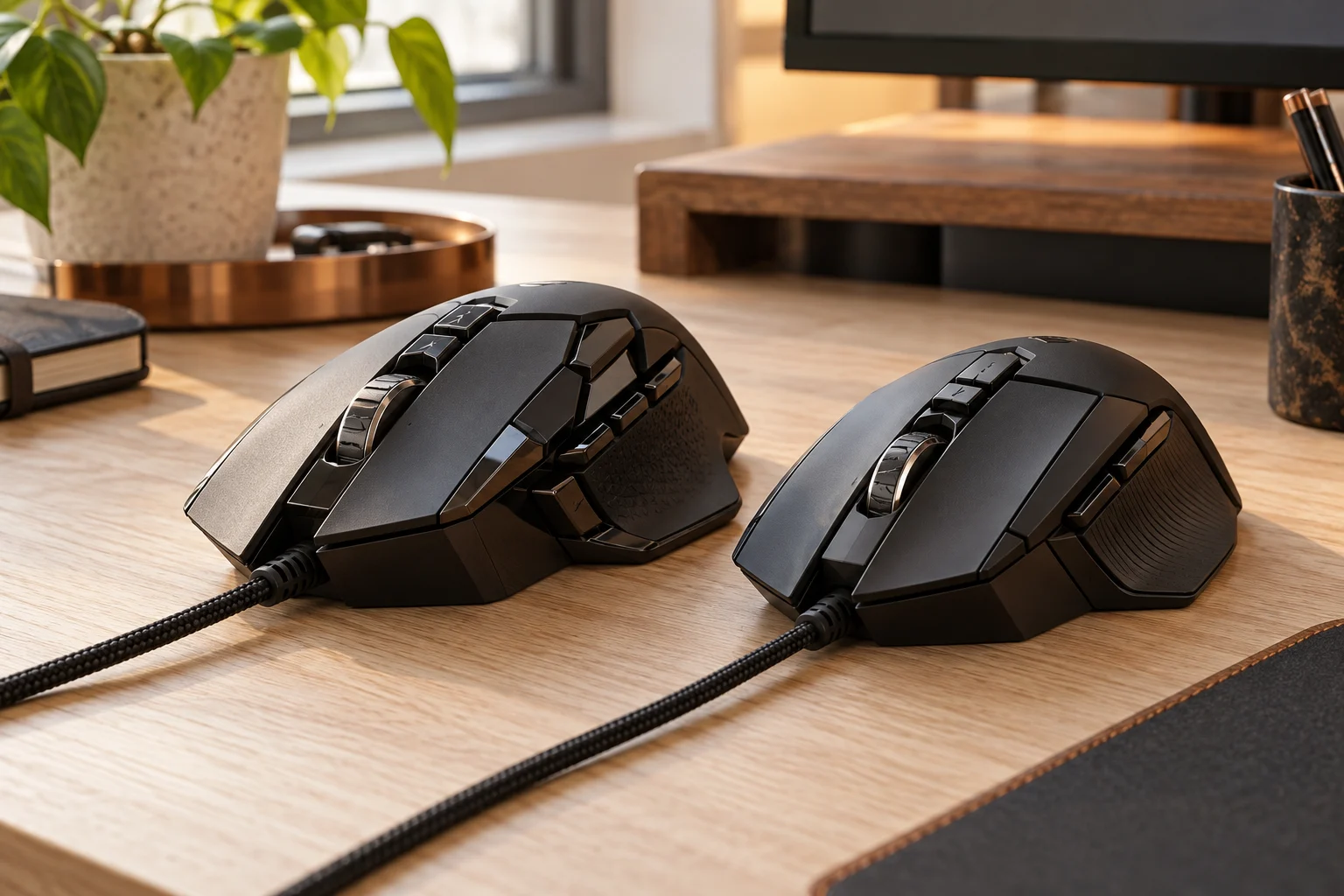
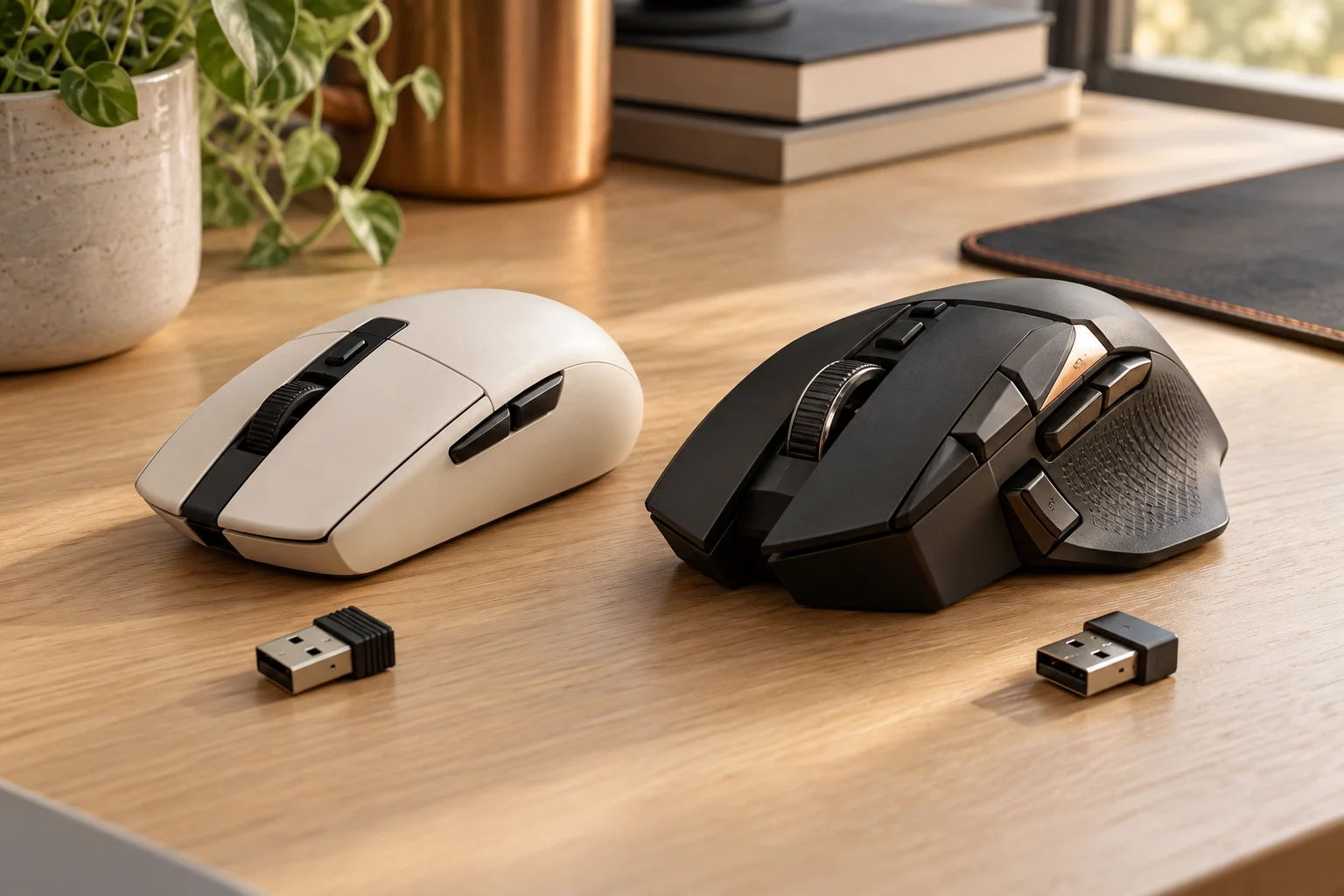
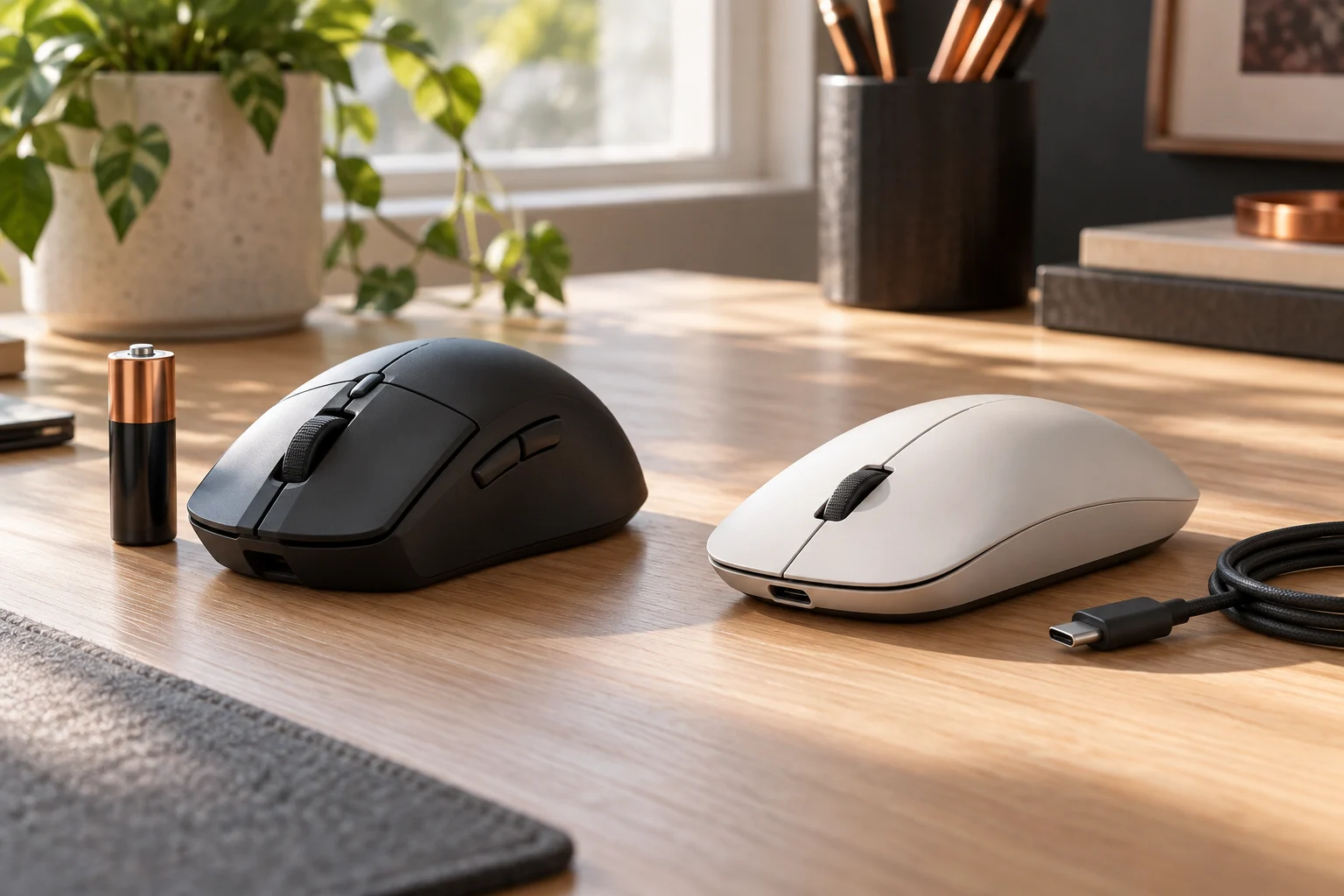
Logitech lists G305 at 99 g with six programmable buttons, while the current SUPERLIGHT 2 specification lists 60 g and five buttons. The listed masses are manufacturer references, not our scale results or a comfort test. No original photograph of either current gaming model or the wired G502 HERO alternative is used here. The pictures address the actual battery, charging-connector and equipment-identification tasks; model-specific power and control requirements come from the cited manufacturer sources.
Scroll the table sideways to view all model columns.
| Named model | Power arrangement | Manufacturer reference |
|---|---|---|
| G305 | One AA battery | 99 g; six programmable buttons |
| PRO X SUPERLIGHT 2 | USB-C rechargeable arrangement | 60 g; five buttons |
| G502 HERO | Wired USB | 121 g; eleven programmable buttons |
One AA battery changes what must be kept available
G305's documented power arrangement uses one AA battery. That means the practical maintenance plan concerns the specified battery and an appropriate replacement supply, rather than treating the mouse's wireless USB receiver as a charging connection. Do not assume support for an alternative battery chemistry or an aftermarket conversion that the manufacturer has not approved for the exact product.
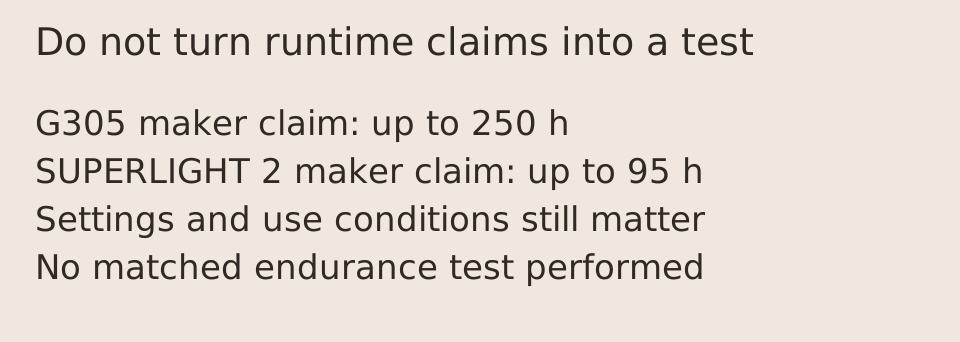
The manufacturer advertises up to 250 hours for the G305 reference and qualifies battery life by user, battery-discharge characteristics and computing conditions. That figure is not a guaranteed calendar replacement date. Your session length, settings and actual battery condition matter. We have not measured the supplied battery, tested alternative cells or established an annual replacement cost.
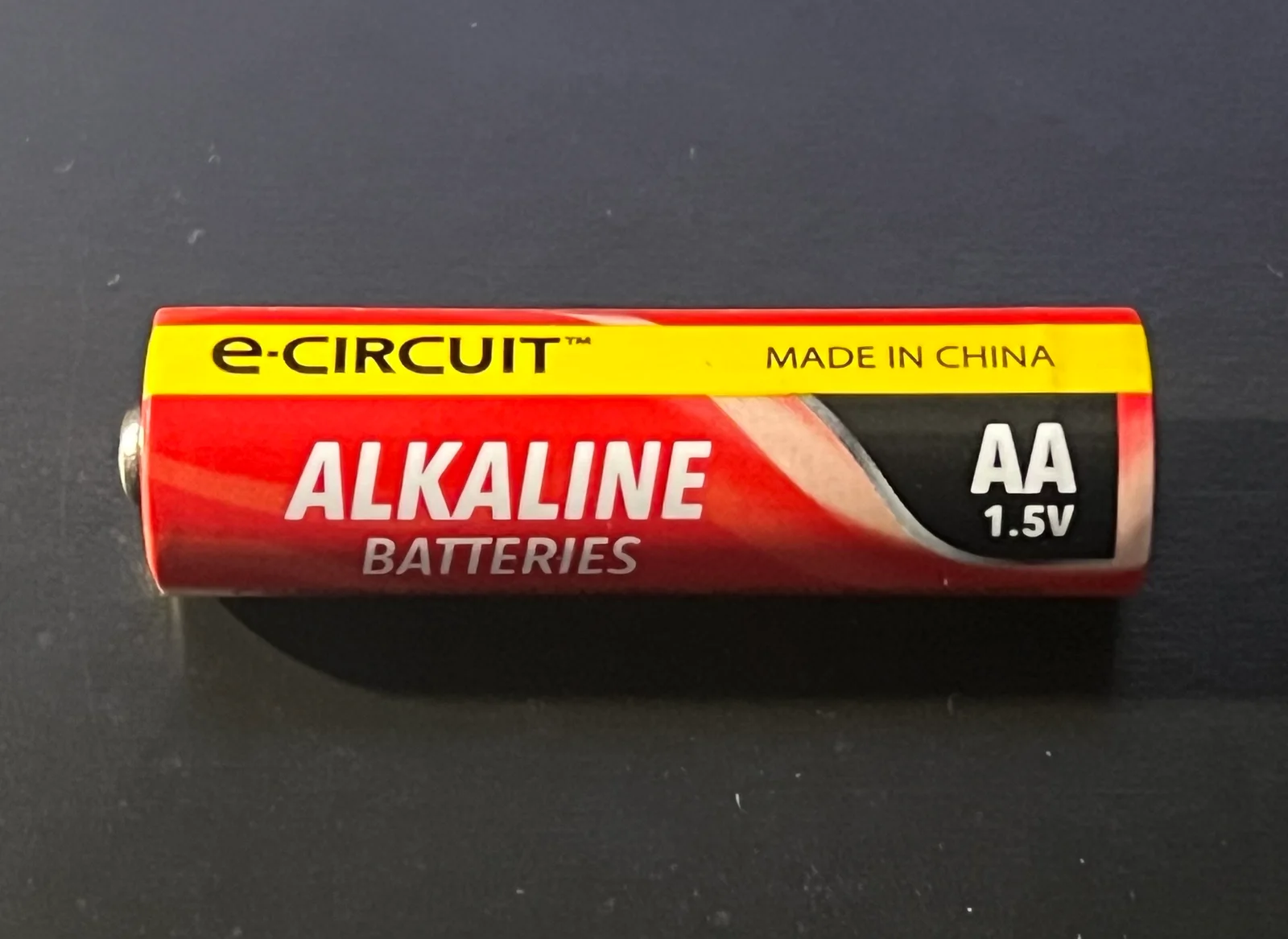
The separate cell photograph has readable AA, alkaline and 1.5 V markings. It makes the format-identification step concrete without endorsing its brand for the mouse. A similarly shaped cell or another chemistry is not automatically the specified replacement. Keep the exact model instructions and battery requirements with the order instead of deriving compatibility or endurance from the photograph.
USB-C charging is a different ownership boundary
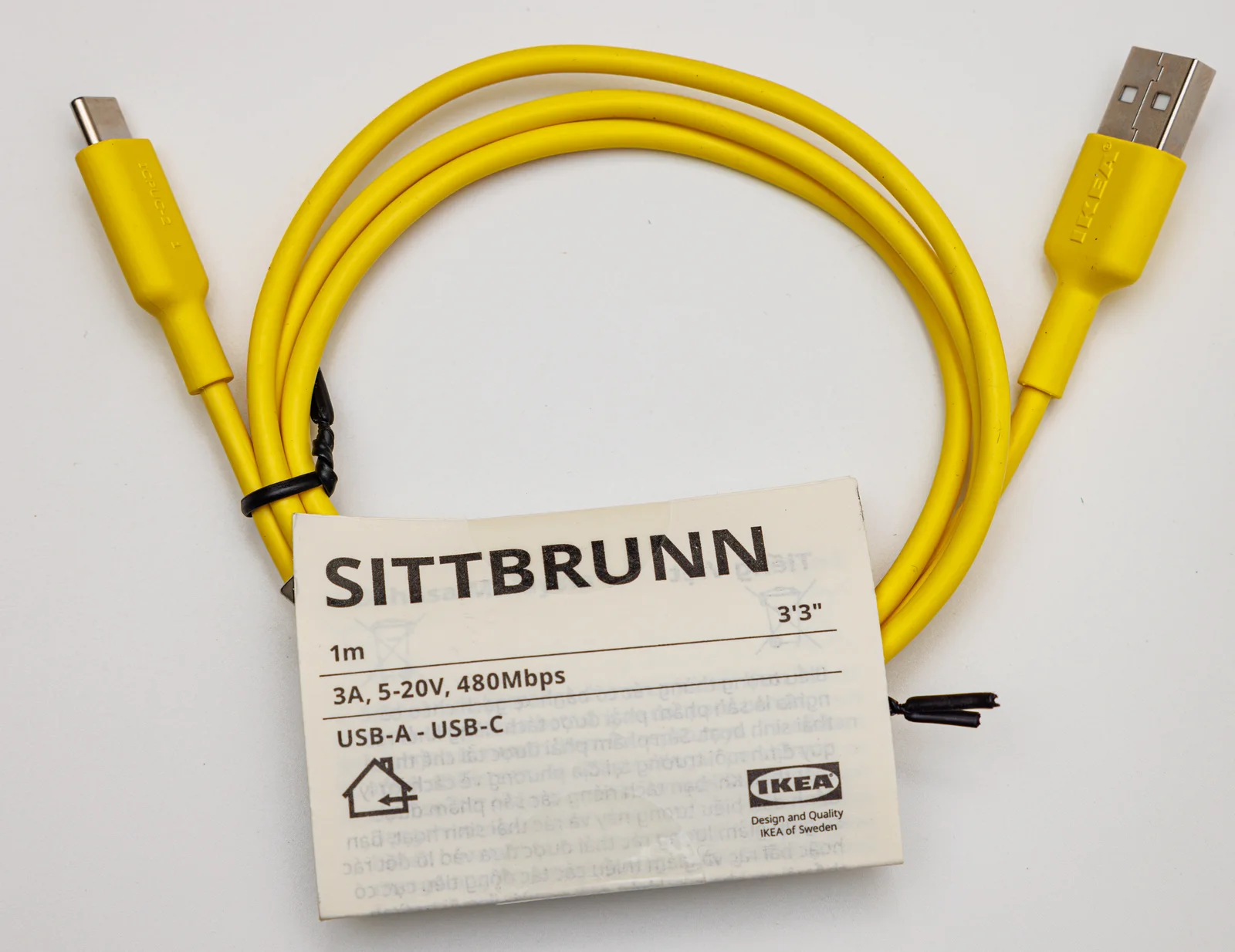
SUPERLIGHT 2's current US product information lists USB-C charging and a manufacturer claim of up to 95 hours. Those are product statements, not measurements of a photographed sample. The separate IKEA cable photograph shows actual USB-A and USB-C ends, making the host-end and mouse-end connection check visible. It is not a Logitech package item or an approved replacement recommendation; its own printed ratings must not be transferred to the mouse.
The current specification also lists an 8000 Hz maximum report rate, with advanced features requiring Logitech G HUB. Do not assume that the highest reporting figure and the longest advertised battery figure describe your chosen configuration under identical conditions. We have not performed a matched endurance or latency test. A report-rate maximum is a technical setting boundary, not a guarantee of a corresponding improvement in aim.
Compare complete arrangements without inventing a cost winner
For the AA route, identify the battery supply actually required. For the rechargeable route, confirm the supported cable, available host connection and the actual included equipment. Keep the receiver and charging roles distinct: both named wireless mice still need their supported wireless arrangement. A Logitech-branded Unifying or Bolt dongle is not automatically a replacement gaming receiver.
A useful ownership-cost comparison would require actual purchase amounts, replacement-battery prices, the chosen equipment boundary and a defensible usage assumption. We do not have a verified current US price or stock feed for those complete baskets. Consequently, this guide does not label one system the cheapest or turn manufacturer runtime claims into measured annual savings. Use the documented maintenance difference to shortlist first.
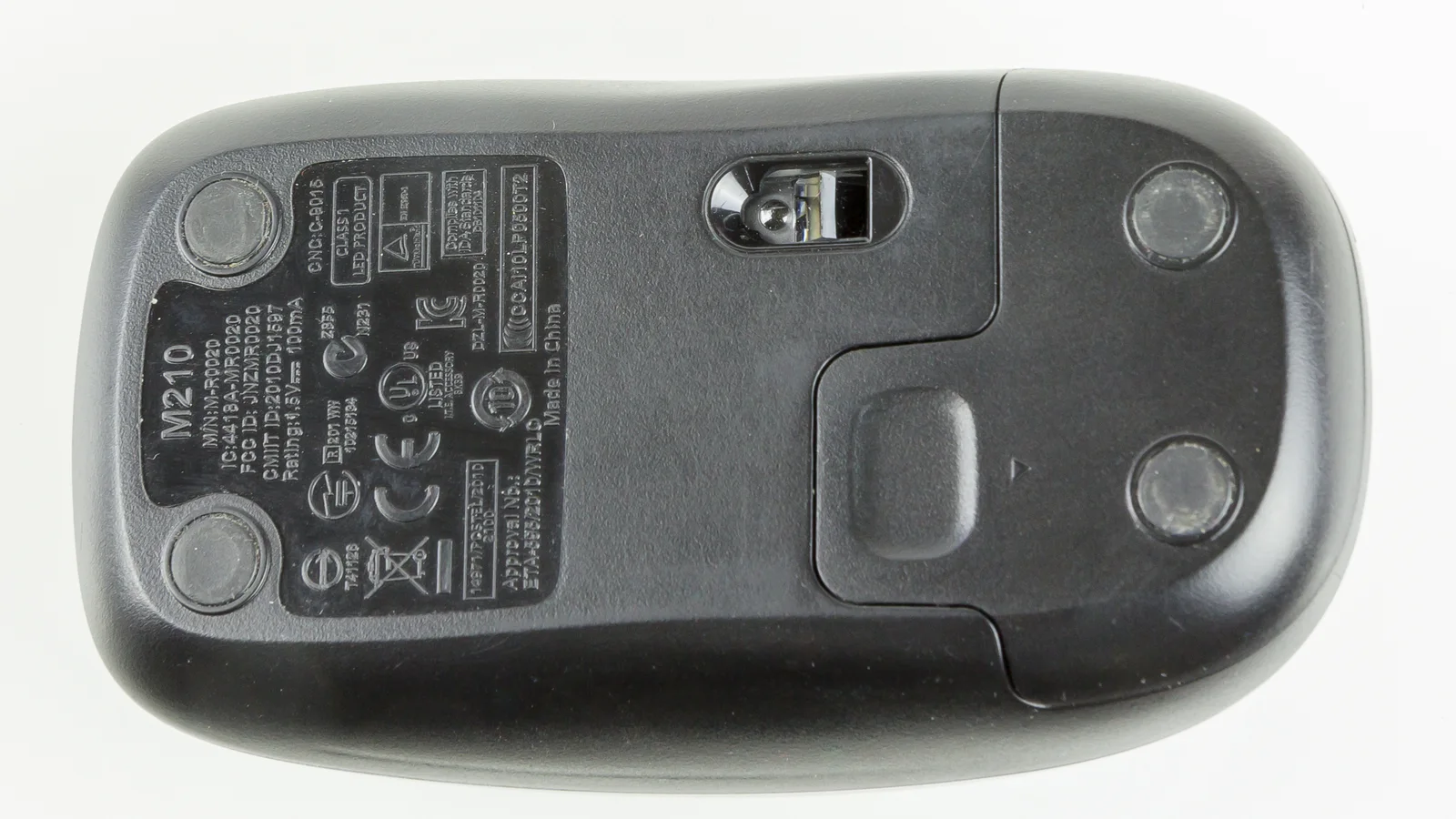
For used or unidentified equipment, request the actual model/power label and a clear description of battery access or charging. The M210 underside photograph shows why these are concrete items to inspect: a complete M210 identifier, its own power markings and a closed access panel are visible. The interior and cell count are not shown. This older mouse is not either gaming model, and its panel arrow is not an opening procedure for G305 or SUPERLIGHT 2.
A wired model is a real alternative if batteries are the problem
G502 HERO provides a concrete third option when avoiding a mouse-battery routine is the requirement: it is a wired USB product. Its manufacturer reference lists 121 g and eleven programmable buttons. It is not G502 LIGHTSPEED, and the wireless model's rechargeable battery specification must not be applied to it simply because the bodies have a related name. No photograph of that wired model is used to claim a power or performance measurement here.
That alternative changes other requirements, including cable routing, shape and controls. It is not a universal recommendation to abandon wireless operation. Choose the named system whose complete arrangement matches the work, then verify the actual US seller bundle, supported software and local conditions. The comparison establishes AA, rechargeable and wired power boundaries; it does not claim independent battery tests, current delivery availability or a personal performance result.