MX Master 3S or Anywhere 3S: compare controls and carrying size
Compare the documented body dimensions, mass and horizontal-scroll controls of MX Master 3S and MX Anywhere 3S, with receiver-edition and charging conditions kept separate.
Updated:
Choose a control arrangement and a body that fits the trip
MX Master 3S is the candidate when a separate thumb wheel and its larger sculpted body suit the work. MX Anywhere 3S is the candidate when a smaller, lighter mouse matters in your carrying setup. The useful comparison is specific: the manufacturer lists 141 g for Master 3S and 99 g for Anywhere 3S, with different body dimensions and different ways to scroll horizontally. Neither the name Anywhere nor a lighter mass guarantees that a particular person will prefer its grip.
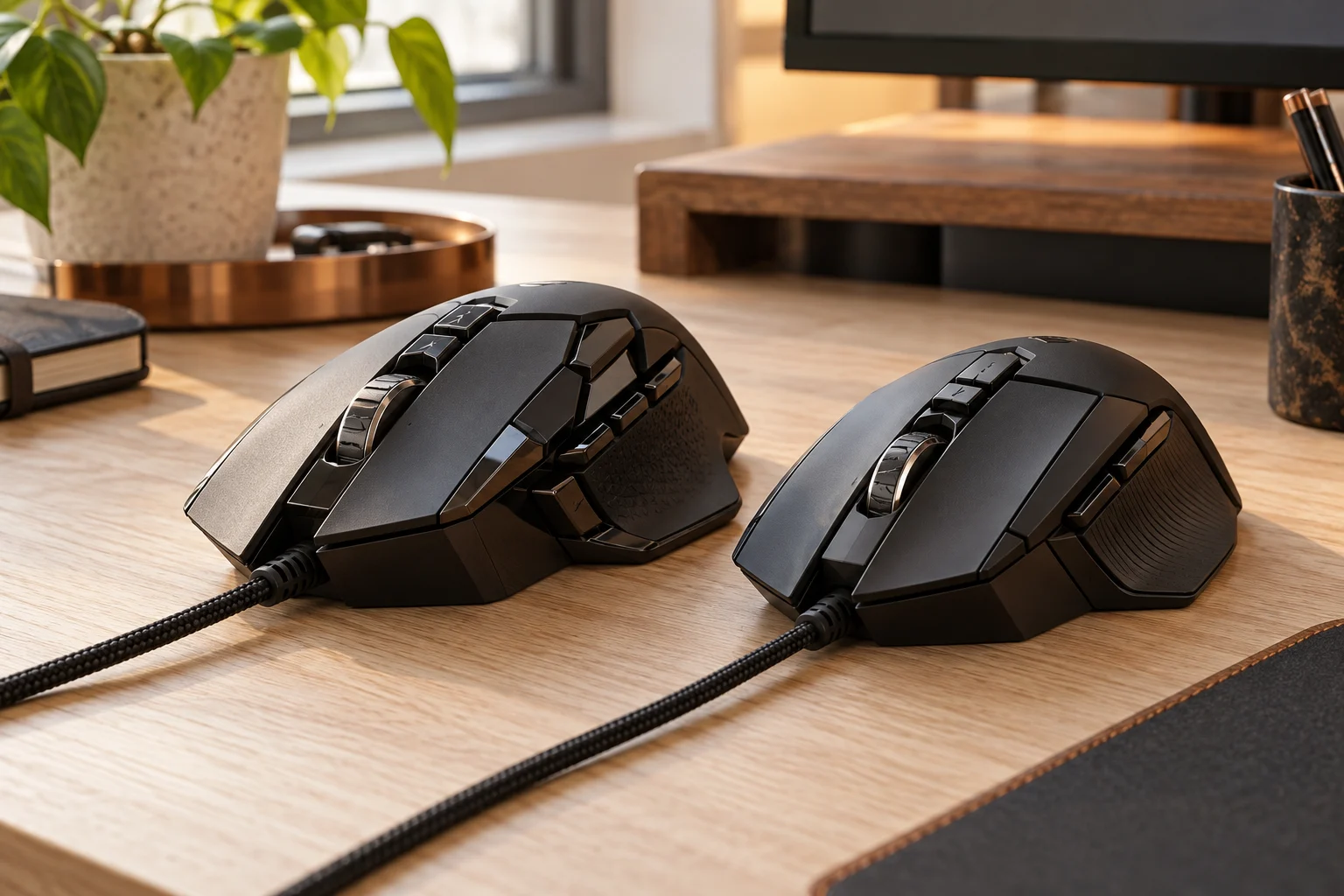
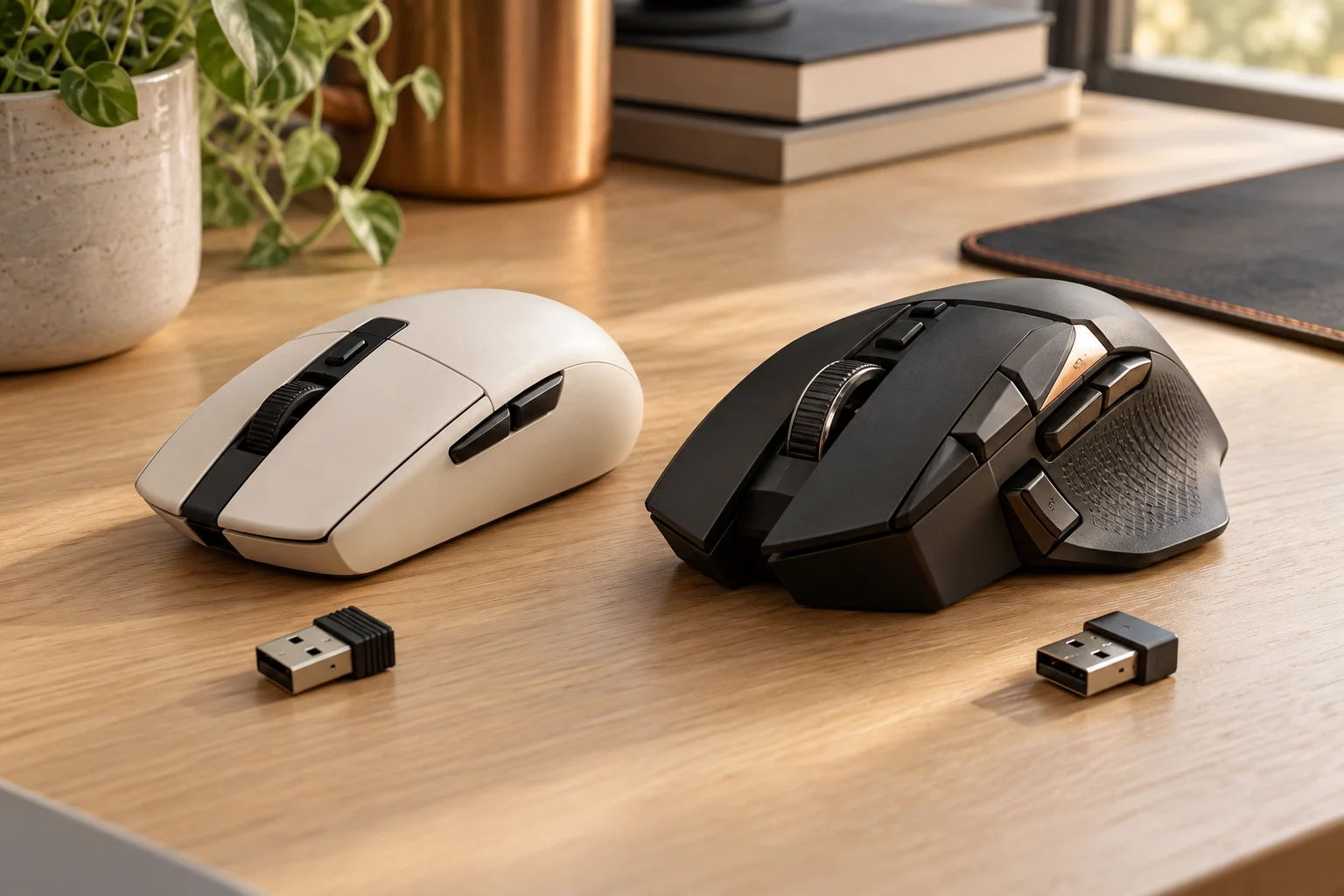
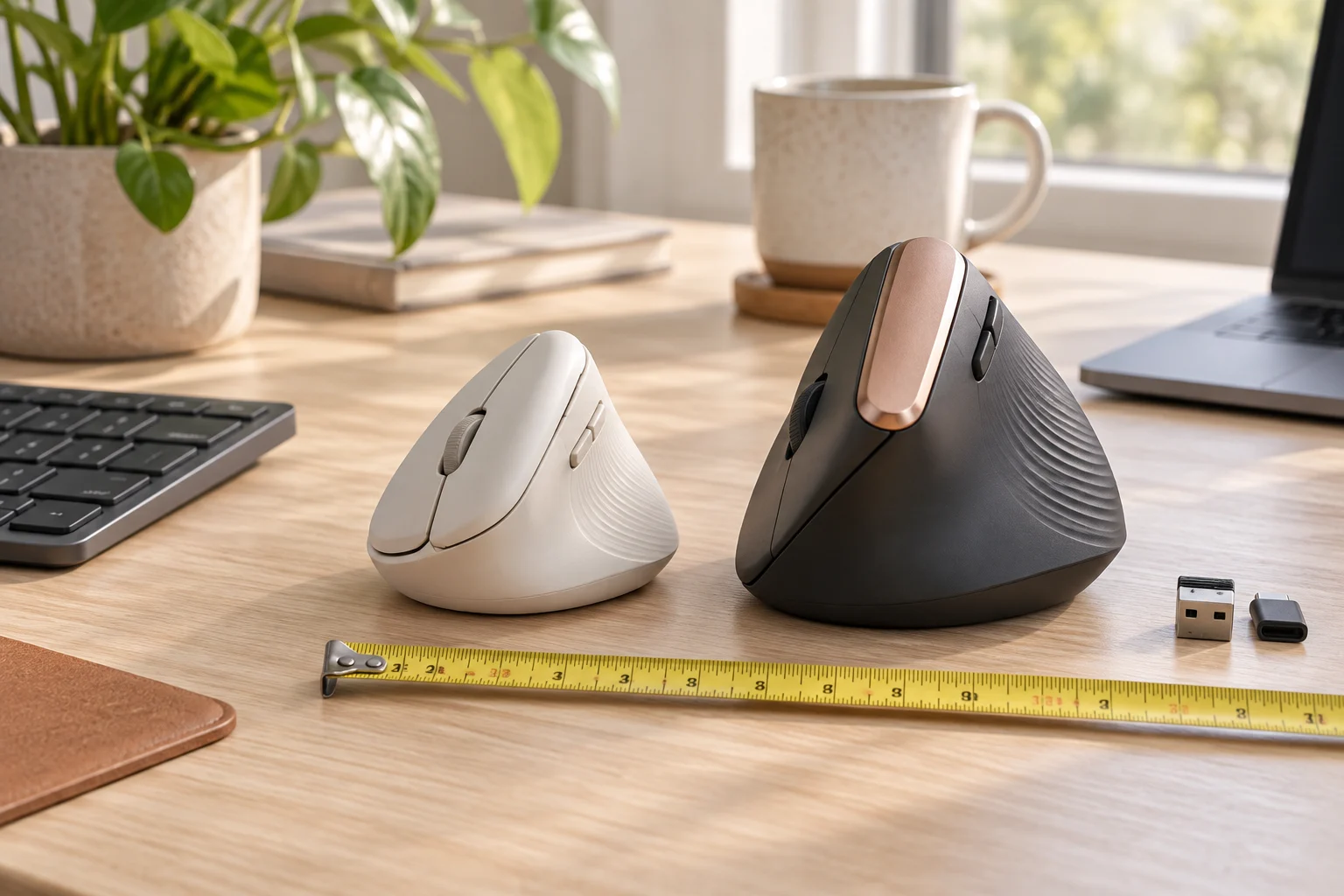
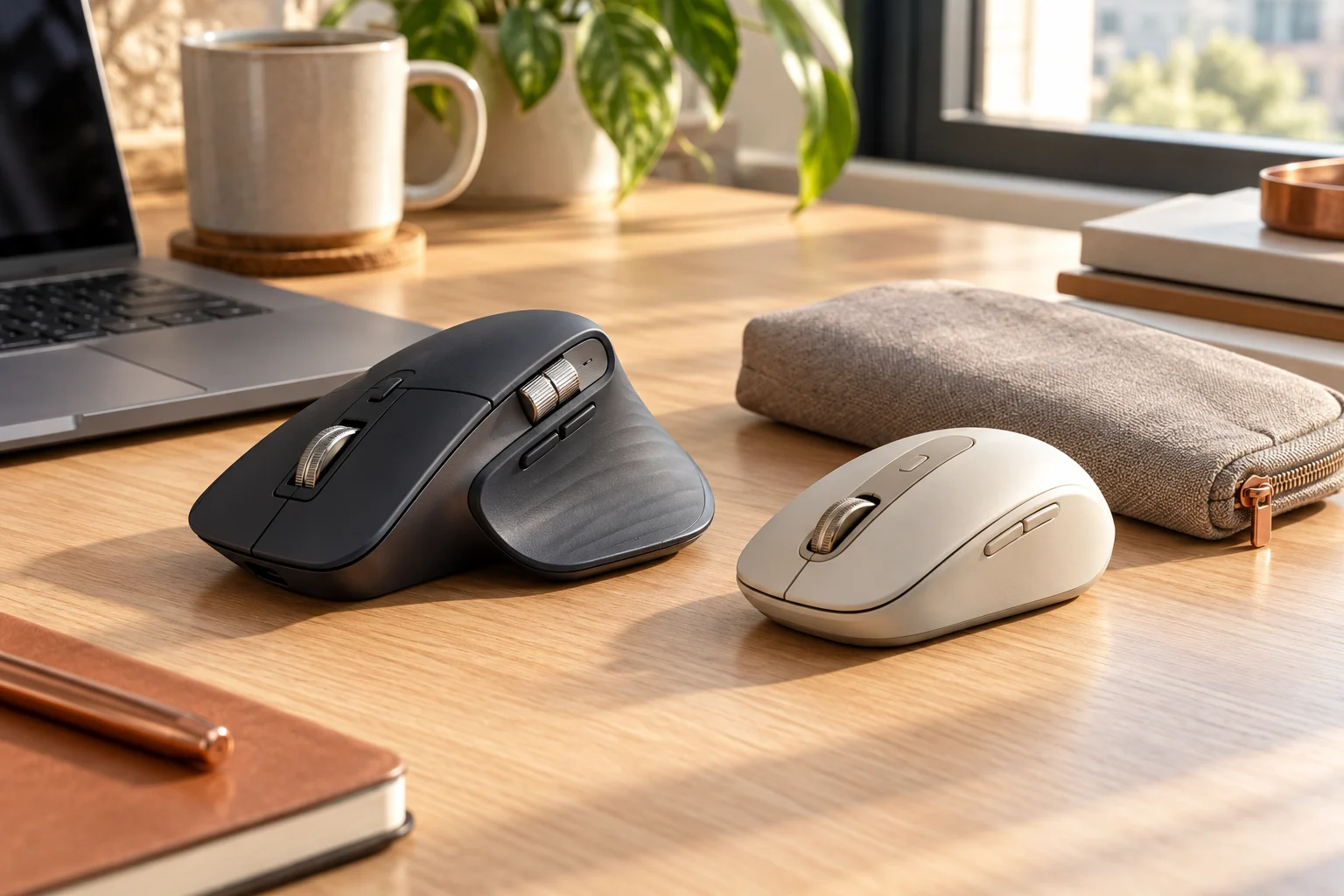
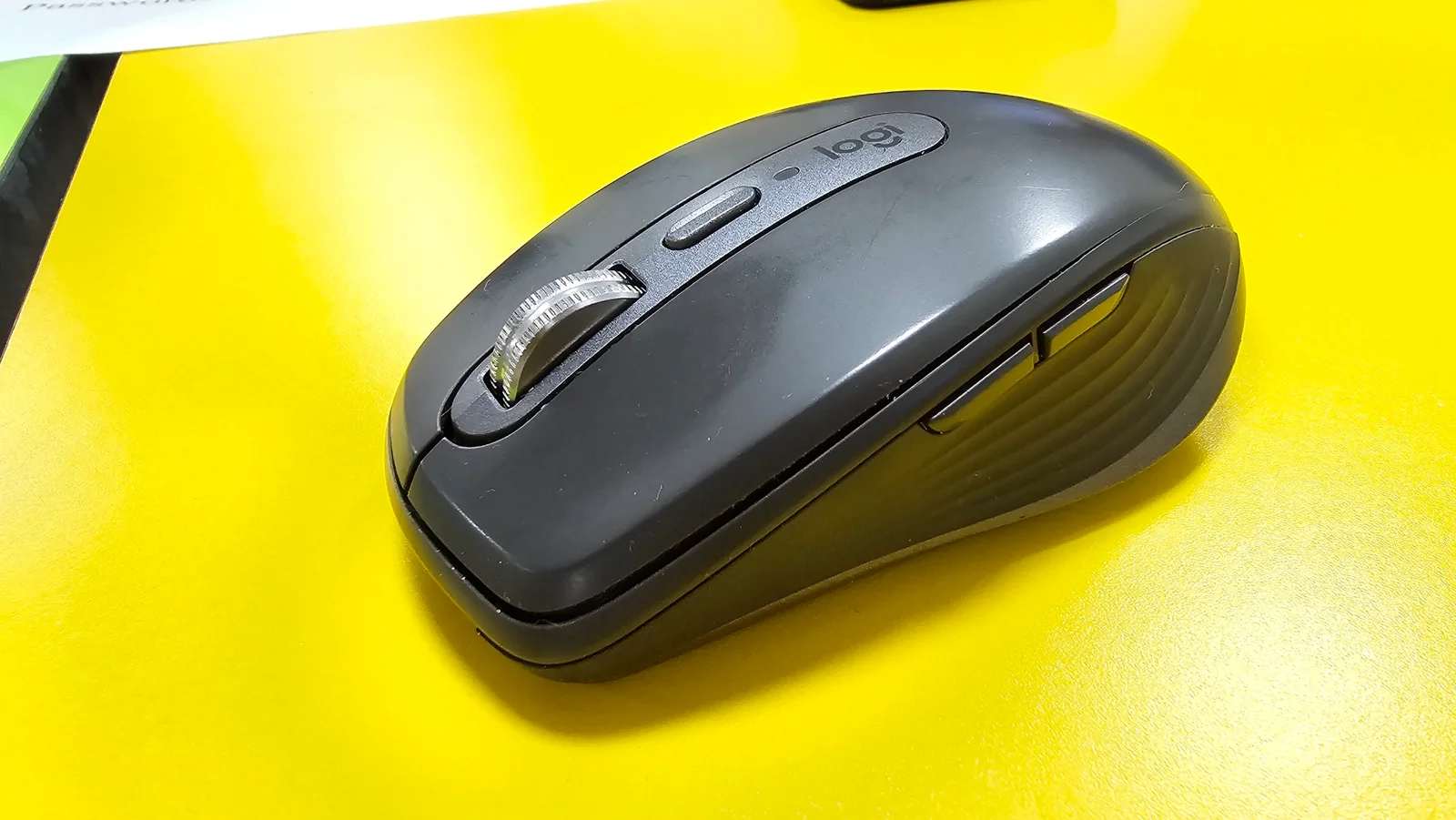
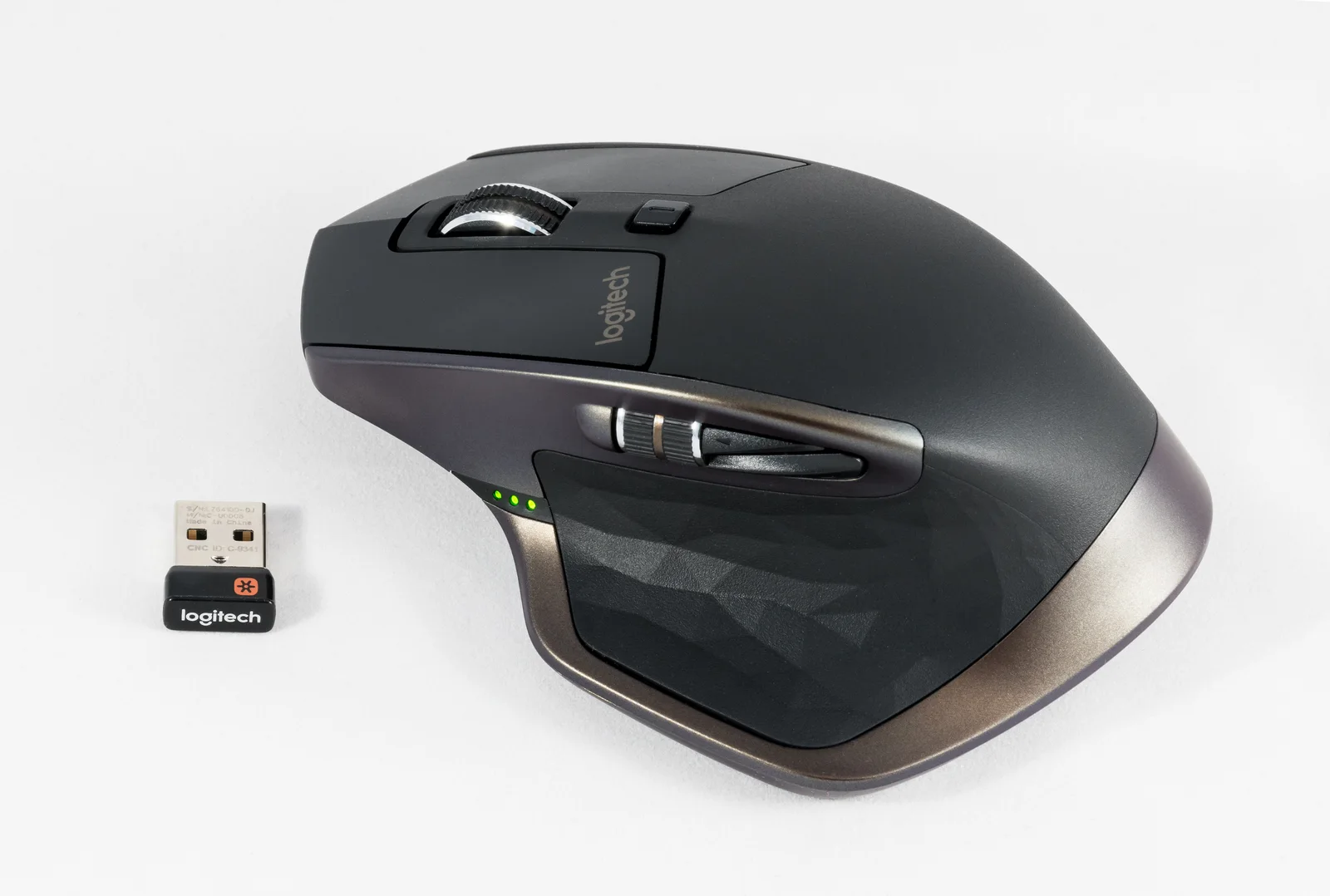
This guide uses the current US manufacturer specifications captured on October 30, 2026. No original photograph of either current 3S model was obtained. The real mouse photographs show an older Anywhere 3 and older Master-family hardware; they make physical control positions and generation differences visible, while current dimensions and feature claims come from the cited official pages. We did not conduct a handling, sound, tracking or travel test.
Compare the body, rather than assuming a pouch fit
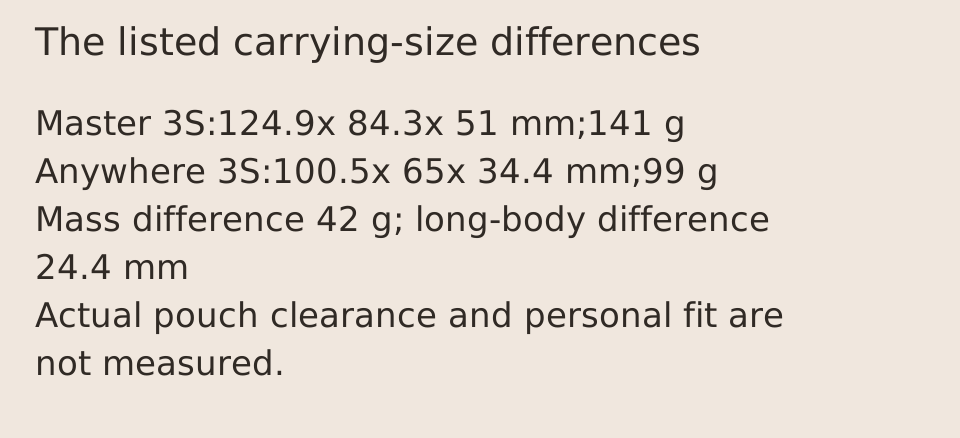
Master 3S is listed at 124.9 mm along its body,84.3 mm wide and 51 mm in profile. Anywhere 3S is listed at 100.5 mm,65 mm and 34.4 mm respectively. Logitech labels the long dimension height; the orientation here describes the mouse body so it is not confused with the profile above the desk. Keep the same direction in both columns when comparing the measurements.
Subtracting the listed masses gives 42 g. The listed long-body difference is 24.4 mm, the width difference 19.3 mm and the profile difference 16.6 mm. These are arithmetic differences in manufacturer figures, not measurements of usable bag space, fatigue or control speed. A pouch with a curved interior, stiff zipper or other contents needs its own internal-clearance check. Neither photographed older mouse supplies a scale for measuring the current products.
Scroll the table sideways to view all model columns.
| Current manufacturer field | MX Master 3S | MX Anywhere 3S |
|---|---|---|
| Long body dimension | 124.9 mm | 100.5 mm |
| Body width | 84.3 mm | 65 mm |
| Body profile | 51 mm | 34.4 mm |
| Listed mouse mass | 141 g | 99 g |
| Listed buttons | 7 | 6 |
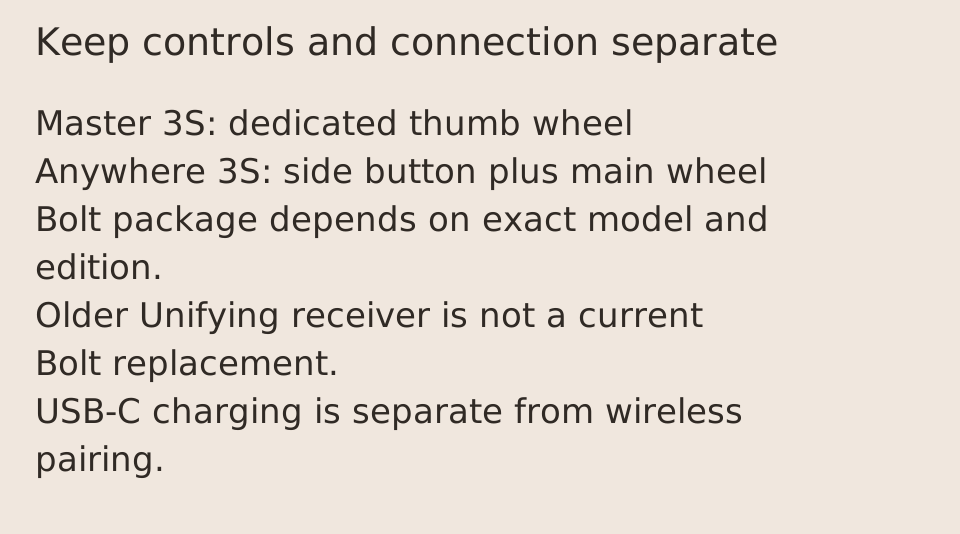
| Horizontal-scroll arrangement | Separate thumb wheel | Hold side button and turn main wheel |
A thumb wheel and a modifier action are different workflows
The Master 3S specification explicitly lists a thumb wheel. Anywhere 3S specifies horizontal scrolling by holding a side button while turning the main wheel. That difference can matter when moving across a wide spreadsheet or timeline: decide whether a dedicated control or the documented combined action better suits the task. A greater listed button count alone is not proof that a particular application exposes a shortcut you want.
The older Master-family photograph has a separate side wheel beside the thumb area; the older Anywhere 3 picture shows its main wheel and two side buttons. Those are real visible arrangements, not demonstrations of the current models performing an action. The photographs do not establish current button mapping, wheel resistance or scrolling precision. Use the current model documentation and the actual supported application settings rather than copying a configuration from an older device.
Keep basic operation separate from optional software
Both current specification references list Darkfield sensing and a 200?8000 DPI setting range. That shared upper setting does not settle the choice about carrying size or horizontal controls, and we did not compare tracking on a particular surface. Higher selectable sensitivity is not a measured accuracy or productivity result. Choose the setting and surface that the supported arrangement actually needs.
Optional customization through Logi Options+ has operating-system and feature conditions. The manufacturer distinguishes basic device functions from supported customization, and the exact available features can differ by platform. Check the current model page and your actual computer before relying on an application-specific mapping, cross-computer workflow or other optional function. A Bluetooth listing or a physically suitable USB port does not establish that every software feature is available.
Check the receiver edition and charging accessory separately
Master 3S documentation identifies the Logi Bolt USB receiver under an Only for Standard Edition condition. Do not turn that into a statement that every edition or seller bundle includes one. Anywhere 3S explicitly says its compatible Bolt receiver is not included. Both the required connection and the actual package therefore belong in the complete offer. If you intend to use a receiver, confirm the receiver family and host connector before ordering.
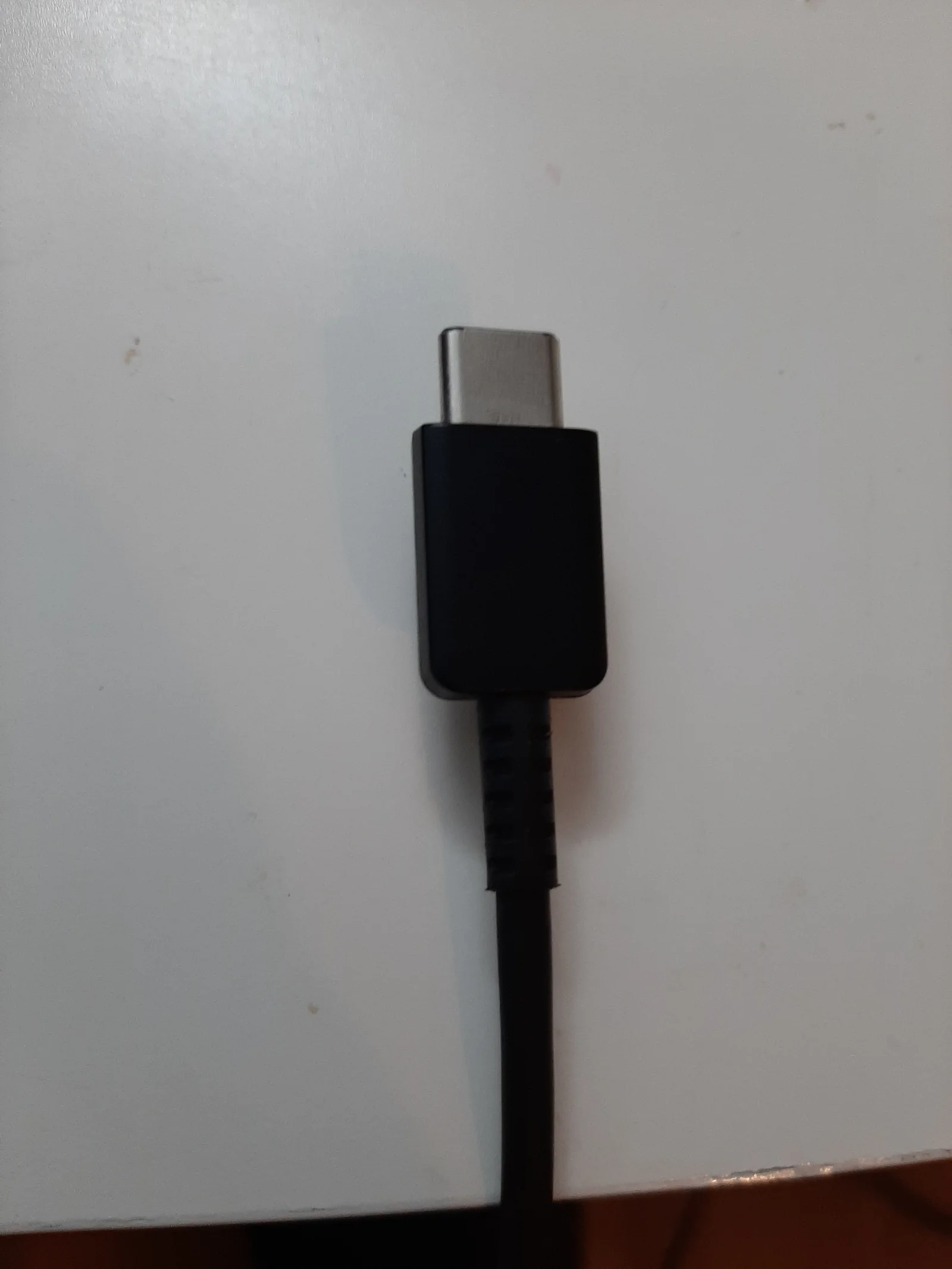
The orange-marked receiver in the older Master photograph is Unifying. The current Master 3S page says it is not compatible with Unifying technology, and Anywhere 3S likewise excludes other Logitech USB receivers. A receiver already in a bag is not suitable merely because its brand matches. The independent USB-C plug photograph addresses a separate item: charging equipment. A USB-C charging connection does not by itself establish a wireless pairing method or wired pointer operation.
Both current references list a rechargeable 500mAh lithium-polymer battery. Anywhere 3S advertises up to 70 days on a full charge and three hours from a one-minute quick charge, with use and computing conditions affecting the claim. The Master 3S specification also lists the three-hour/one-minute claim. These are manufacturer statements, not matched endurance tests. Confirm the cable and host-end arrangement in the exact package instead of inferring supplied accessories from the separate photographed cable.
Make the final choice using the actual requirement
Keep Master 3S on the shortlist when its documented dedicated thumb wheel and larger body are the features you want at the desk. Keep Anywhere 3S on the shortlist when its smaller listed dimensions and 42 g lower listed mass fit your carrying priorities and its horizontal-scroll action is acceptable. We do not label either one a universal comfort or performance winner, and the older photographed bodies do not substitute for trying the current shape.
Before checkout, retain the exact 3S model and edition, required host connection, receiver contents, supported software functions and any separately required accessory in one comparison. Current prices, stock, delivery and a complete checkout total were not verified here. If your existing equipment already supports the workflow, the manufacturer differences alone do not prove a replacement is necessary. The outcome is a specific controls-and-size decision with the unresolved personal-fit and accessory conditions visible.