Lift or MX Vertical: match the hand-size range and receiver
Compare Logitech Lift and MX Vertical by size, power and receiver family, then check the fit in your own workspace.
Updated:
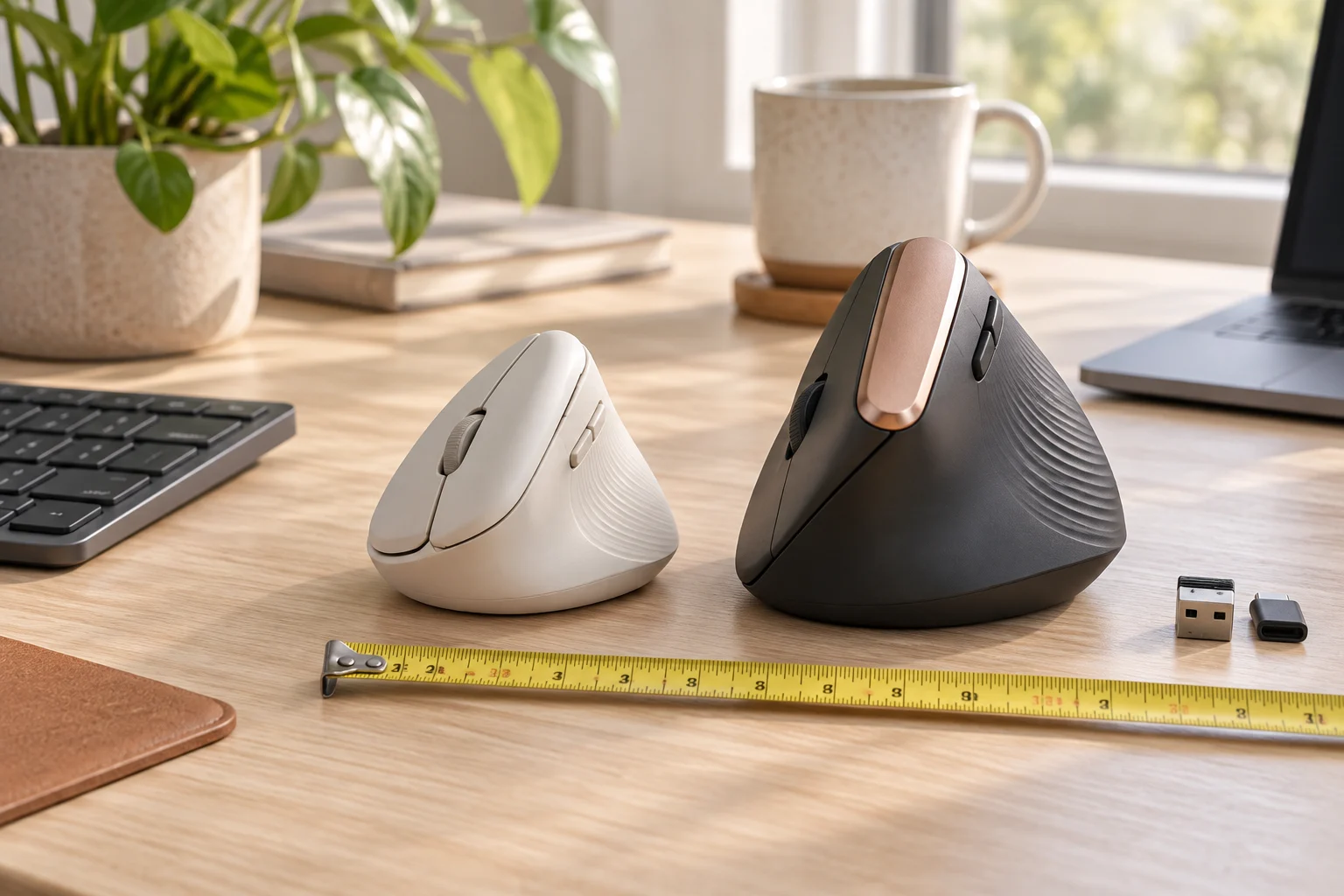
Choose the intended size range first
Start with Lift if you are shopping within Logitech's small-to-medium hand-size range, or need the left-handed version. Start with MX Vertical if the manufacturer's medium-to-large range better describes your hand. Those ranges narrow the candidates; they do not establish that either shape will feel comfortable for you. Check the actual version, dimensions and seller's return terms before committing to a shape you have never used.
Both products change the grip orientation compared with a conventional flat mouse. An upright shape is not a diagnosis or a treatment recommendation. If the reason for shopping is persistent pain, selecting a product from a specification table cannot establish the cause or guarantee relief. The practical buying questions here are reach, control access, desk movement, connection and power.
Before using a hand-size label, take the measurement that Logitech’s fit guide describes: from the small crease below the palm to the tip of the middle finger. Then check whether your fingers reach the main buttons and wheel, and whether your thumb reaches the side controls without stretching. Hand length and mouse dimensions are different measurements. These checks help screen a shape; neither the category label nor a ruler result guarantees a comfortable fit.
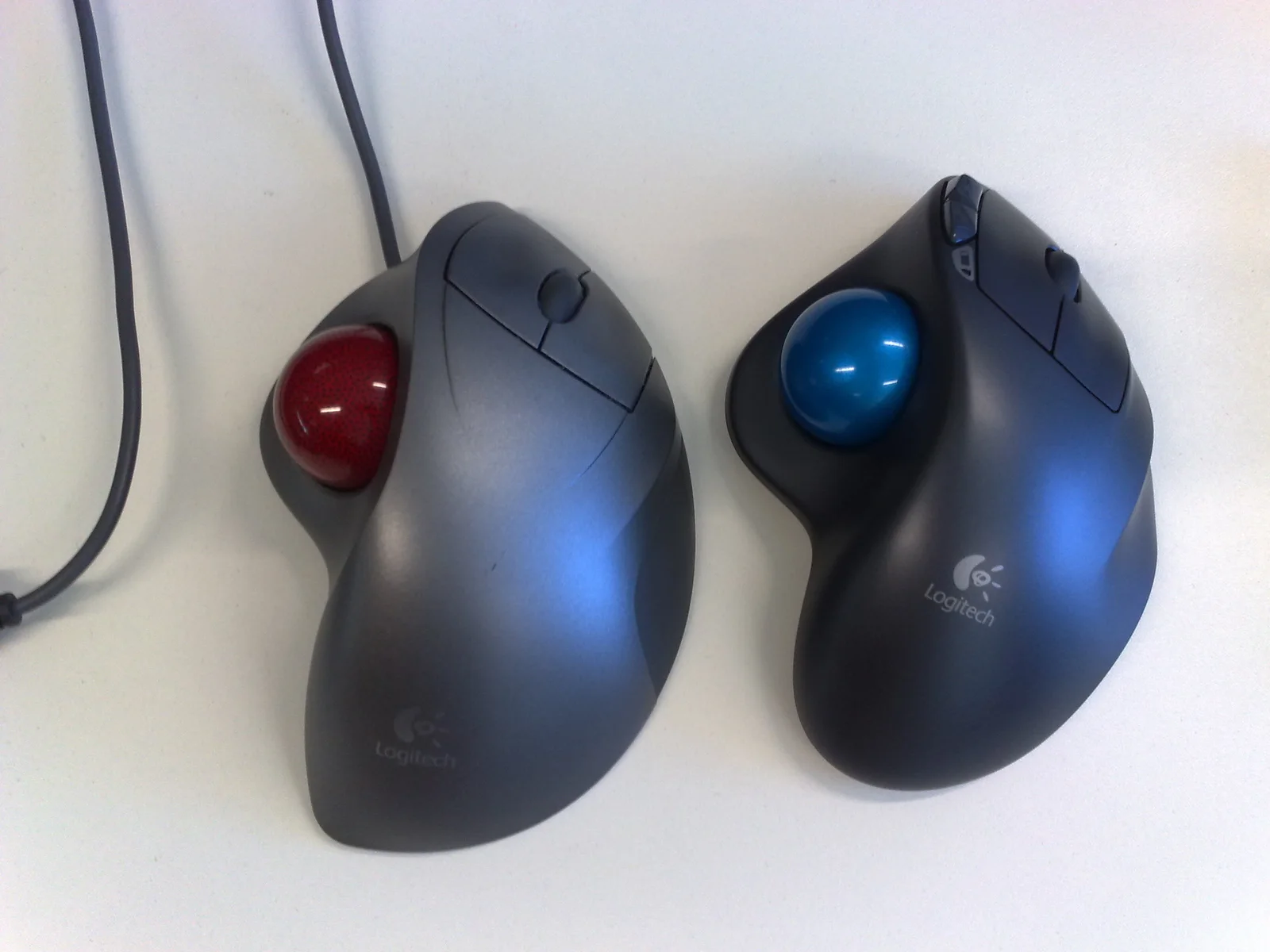
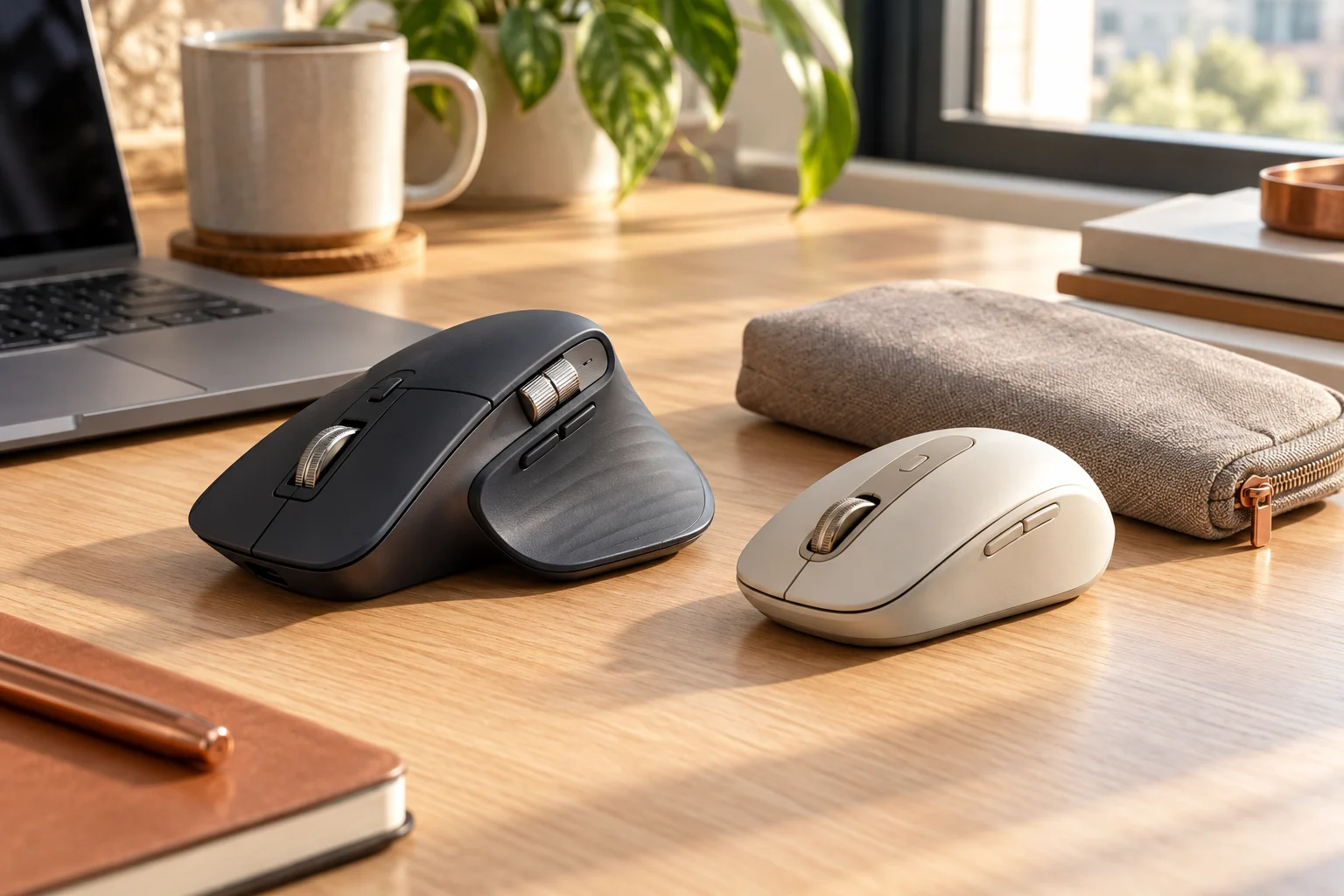
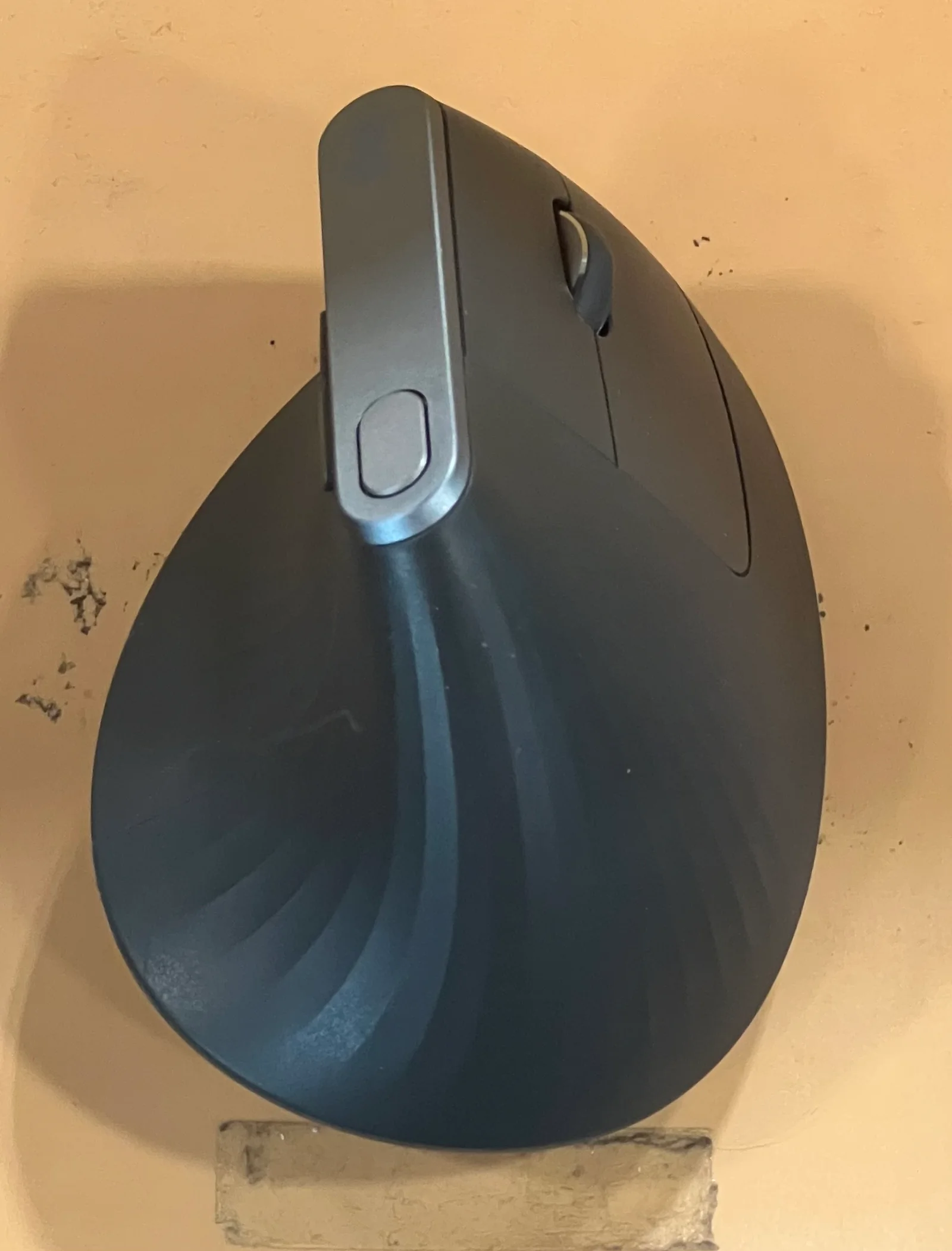
The photographs show an actual MX Vertical, a Unifying receiver and older trackballs. We did not obtain a Lift photograph or perform a hand-size or comfort test. The named-model dimensions and connection differences come from the cited manufacturer documents, not from the appearance of these examples.
Compare the documented hardware
The manufacturer pages describe the following models. Dimensions help compare the bodies, but do not measure your finger reach around each contour. Both listed weights are 125 g, so the larger body should not automatically be described as a heavier mouse. Receiver compatibility and battery handling differ more clearly than that equal weight suggests.
Scroll the table sideways to view all model columns.
| Field | Lift | MX Vertical |
|---|---|---|
| Intended hand-size range | Small to medium | Medium to large |
| Dimensions | 108 × 70 × 71 mm | 120 × 79 × 78.5 mm |
| Listed weight | 125 g | 125 g |
| Sensor range | 400–4000 dpi; 100 dpi steps | 400–4000 dpi; 50 dpi steps |
| Power | One AA battery | 240 mAh rechargeable battery |
| Receiver family | Logi Bolt | Logitech Unifying |
| Bluetooth | Bluetooth Low Energy | Bluetooth Low Energy 4.2 |
Identify the receiver before reusing a dongle
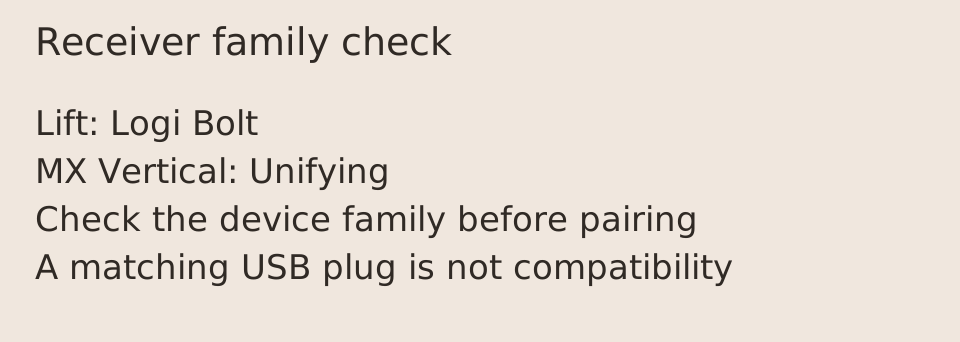
A USB receiver that physically fits the computer is not enough. Lift uses the Logi Bolt family, while MX Vertical lists Unifying. A Unifying receiver cannot become a Bolt receiver through a pairing attempt. Identify the family printed on the device or its official documentation before buying a replacement or assuming a receiver already installed in a dock will work.
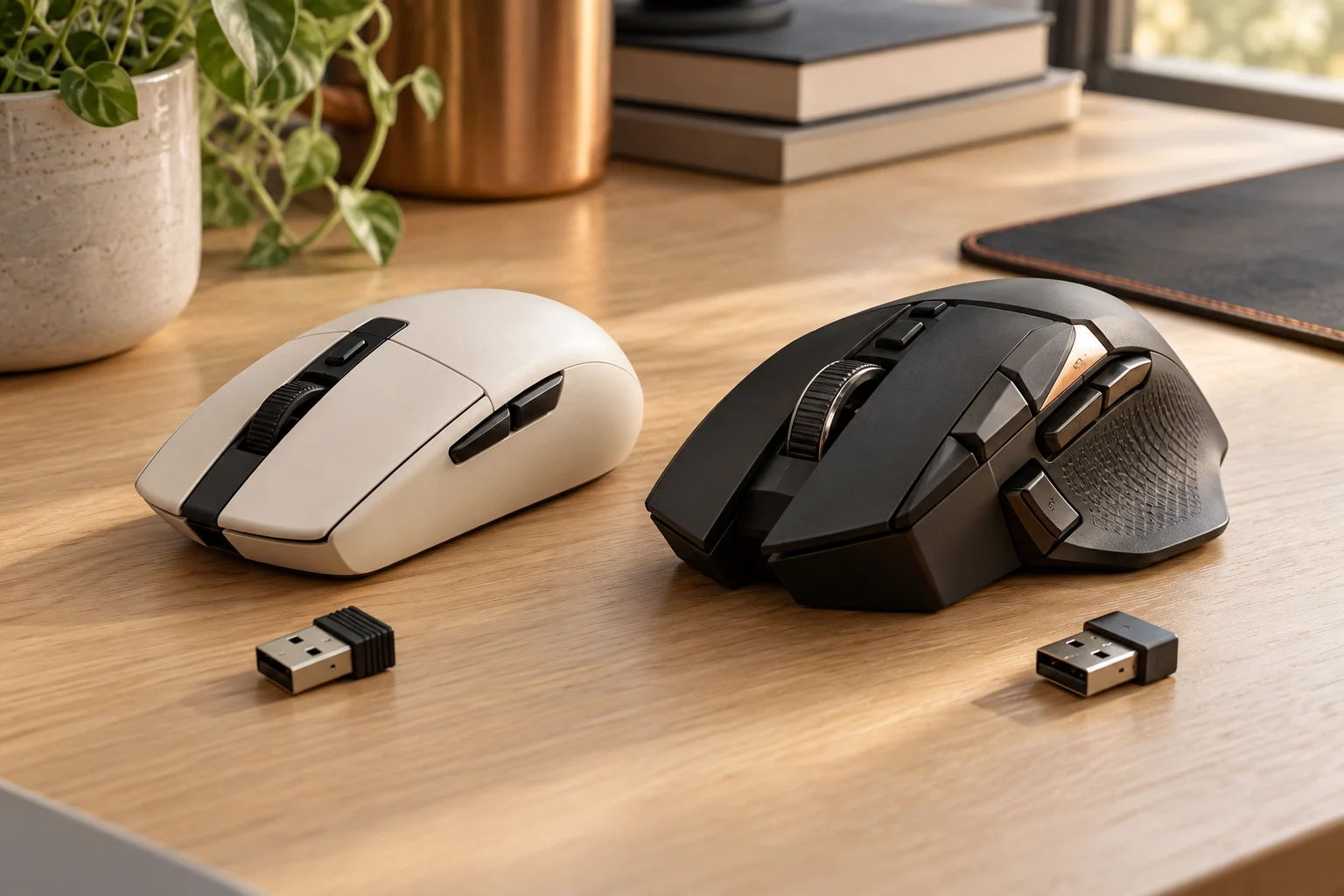
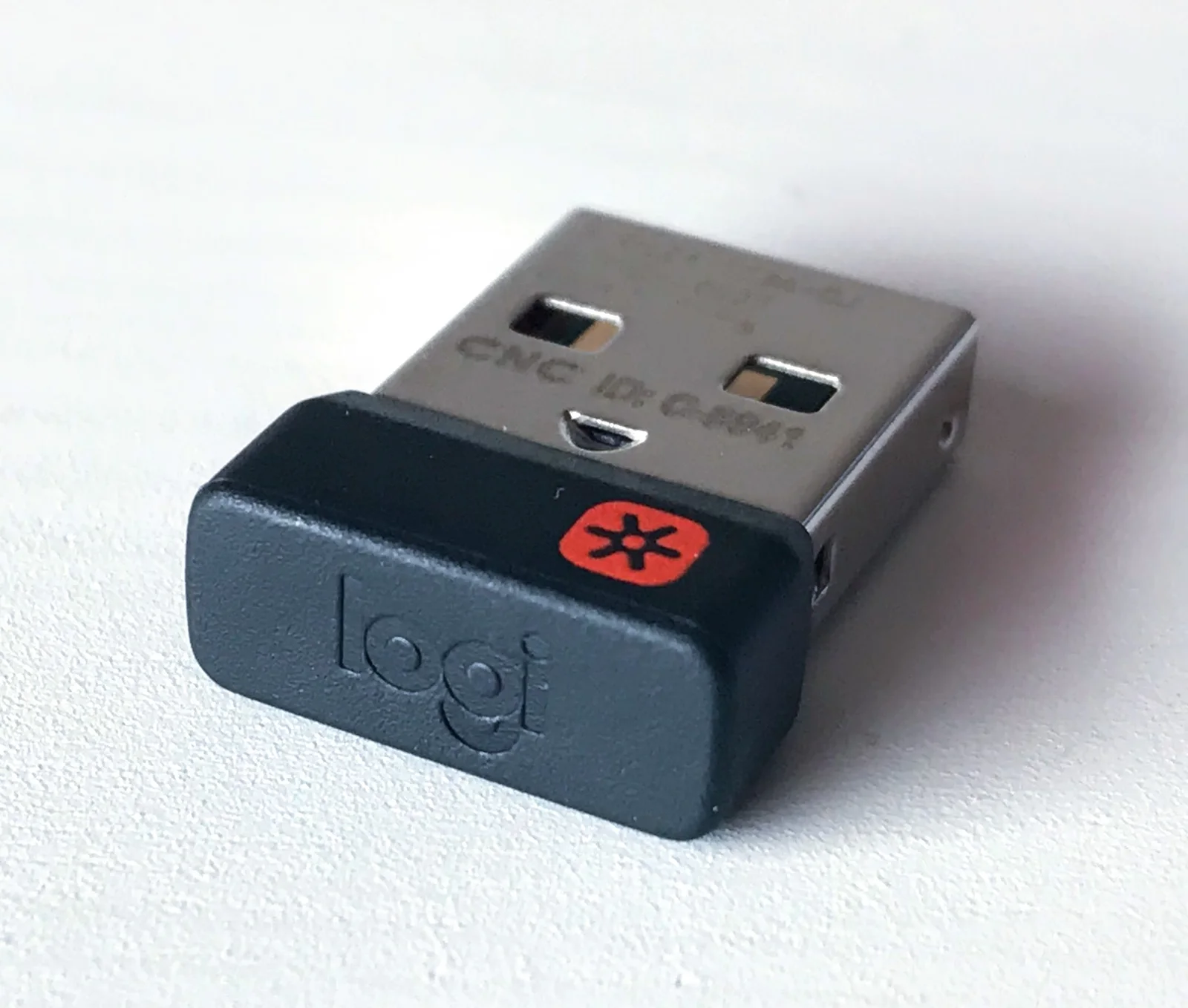
The photograph below shows an actual Unifying receiver. It illustrates the family associated with MX Vertical, not an included accessory for every seller's bundle. Check the contents of the exact listing, especially for used, open-box and business packages. Bluetooth provides another connection path when the host supports the specified connection and the operating system supports the functions you need.
Plan for the power routine you prefer
Lift uses one replaceable AA battery. Its advertised battery duration is a manufacturer estimate whose result depends on use and conditions; it is not a measurement made for this guide. Buying a spare battery and remembering where it is stored may matter more to your routine than comparing a headline month count with a rechargeable product.
MX Vertical uses a rechargeable internal battery. Confirm the charging connection and the contents of the actual package before adding accessories to a quote. Do not treat battery capacity in mAh as a direct runtime comparison across these two different systems. A replaceable AA cell and an internal rechargeable pack have different electrical characteristics, and the published capacity alone does not resolve operating time.
MX Vertical also has a documented cable connection, beyond its Bluetooth and Unifying routes. Logitech’s setup guide says to turn the mouse on and connect its USB cable to use it corded. That can matter if your intended arrangement needs a cable rather than a wireless receiver. Confirm the available computer port and actual package cable; do not generalize this feature to every mouse that merely has a USB-C charging socket.
Check the movement you actually want to change
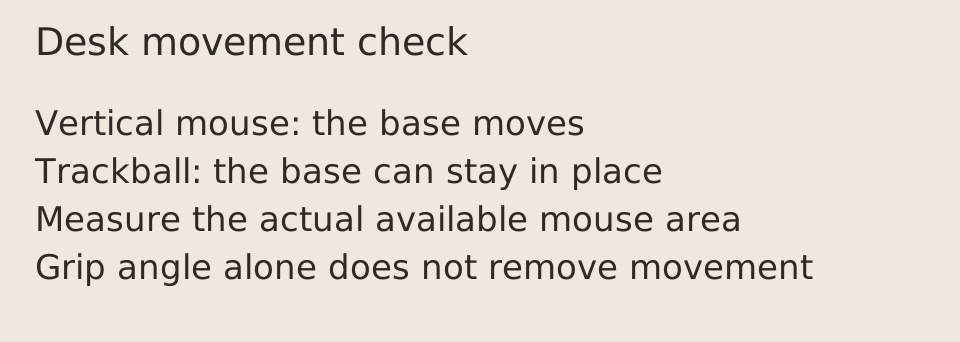
A vertical mouse still moves across the desk. If your main constraint is the available area beside a wide keyboard, changing the grip orientation does not remove that movement requirement. Measure the keyboard footprint and remaining mouse area; the desk-space tool provides simple arithmetic for the measurements you enter.
A stationary-base trackball is a different control method. The archival Trackman and M570 photograph illustrates that distinction, not a recommendation that those older products share current receiver support. If the real requirement is to keep the base in one place, compare current trackball specifications separately instead of assuming a vertical mouse will satisfy it. Before ordering, verify handedness, exact model, host connection, required software features and the seller's stated return conditions together.