MX Keys S or Mini: compare the desk footprint and included receiver
Compare MX Keys S and MX Keys Mini body width, number pad and the standard US receiver packages, while keeping older MX Keys and Unifying hardware separate.
Updated:
Choose the number pad and connection before comparing width
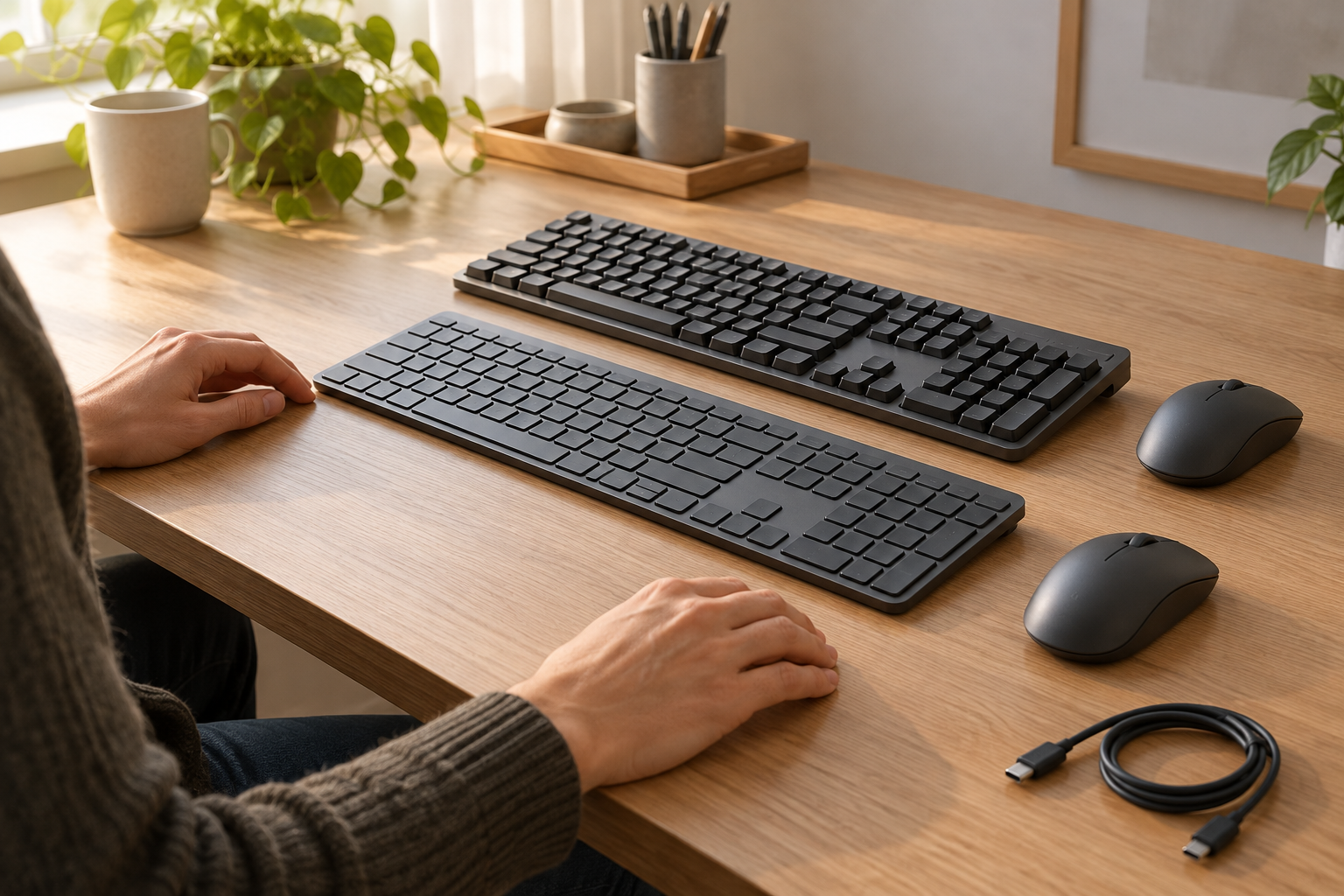
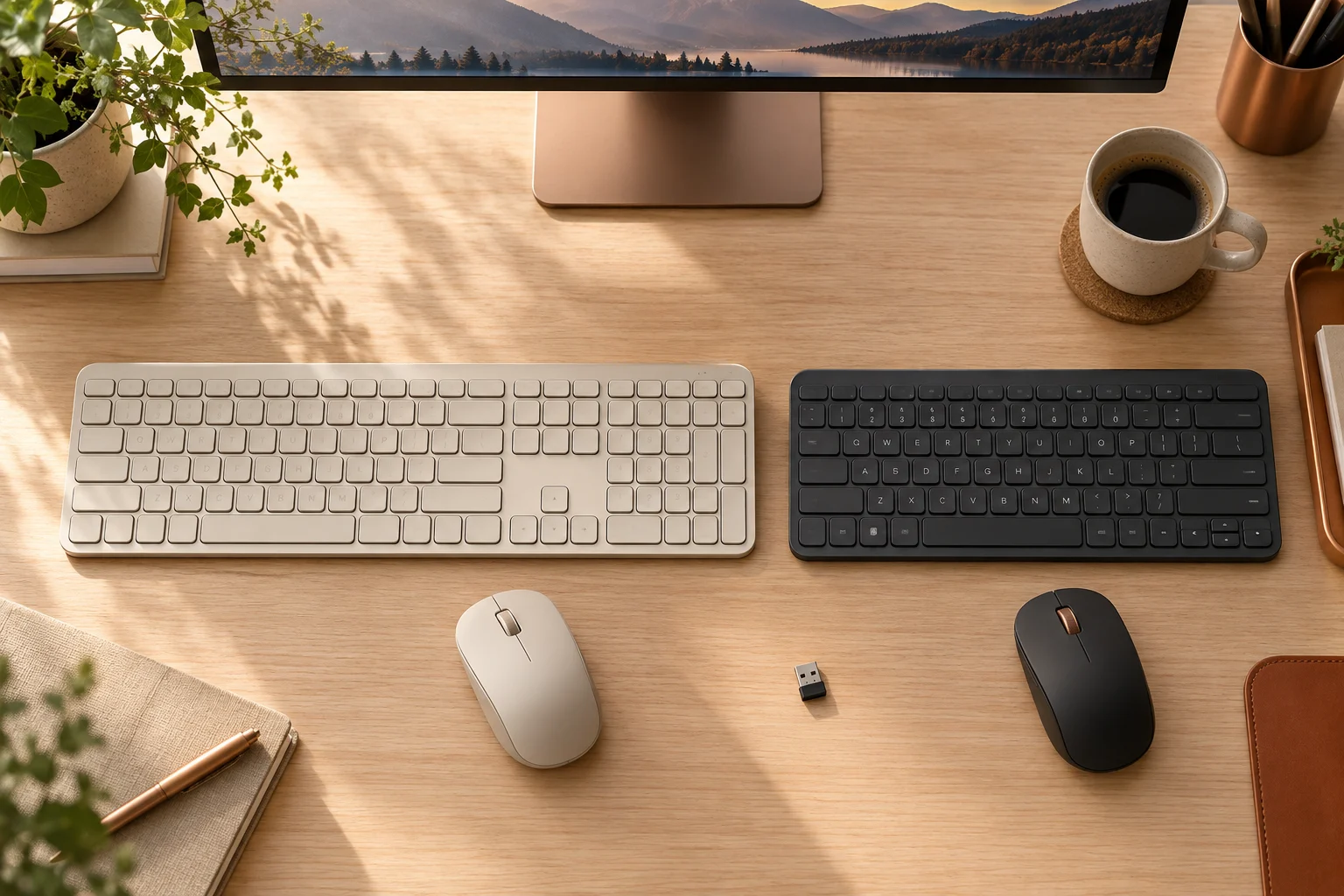
MX Keys S is the full-size choice when you want a built-in number pad. MX Keys Mini removes that right-hand block and is about13.4cm narrower according to the manufacturer dimensions. That difference is useful when deciding where a mouse can sit, but it does not establish comfortable reach for any particular person. Put the keyboard, mouse and other objects you actually use on the desk before treating a smaller body as a complete answer.
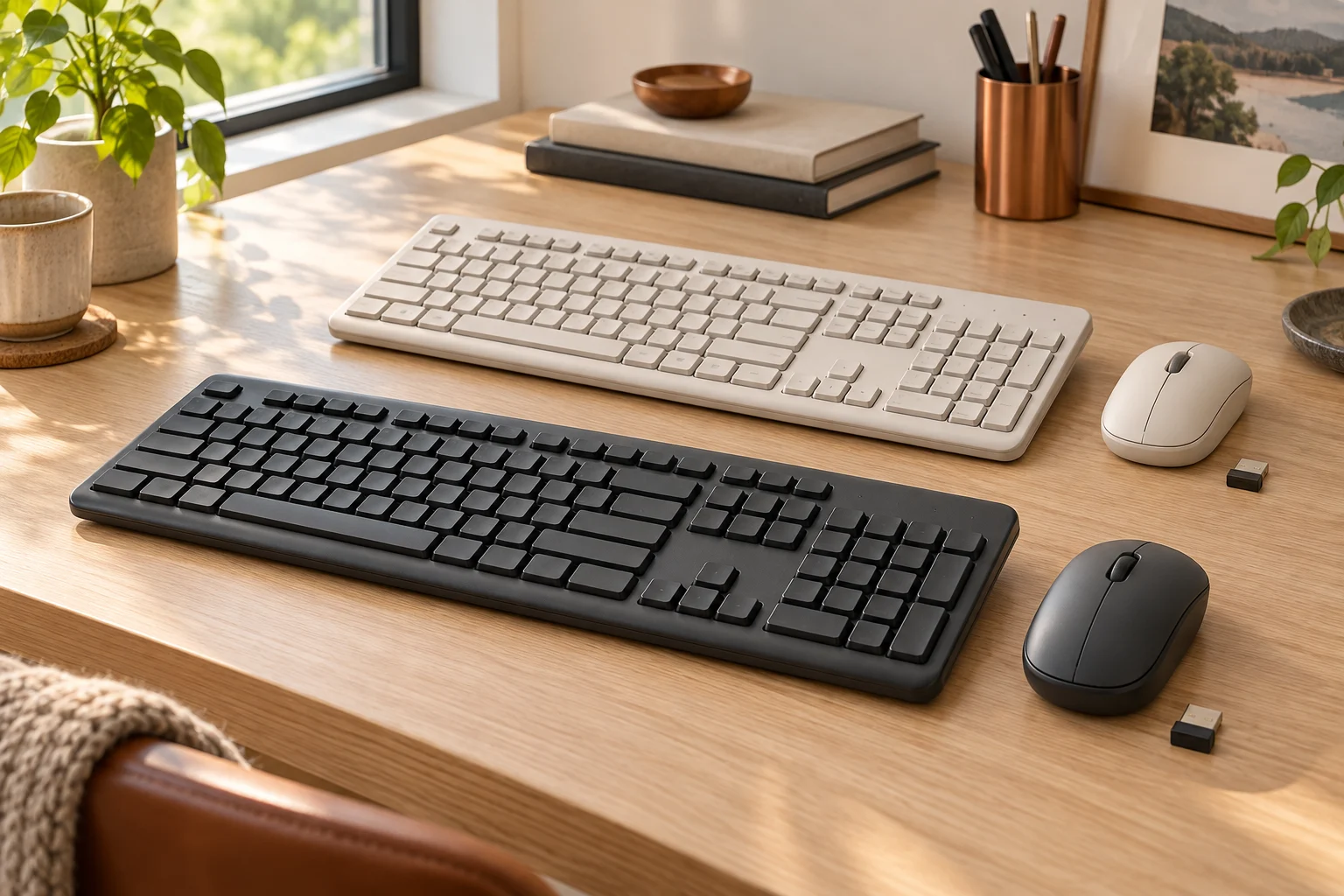
There is also a package difference in the standard consumer US pages checked on October30,2026. MX Keys S lists a Logi Bolt USB receiver in the box. MX Keys Mini says its compatible Logi Bolt receiver is not included. Bluetooth can be the appropriate connection if your host and operating system meet the requirements; if you need a receiver, the Mini purchase needs that extra package check. This guide does not apply those contents to Business, For Mac, regional or used offers.
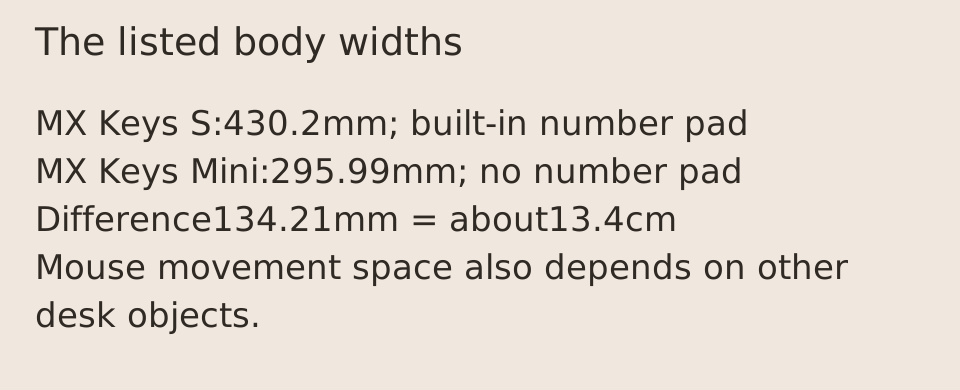
The useful width difference is134.21mm
The official body widths are430.2mm for MX Keys S and295.99mm for MX Keys Mini. Subtracting the latter from the former gives134.21mm, or about13.4cm. This is simple arithmetic using listed dimensions, not a measured change in your mouse position. The two listed front-to-back dimensions are almost the same, so the Mini primarily changes the side-to-side footprint rather than removing a large strip from the front of the desk.
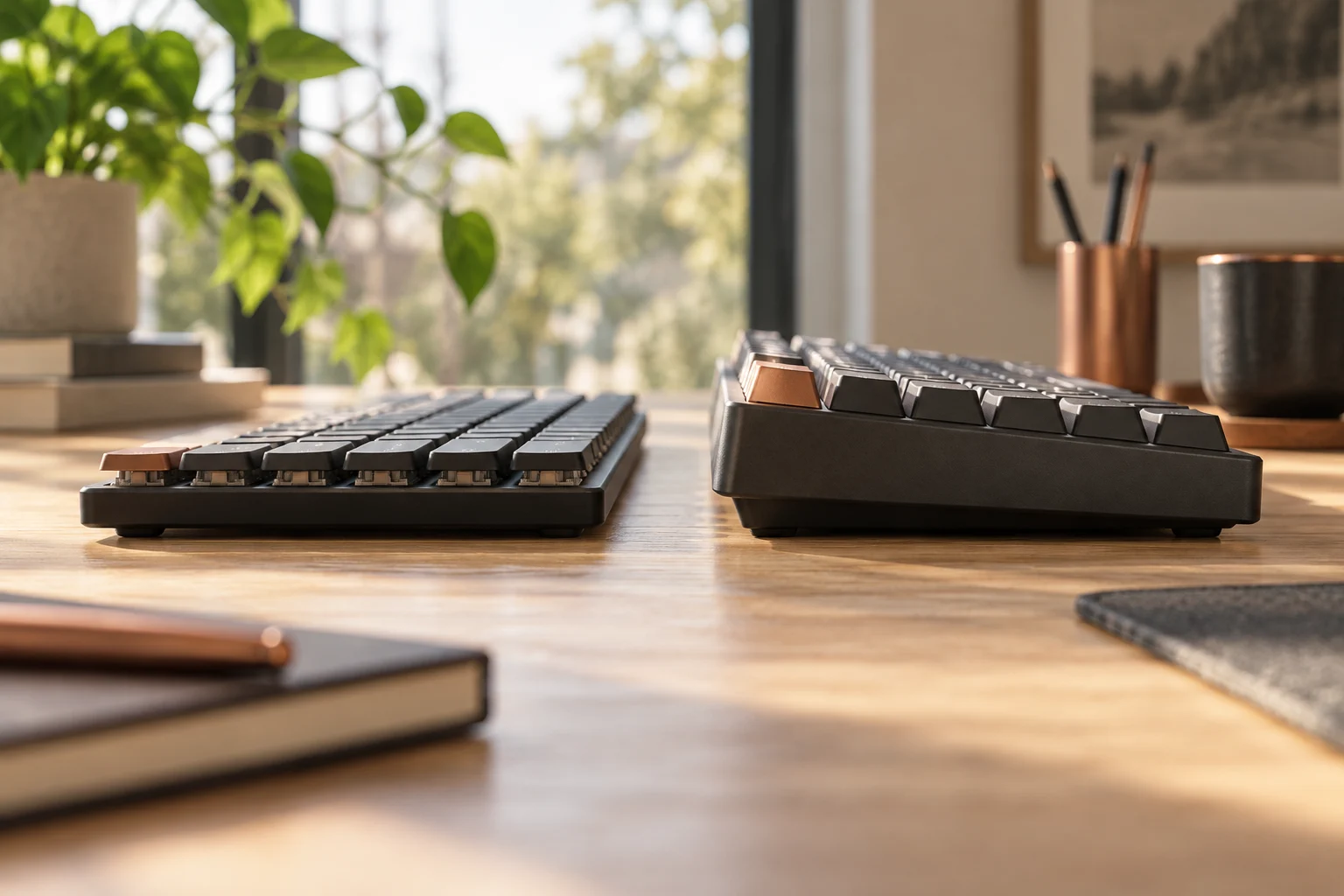
Read the dimension orientation carefully. The manufacturer labels the131.63mm dimension as height and20.5mm as depth for MX Keys S. Here, front-to-back and body profile make their intended physical directions explicit. Neither the profile figure nor the listed mass measures typing force, wrist angle or how the keyboard feels. No hands-on comparison of either current keyboard was performed.
Scroll the table sideways to view all model columns.
| Manufacturer body field | MX Keys S | MX Keys Mini |
|---|---|---|
| Width | 430.2mm | 295.99mm |
| Front-to-back | 131.63mm | 131.95mm |
| Body profile | 20.5mm | 20.97mm |
| Listed mass | 810g | 506.4g |
| Built-in number pad | Yes | No |
| Standard US receiver package checked | Logi Bolt included | Logi Bolt not included |
Leave usable space beside the keyboard, not just an empty outline
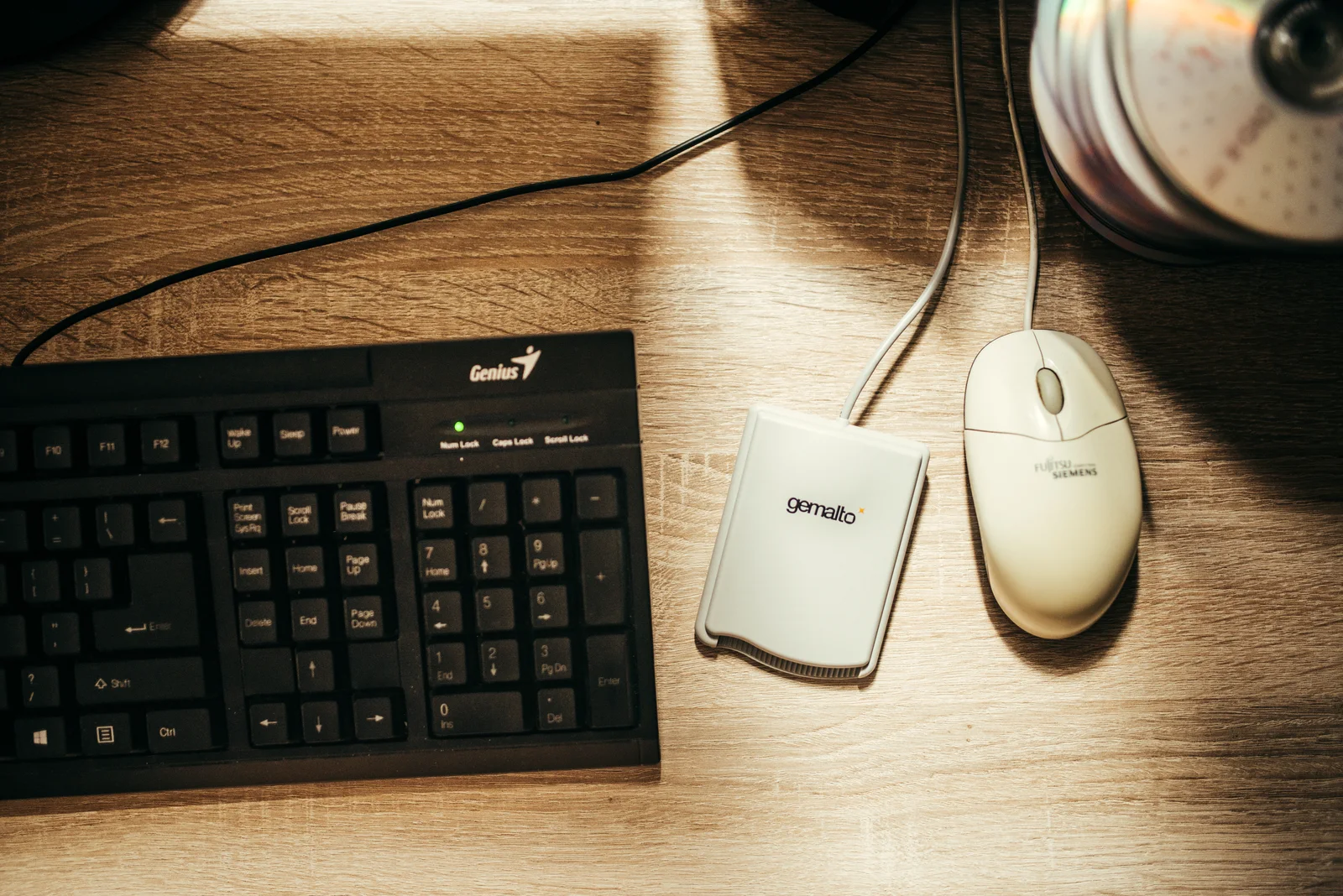
Measure the surface where the equipment will actually sit. A monitor stand, card reader, notebook, charging lead or other object may occupy the apparent gap beside a keyboard. In the real desk photograph, a card reader and cables are between the number-pad edge and the mouse. That makes the distinction visible: body width is one input, while usable movement space depends on the rest of the arrangement. The photograph contains older, different hardware and supplies no scale for measuring a current MX model.
If you enter long columns of figures every day, keeping a number pad beside the main keys may justify the wider S. If you rarely use it, the Mini can free some lateral space without requiring that block. An external number pad is another arrangement to consider, but its dimensions and cost would need their own check; this guide does not invent a total or promise that moving it improves comfort. Keep the main keys and screen aligned as you prefer, then test where the mouse and other tools can actually fit.
Do not confuse an older MX Keys photograph with MX Keys S
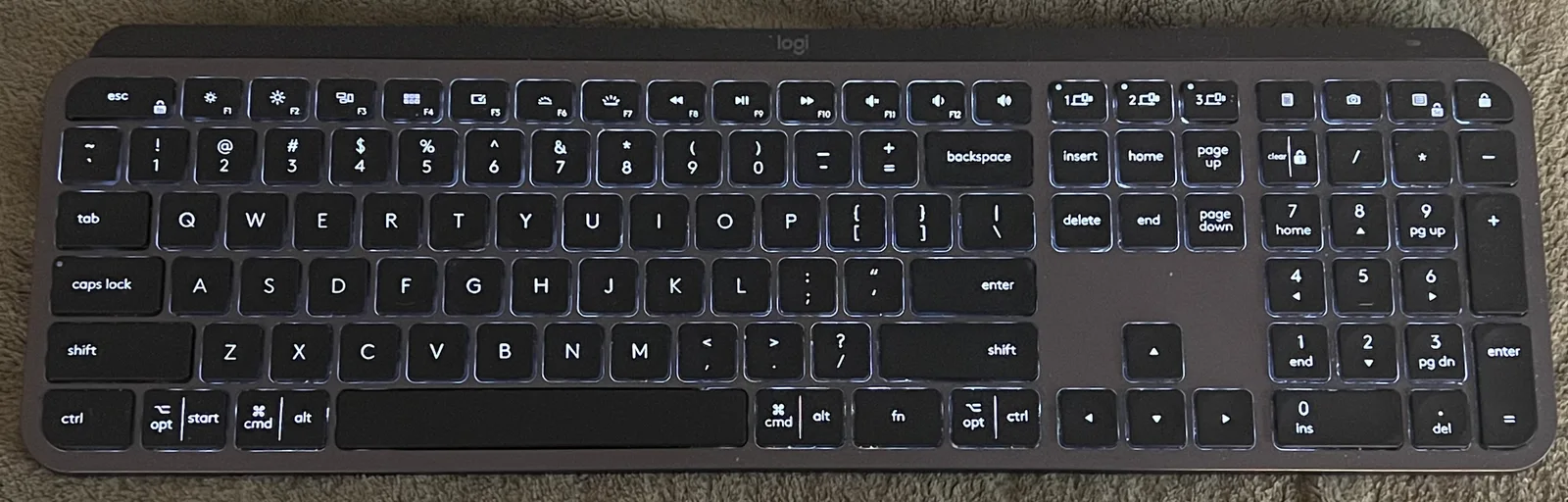
The full-size physical keyboard photographed here is identified by its uploader as MX Keys YR0073. It is an older MX Keys, not an MX Keys S sample. Its actual number-pad block makes the full-size arrangement visible, while its product identity is a warning for shoppers reading a used or open-box listing. A seller using a familiar-looking stock image has not established the current generation, included receiver or the exact local key layout.
No original photograph of MX Keys S or MX Keys Mini was obtained for this article. Current dimensions and package comparisons come from the cited manufacturer pages rather than measurements of the older photographed board. For an actual offer, inspect the name, underside model identifier, language layout and component list together. Do not infer S-generation features, a particular keymap or accessory inclusion just because the outline resembles the pictured keyboard.
The orange Unifying symbol is a different receiver family
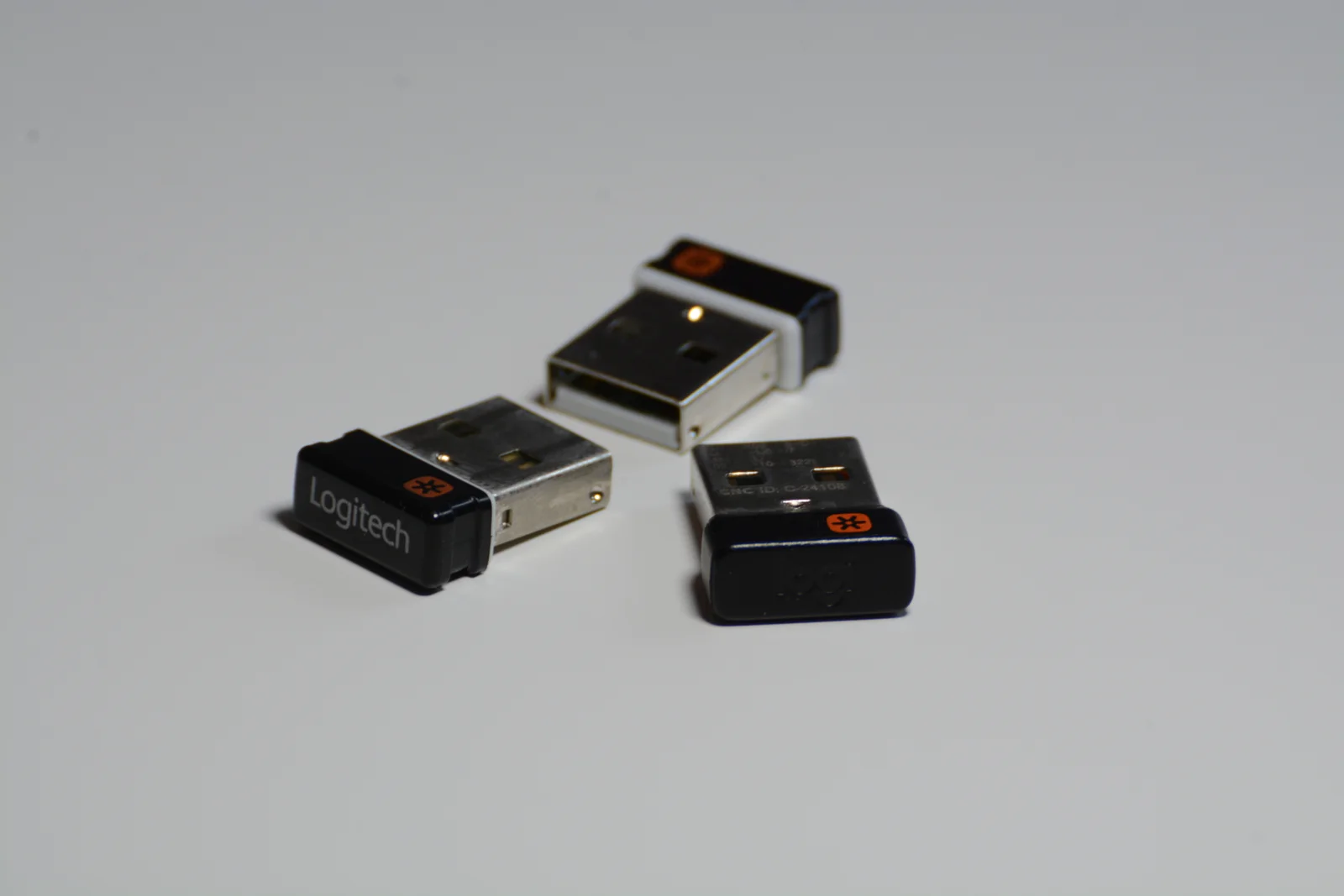
The receiver photograph shows three actual Unifying receivers with orange symbols. It is useful precisely because these are not Logi Bolt receivers. Logitech states on the Mini product page that Logi Bolt wireless products will not pair with other Logitech USB receivers. A small USB receiver carrying the same company name is therefore not a sufficient replacement criterion. Keep Unifying and Bolt names separate when checking a seller description or sorting receivers already on your desk.
For the standard US MX Keys S selection, the captured in-box list explicitly names the keyboard, a Logi Bolt USB receiver, a USB-C charging cable with USB-A at the host end, and documentation. The Mini page explicitly calls its compatible Bolt receiver not included. A charging-cable listing does not establish a wired typing connection, and receiver compatibility does not establish that a loose receiver is in the box. Ask for an actual parts list when the offer differs from the new retail selection.
Check the complete offer before ordering
Choose the S if its number pad is part of the job and its full width fits your arrangement. Choose the Mini if you prefer the smaller lateral footprint and can use the supported connection or obtain the correct receiver separately. Neither choice is settled by the810g versus506.4g mass alone. Those are manufacturer body figures, not a claim about carrying convenience, durability or typing stability under your own conditions.
Before checkout, verify the exact consumer or business variant, local key layout, selected color, receiver contents and host connection requirements on that offer. Compare the current total including any required receiver and separately applicable tax or delivery; no current checkout price, shipping quote or stock guarantee is asserted here. The evidence supports a specific decision about number-pad space and receiver inclusion, while personal fit, acoustic performance and long-term reliability remain untested.