MX Mechanical or MX Keys S: compare the key mechanism and switch choice
Choose between mechanical switch options and a flatter scissor-key arrangement using exact full-size dimensions, charging conditions and receiver requirements.
Updated:
Choose the mechanism before the MX family name
Choose MX Mechanical when selecting a mechanical switch feel is part of the purchase. The current US manufacturer page offers Tactile Quiet, Clicky and Linear choices. Choose MX Keys S when the flatter, laptop-like scissor-key arrangement is the feature you want, rather than an interchangeable choice of those mechanical switches. The shared MX name, illumination and wireless connection do not make the key assemblies equivalent.
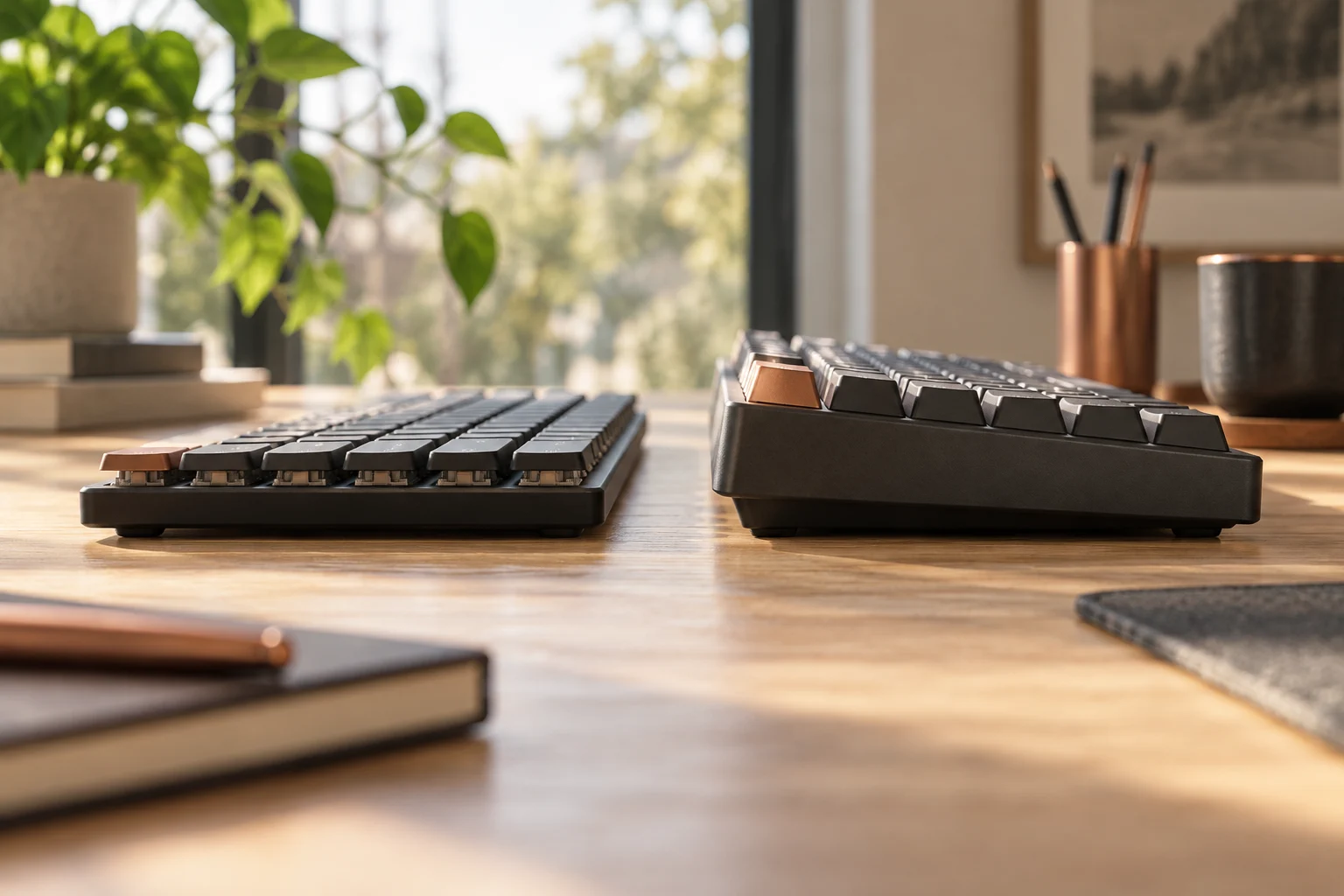
For mechanism identification, the Logitech page directly describes MX Mechanical as low-profile mechanical, while the iFixit staff-authored MX Keys S repair reference identifies its low-profile scissor keys. We use that repair reference only for the mechanism classification. Manufacturer specifications govern the dimensions, power and included equipment here. We have not opened either keyboard or measured force, travel or sound.
Scroll the table sideways to view all model columns.
| Full-size US reference | MX Mechanical | MX Keys S |
|---|---|---|
| Key mechanism | Low-profile mechanical; named switch options | Low-profile scissor keys; not those mechanical options |
| Side-to-side width | 433.85 mm | 430.2 mm |
| Front-to-back dimension | 131.55 mm | 131.63 mm |
| Listed thickness/profile | 26.1 mm | 20.5 mm |
| Weight | 828 g | 810 g |
| Wireless route | Bluetooth LE or Logi Bolt | Bluetooth LE or Logi Bolt |
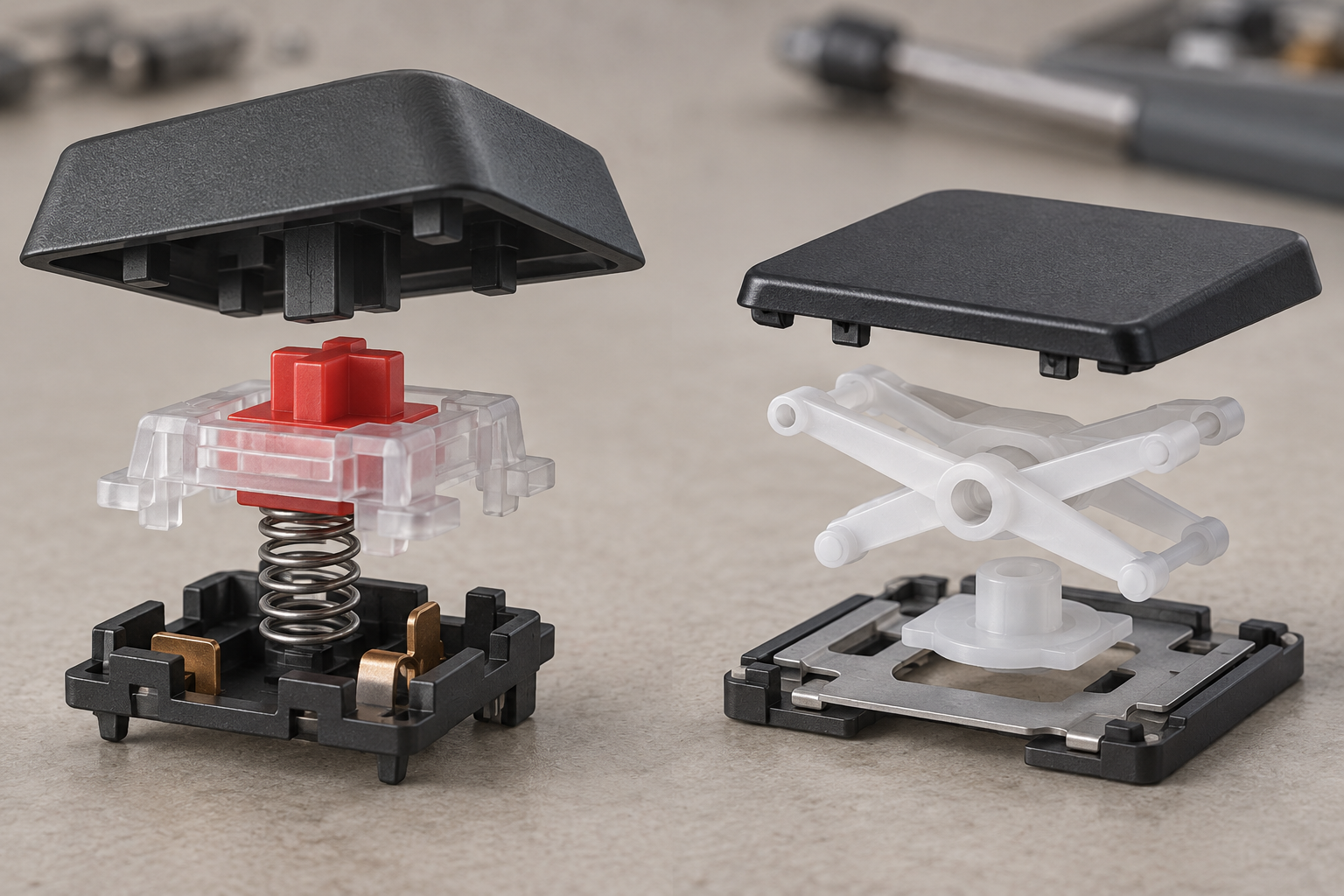
Pick a switch option without inventing a sound test
Tactile Quiet, Clicky and Linear are separate purchase options on the MX Mechanical page. Retain the selected option with the exact regional layout and part number when comparing offers. A listing that says only MX Mechanical leaves this part of the decision incomplete. These are manufacturer option names; Quiet does not supply a measured decibel level or guarantee that a nearby microphone will not pick up typing.
If you want a tactile event, an audible click or a smoother linear stroke, try the relevant option under the return or demonstration conditions that the seller actually offers. We have not tested those preferences for you. MX Keys S does not become the Linear MX Mechanical variant because both are slim. Do not use the generated mechanism drawing as a replacement-parts diagram: its generic exploded assemblies are explanatory and do not reproduce the exact internal construction or attachment points of either keyboard.
Allow for the profile as well as desk width
MX Mechanical is 3.65 mm wider than MX Keys S using the manufacturer widths. Their listed front-to-back dimensions differ by only 0.08 mm. That small difference in desk footprint is a different question from the 5.6 mm difference between their listed profiles. These subtractions describe published dimensions, not our measurements, key travel or wrist angles.
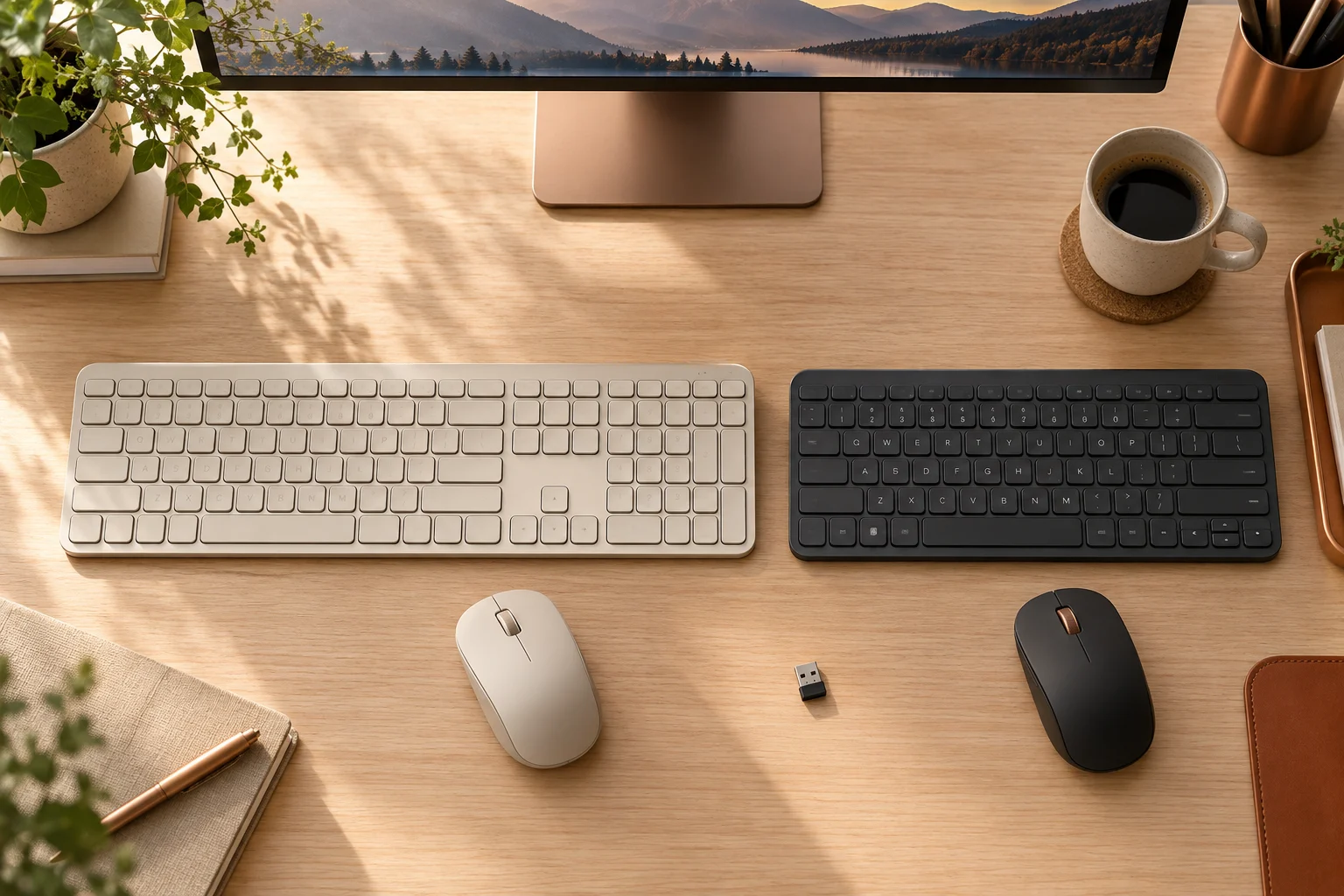
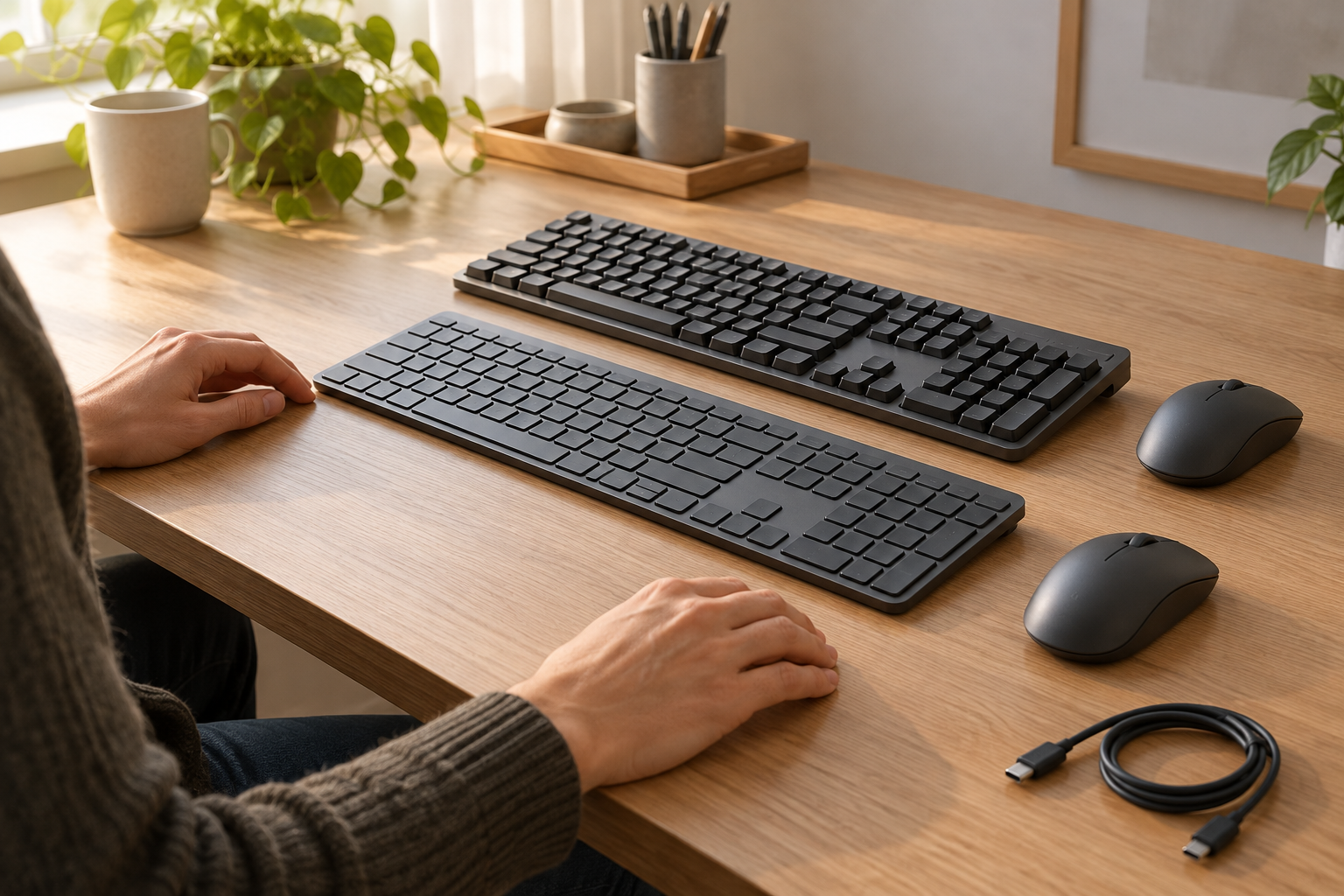
Set aside about 434 mm of keyboard width before adding the mouse area and any separate palm support. Then check your actual desk depth, seated position and access to the number pad. A flatter case can be a preference, but its listed thickness alone does not prove better comfort or medical benefit. The generated desk illustration supports this preparation step; its hands and keycaps are not an ergonomic trial or a scale drawing.
Compare the power claims under matched lighting settings
Both manufacturer references list a rechargeable 1500 mAh battery. MX Mechanical is advertised for up to 15 days on a full charge or up to 10 months with backlighting off. MX Keys S is listed for up to 10 days with predefined settings or up to 5 months with backlighting off. User and computing conditions affect those claims, so the month figure must not be compared with the other keyboard's illuminated day figure.
These figures do not establish annual charging cost or how long either keyboard lasts in your own workload. Retain a practical charging route and the exact cable contents of the ordered variant. A USB-C charging port is not, by itself, proof of wired USB keyboard operation. This guide compares the documented wireless connection routes and does not promise a wired data mode.
Keep layout, receiver and software conditions with the order
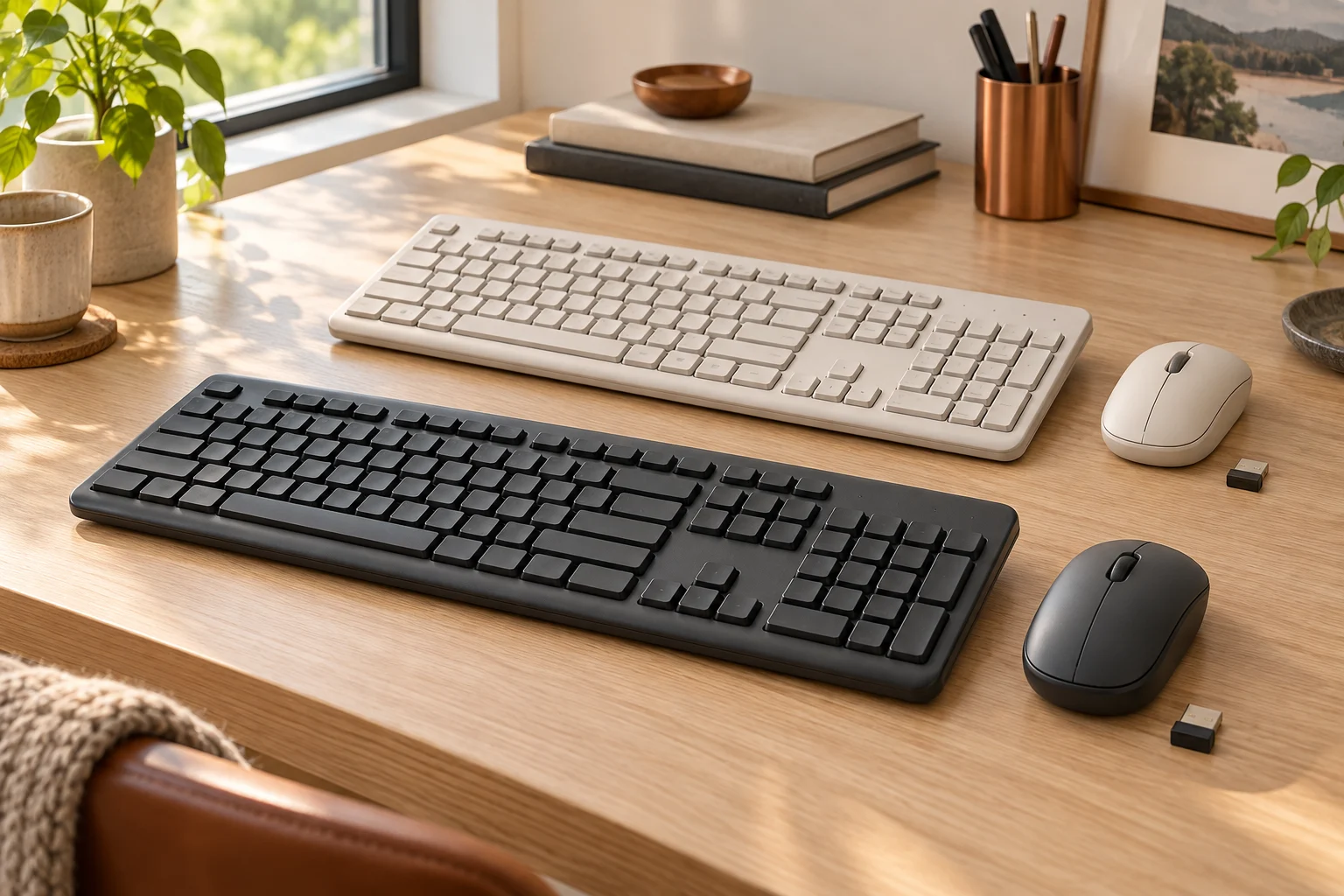
For the standard US consumer references, verify the selected English US layout, switch option where applicable, and package before checkout. Both current product references support Bluetooth Low Energy and Logi Bolt. Logitech explicitly distinguishes Bolt from Unifying; an older Unifying receiver should not be treated as the included or compatible receiver just because it carries the same brand. The current standard package information includes a Bolt receiver, but a For Mac, business or seller-specific bundle requires its own contents check.
Check the actual operating-system support for the chosen connection and for optional Logi Options+ features separately. Basic keyboard pairing does not prove that every customization or Smart Action is available on that system. Your final decision should retain the mechanism, exact switch option or scissor preference, required layout, desk profile, wireless route and lighting-dependent charging expectation. We have not verified a final transaction price, current seller stock or delivery date; no price winner is asserted.