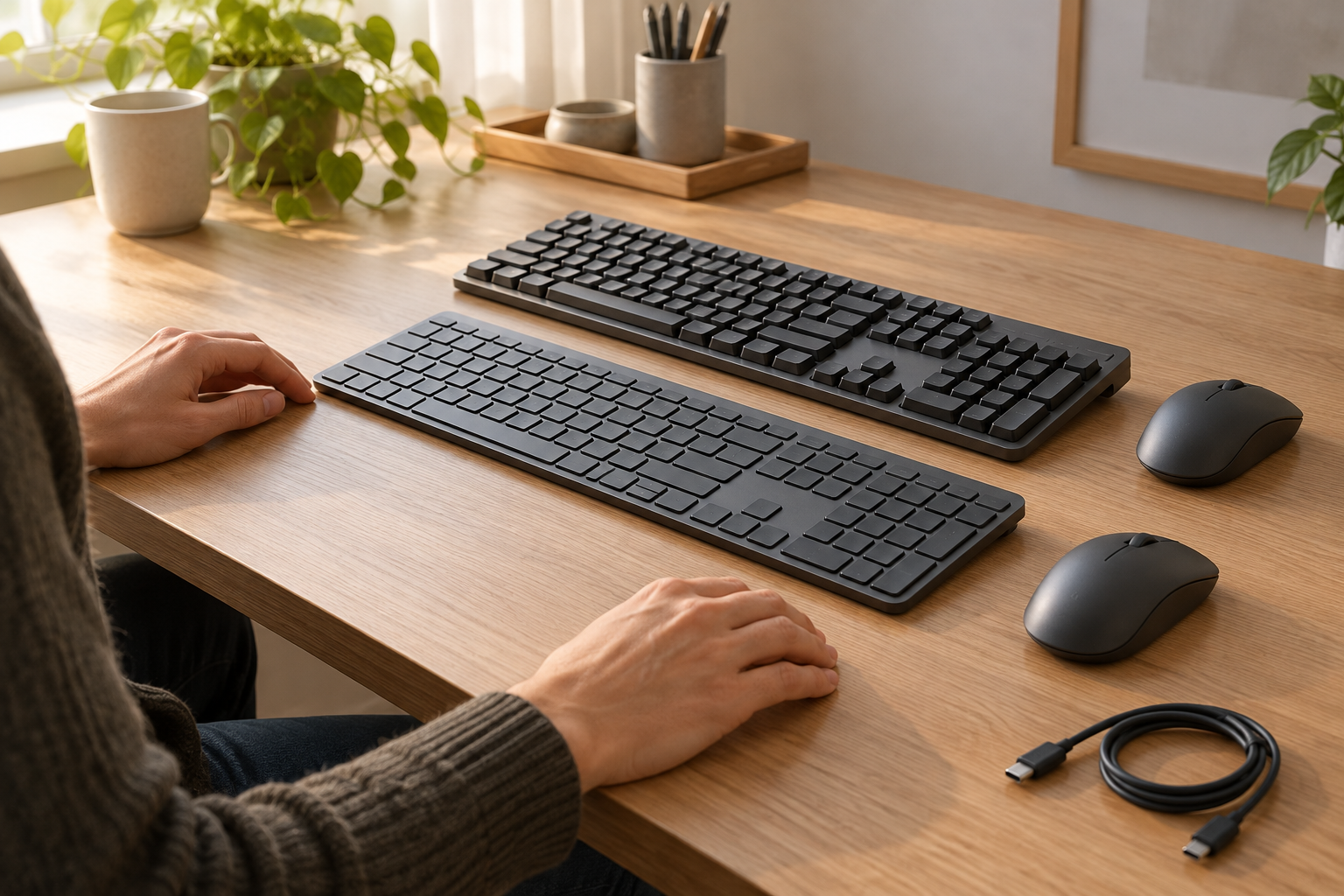
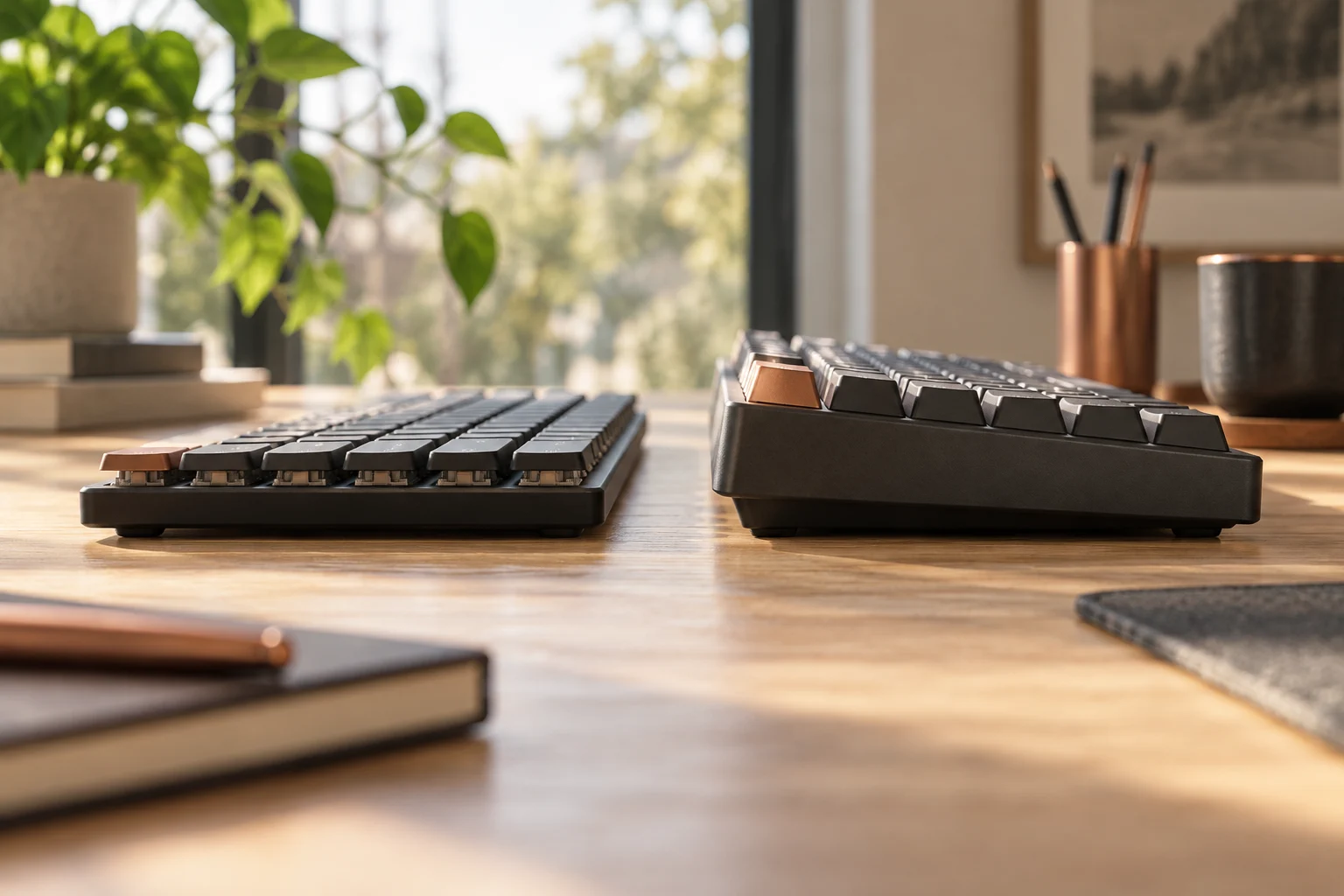
MK270 or MK295: compare the actual keyboard and mouse bundle
Compare the US MK270 and MK295 offers, full-size layout, SilentTouch claim and model revisions before assuming that a similar keyboard or tiny receiver identifies the same bundle.
Updated:
Choose the complete bundle and exact layout
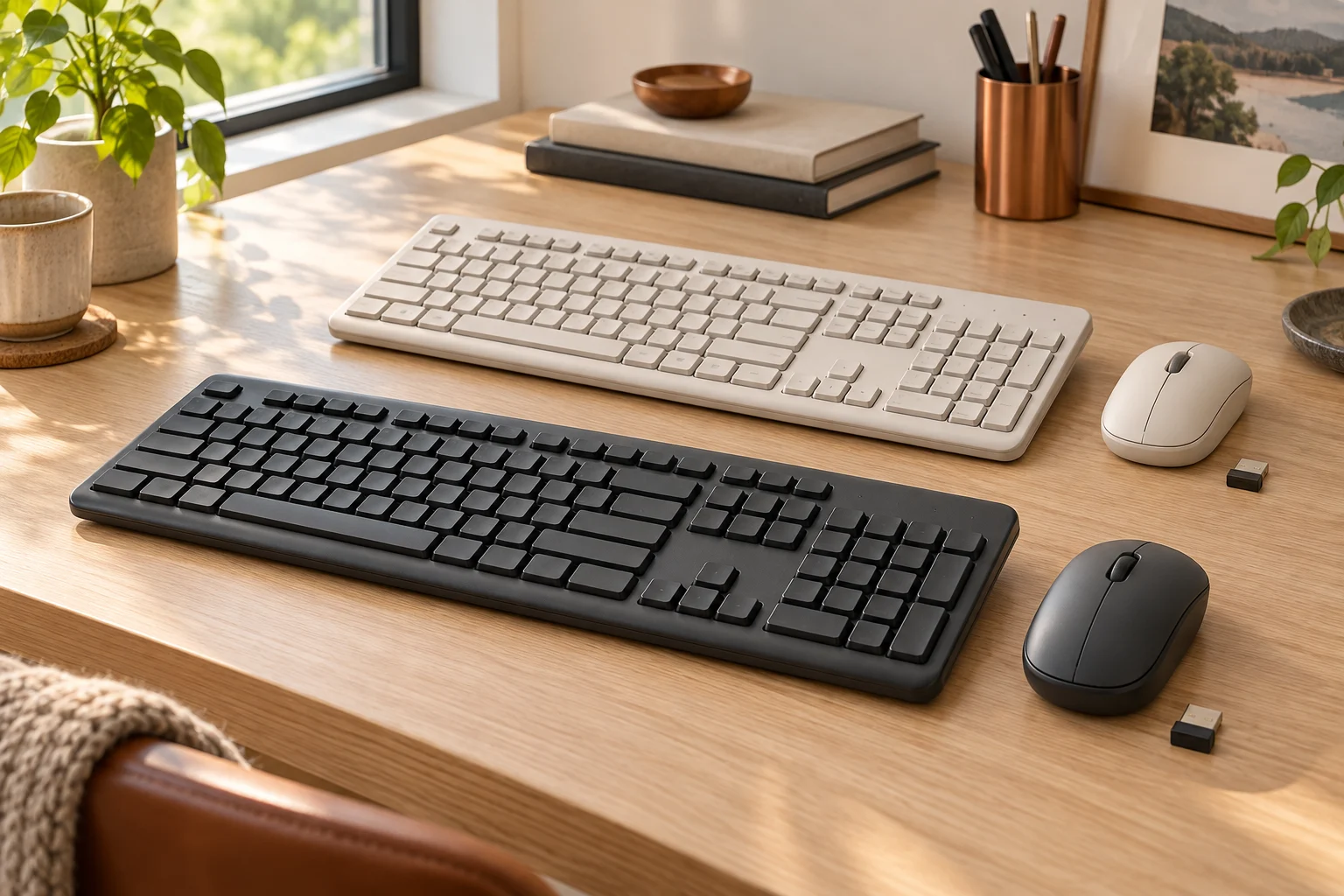
MK270 and MK295 are full-size wireless keyboard-and-mouse bundles. The useful choice is whether the actual local layout, mouse, receiver and noise conditions suit your work. A photograph of a similar Logitech keyboard does not identify everything inside a current retail box. This guide compares the named US product pages and keeps older photographed equipment separate from present specifications.
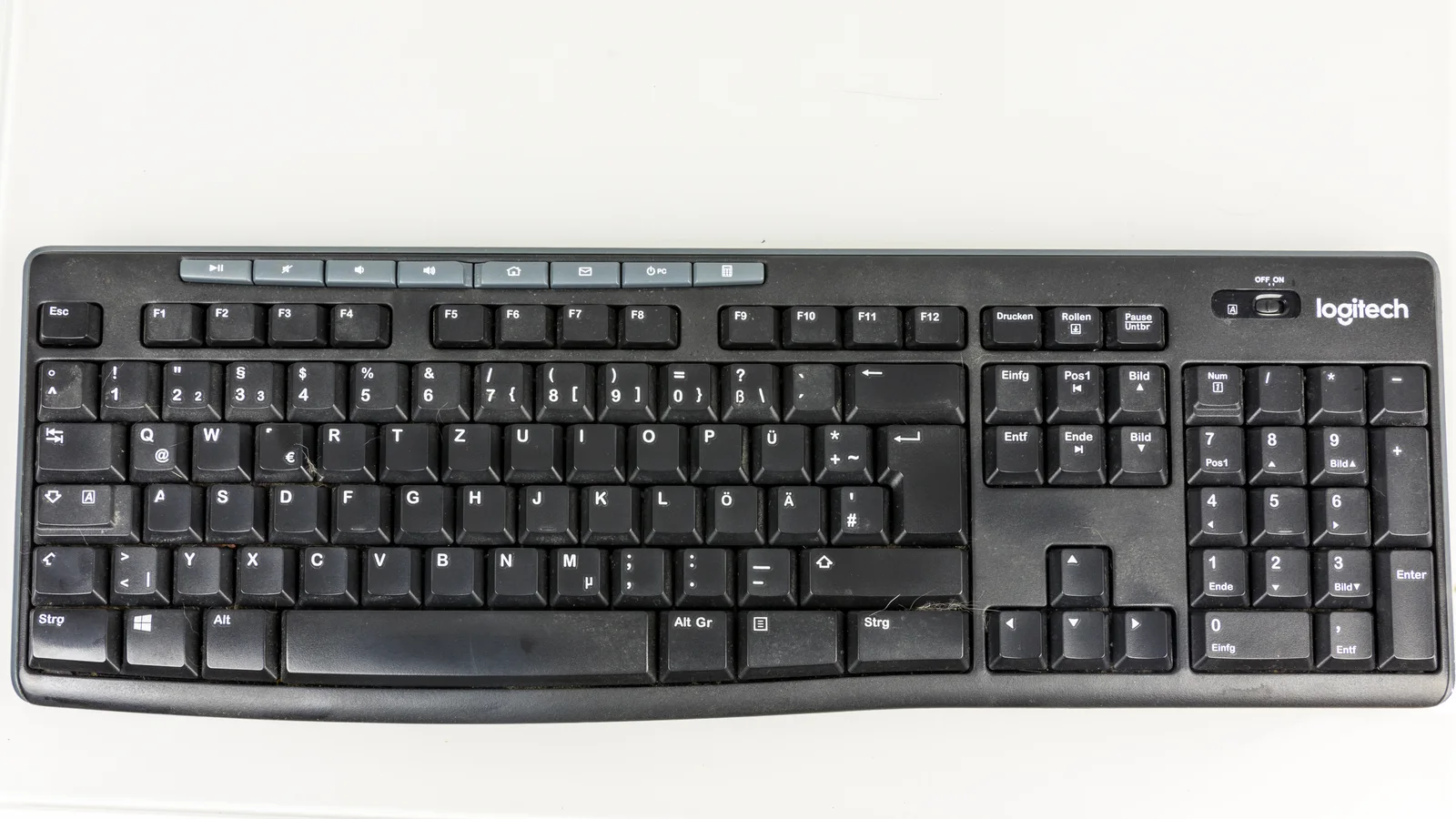
Start with the layout you will actually type on. A number pad is useful for numeric entry, but it also occupies desk width beside the mouse. Check the Enter key, printed symbols and language arrangement on the exact offer. The photographed K270 below has a German QWERTZ layout; it illustrates a real full-size keyboard and its controls, not the US key map or an MK295 specimen. No original photograph of an MK295 was obtained for this guide.
Compare the observed US offers without mixing variants
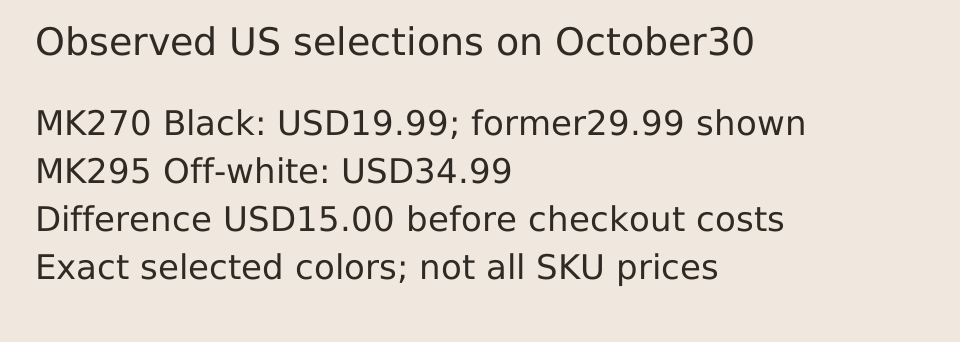
On October 30, 2026, the official US MK270 page showed Black at USD19.99, with USD29.99 also displayed as the former price. The page identified Deal Days pricing through November1 at11:59pm PDT. The observed MK295 page selected Off-white and showed USD34.99. Both selected pages displayed in-stock wording. These are dated observations of those selections, not a promise about every color, regional part number or a future checkout.
The difference between those two displayed amounts is USD15.00 before any separately applicable checkout costs. Decide whether the MK295 noise-related feature matters enough for your use before treating the cheaper offer as an equivalent silent bundle. If you want another color or layout, open that exact selection again: neither a photographed black keyboard nor an aggregate price range establishes the price of a different SKU. Shipping, tax and delivery timing were not independently quoted here.
Scroll the table sideways to view all model columns.
| Observed field | MK270 | MK295 |
|---|---|---|
| Selected US offer | Black; USD19.99 | Off-white; USD34.99 |
| Keyboard body listed | 441 x149 x18 mm | 441 x149 x18 mm |
| Mouse body listed | 99 x60 x39 mm | 99 x60 x39 mm |
| Power listed | Keyboard2AAA; mouse1AA | Keyboard2AAA; mouse1AA |
| Connection requirement | Available USB port | Available USB port |
| Noise feature | No SilentTouch claim used here | Manufacturer SilentTouch claim |
Similar dimensions do not establish identical typing or noise
The cached official specifications list the same keyboard and mouse body dimensions for these two bundles. This helps you assess the space occupied by the equipment; it is not a measurement of comfortable reach, key force or acoustic performance. Leave room for the mouse movement you actually use, and check whether the number pad places the mouse farther to the side than you prefer. We did not conduct a personal fit or typing trial.
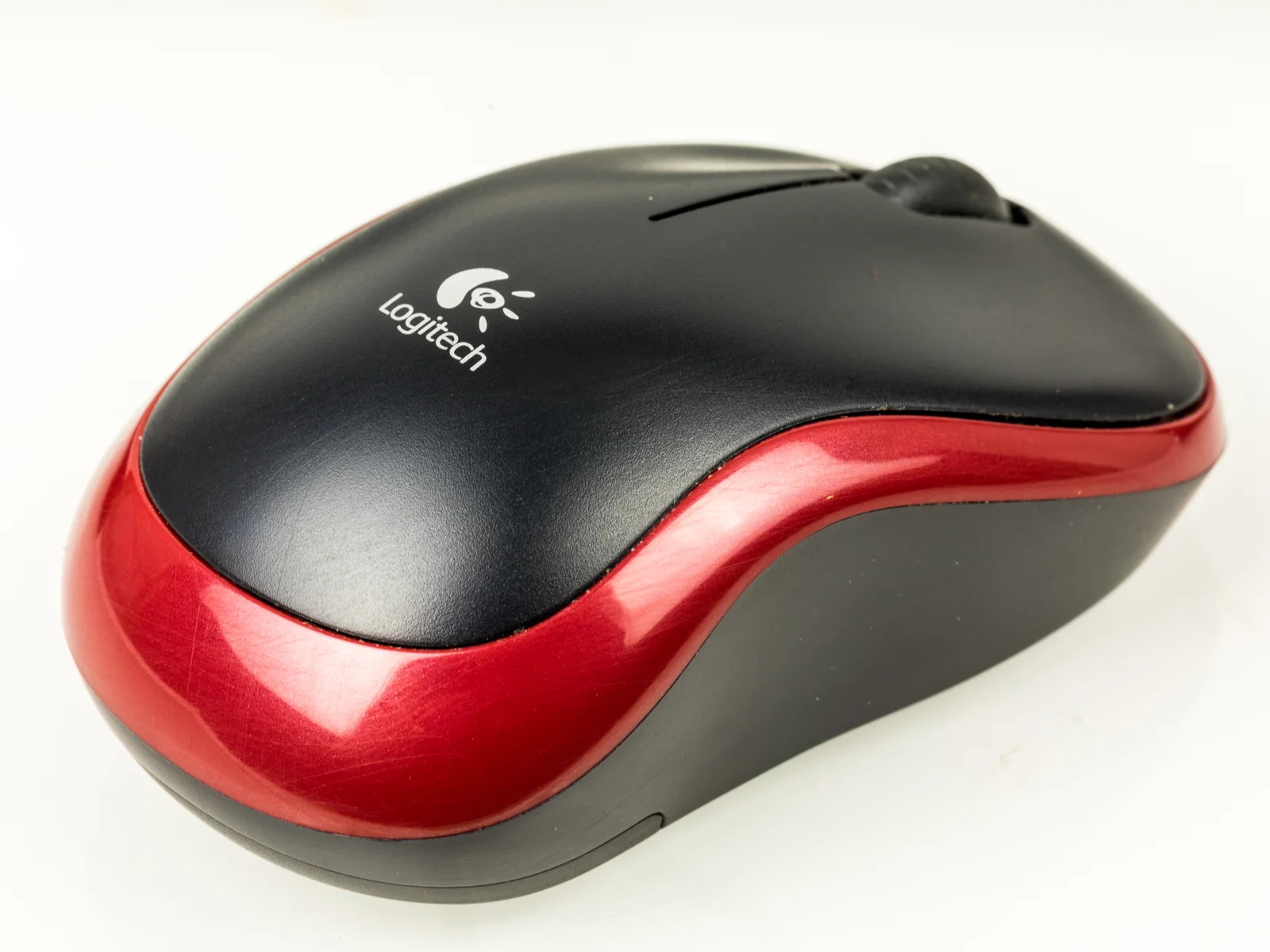
Logitech describes MK295 SilentTouch as reducing clicking and typing noise by over90percent. That is a manufacturer claim. The fresh visible page did not establish a complete measurement procedure, comparison baseline or microphone distance for this review, so the percentage is not converted into a decibel value or a promise of silence in your room. No independent sound recording or blind comparison was performed. The M185 photograph shows an older named mouse, not an MK295 mouse or evidence of SilentTouch construction.
Count the batteries and host connection you actually need
The documented power arrangement is two AAA cells for the keyboard and one AA cell for the mouse. Keep those two devices separate when planning replacements; one working keyboard does not show that the mouse battery is healthy. The battery specification is not a rechargeable-USB claim. Confirm the supplied batteries and receiver against the exact package if you are buying used, open-box or a regional variant rather than assuming the retail description guarantees every listing.
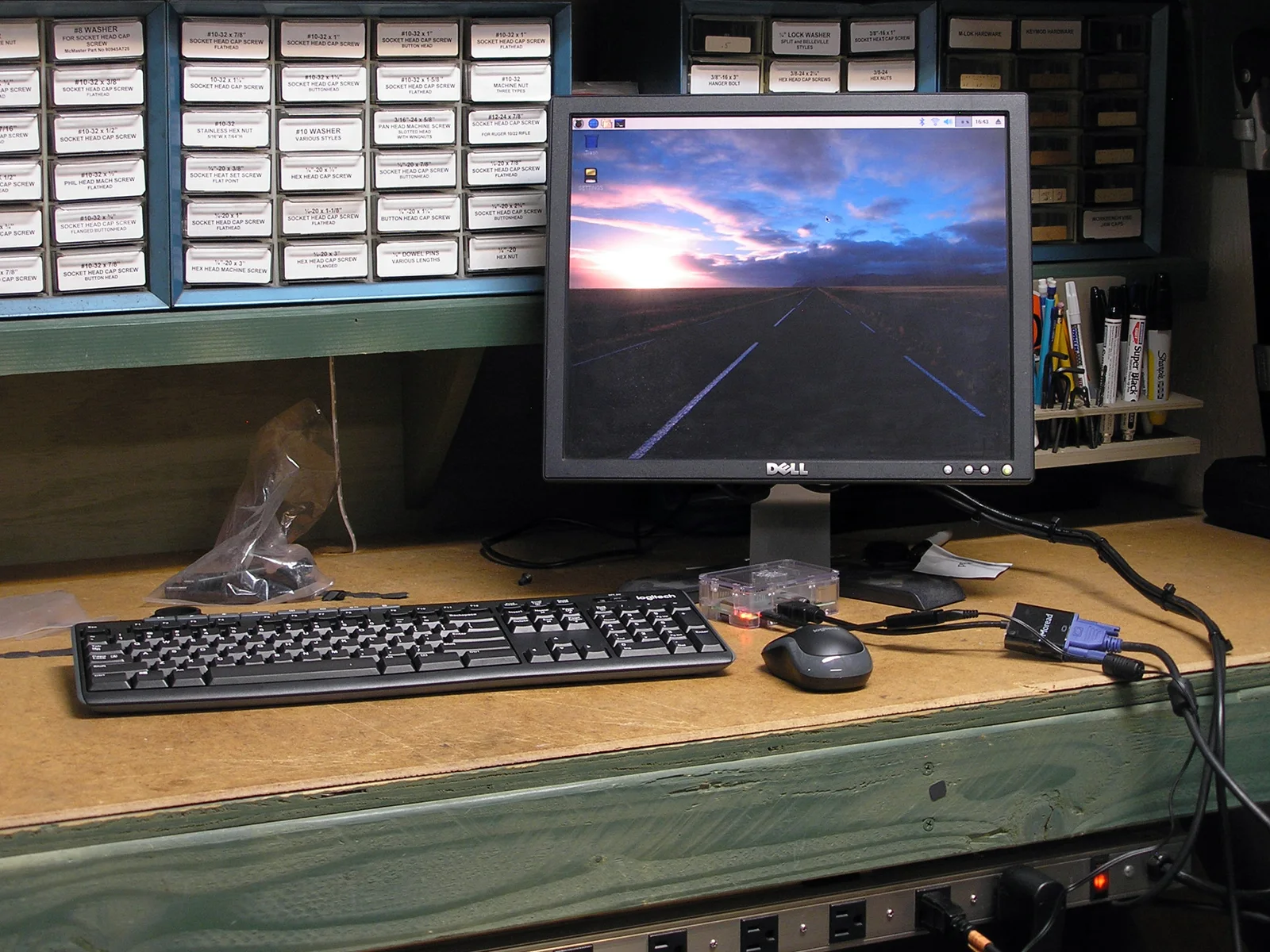
Both current US product pages require an available USB port. These are receiver-based wireless arrangements; a2.4GHz claim alone is not proof of Bluetooth or of pairing with an arbitrary receiver. Check the actual host connector and any required adapter separately. A desktop installation photograph cannot establish current operating-system support, a successful pairing procedure for your unit or compatibility with a replacement receiver. Use the manufacturer instructions for the model numbers on your own devices.
MK270 has several hardware revisions under one bundle name
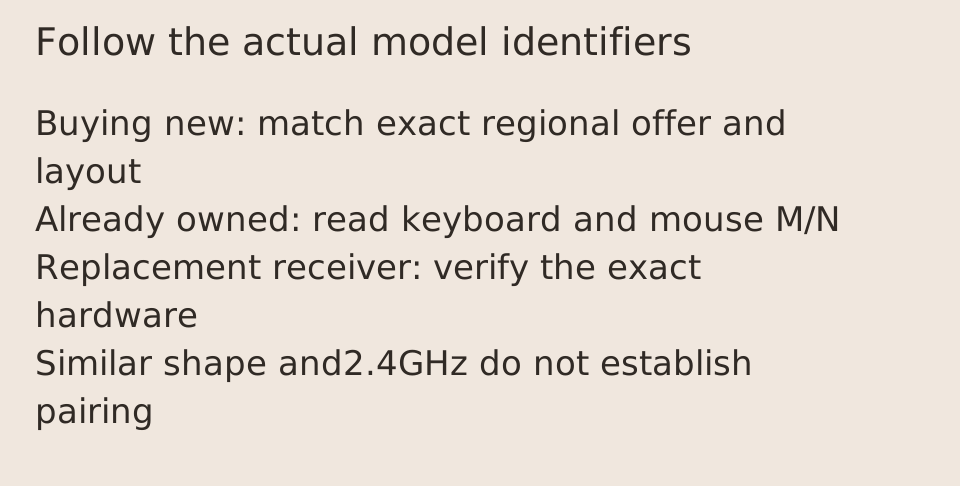
An older Logitech MK270 quick-start guide names a K270 keyboard and M185 mouse. That is why those two photographed products are relevant physical examples, but their names do not settle the contents of every present MK270 box. Logitech Support explicitly lists several hardware combinations and tells owners to inspect the underside M/N markings. The separate2019 installation photograph was identified as MK270 by its uploader; the keyboard and mouse are visible, but their underside identifiers are not.
The support table lists MR0085 with Y-R0042 and a C-U0010 or CU0023 receiver, and separately M-R0061 with Y-R0042 and C-U0010. It also lists an older M-R0038/Y-R0015 combination with C-U0007 or C-U0008. The older section contains mixed protocol descriptions, so this guide does not turn it into a blanket replacement-receiver recommendation. Do not choose a receiver only because it is small, carries the Logitech name or came with a visually similar mouse.
Keep battery-life claims attached to their own source
The current MK270 retail page advertises36months for the keyboard and12months for the mouse, subject to use and computing conditions. The support revision table gives different combinations:36/18months for MR0085/Y-R0042 and24/12months for M-R0061/Y-R0042. Those are separate source claims. They are not combined into an invented hardware revision with whichever values look best, and none is our measured runtime.
For a new purchase, match the exact offer and its specifications. For equipment you already own, inspect the actual model markings before using a support table. If a seller cannot identify a used bundle or its receiver, ask for the underside labels and included components rather than guessing from an overhead photograph. The pictures in this article cannot resolve a missing identifier, current firmware condition or the remaining life of supplied batteries.
Make the decision using the feature you need
MK270 is the lower-priced candidate in the two observed US selections. MK295 is the candidate when its documented noise-reduction feature is the reason for changing your setup. Their listed footprints do not establish that one takes less room, and the older K270/M185 images do not establish equal feel. Choose the actual local layout and complete package first; compare the current total and return conditions for that selection before ordering.
The practical purchase check is specific: confirm the bundle name and region, visible key layout, included mouse and receiver, required host USB connection and replaceable batteries. Keep a noise claim separate from an acoustic test, and a historical installation separate from current compatibility. This comparison provides manufacturer evidence and dated offers, with the unresolved revision and measurement boundaries visible; it does not claim hands-on testing of either current bundle.