Logi Bolt and Unifying: check the receiver family before pairing
Bolt and Unifying are different receiver families. Compare actual Lift, MX Vertical and G305 requirements before buying a replacement dongle or a new USB connector variant.
Updated:
The two receiver families do not pair interchangeably
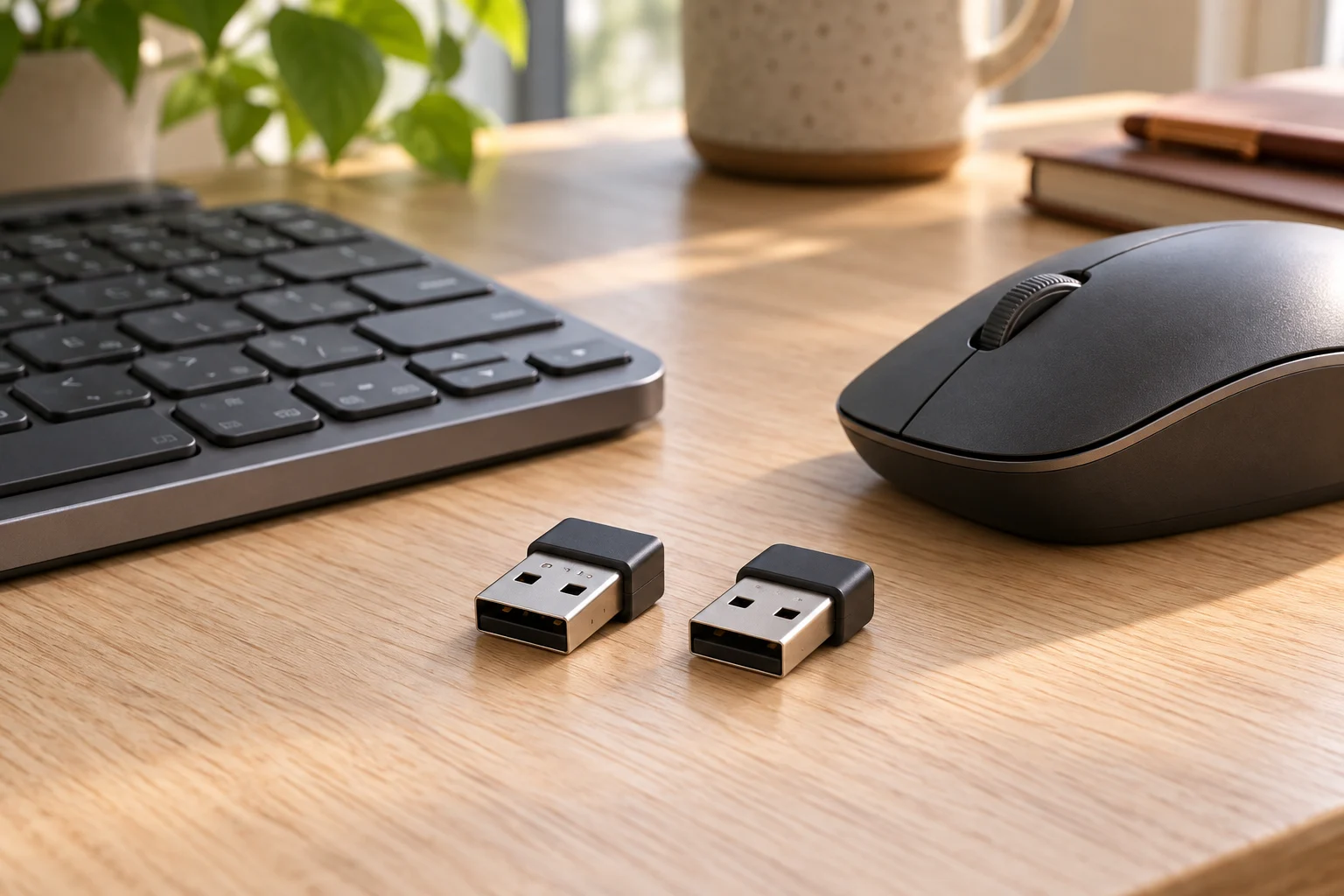
A Logi Bolt receiver is not a replacement Unifying receiver. Logitech explicitly states that Bolt wireless products cannot pair to a Unifying USB receiver, and Unifying products cannot pair to Bolt. Choose the replacement from the exact device's supported receiver family, not from the Logitech name, the color of the plastic or the fact that both products use a small USB dongle.
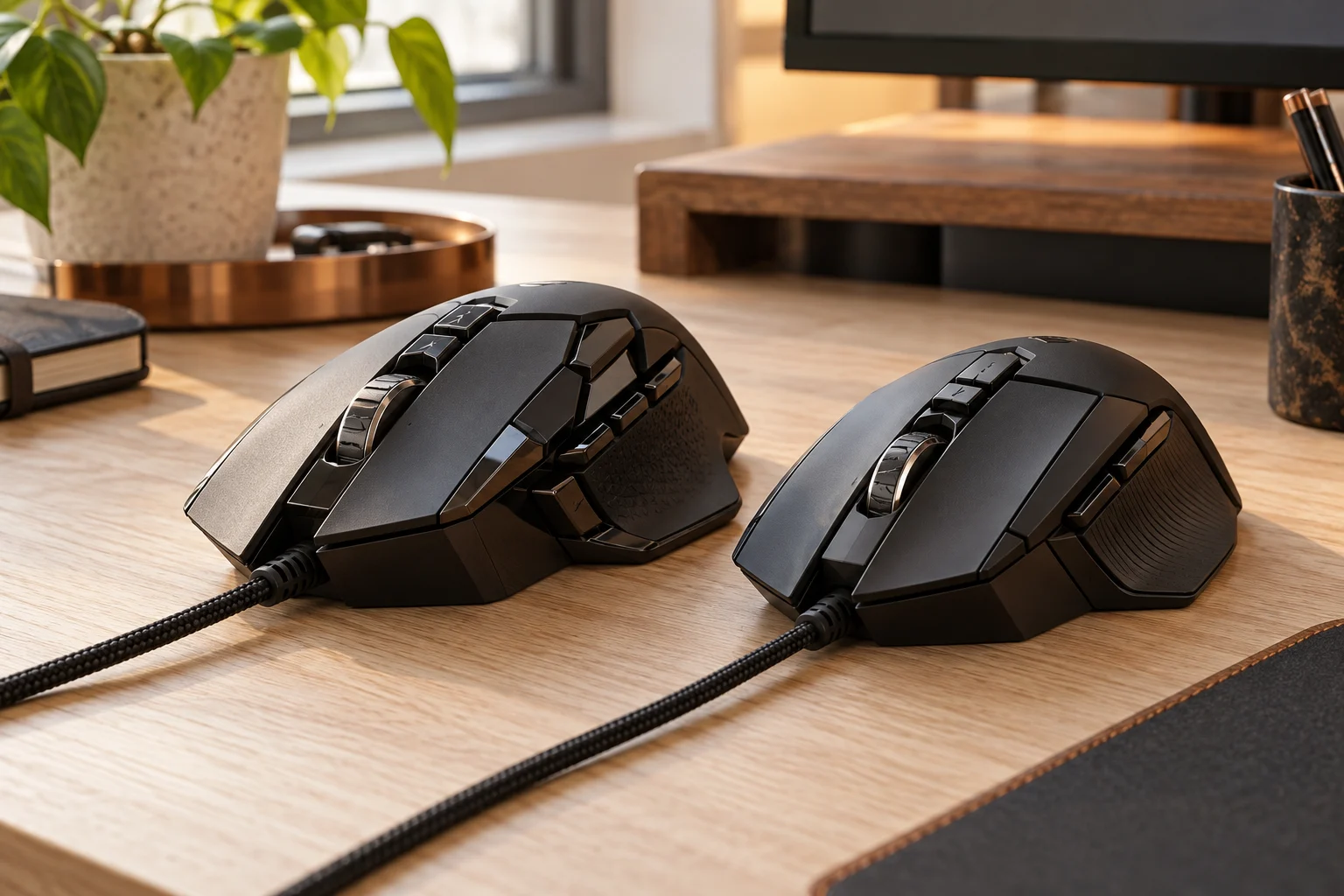
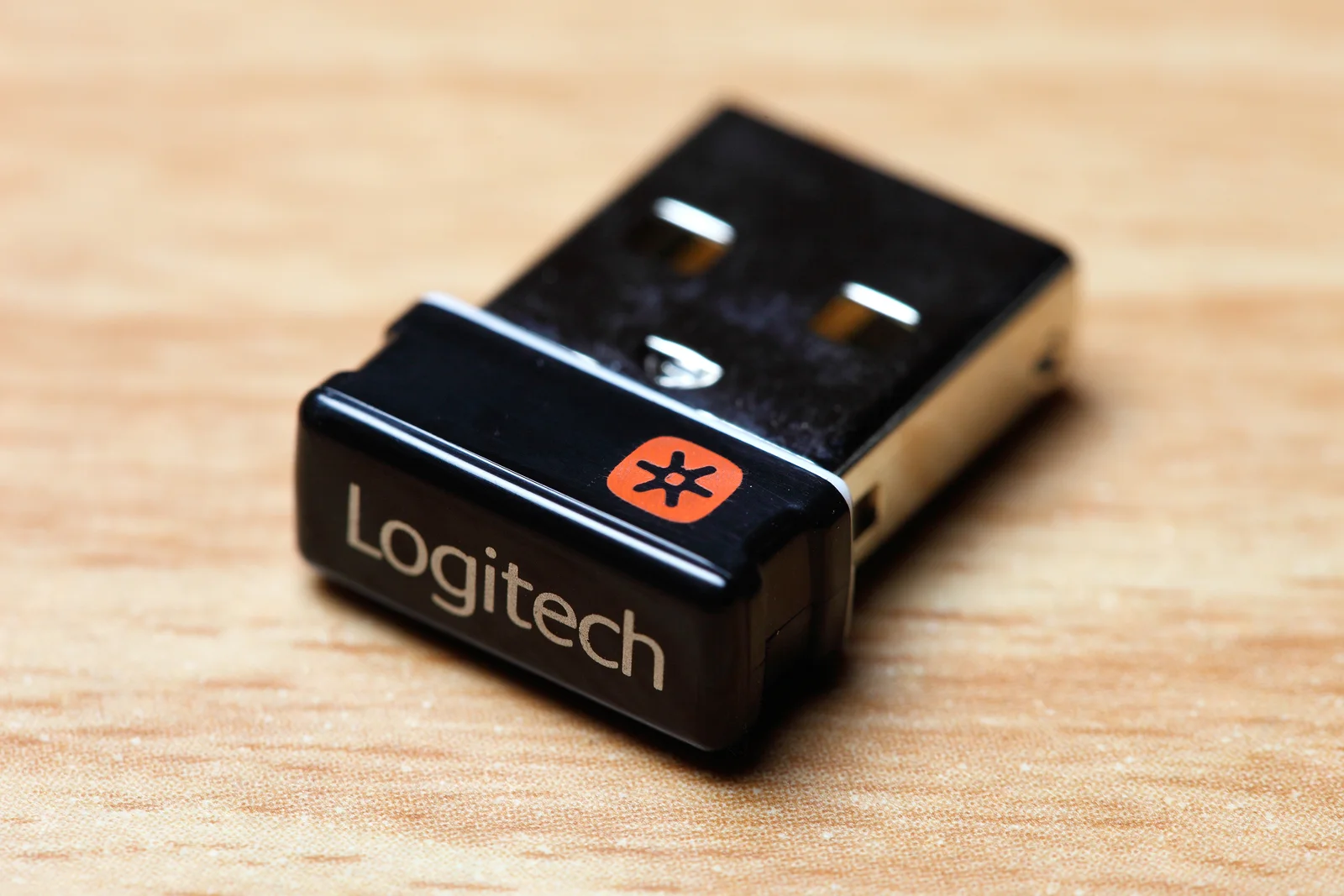
Real products make the distinction practical. Lift lists Logi Bolt and a supported Bluetooth route; MX Vertical lists Unifying and Bluetooth. G305 belongs to the separate LIGHTSPEED gaming system. The actual Unifying receiver photograph identifies that family, not an adapter that converts it into Bolt or a universal receiver for every Logitech mouse.
Scroll the table sideways to view all model columns.
| Named product | Manufacturer-listed wireless route | Receiver purchasing consequence |
|---|---|---|
| Lift | Logi Bolt; supported Bluetooth | Select a compatible Bolt receiver |
| MX Vertical | Unifying; Bluetooth | A Bolt dongle is not its Unifying replacement |
| G305 | LIGHTSPEED Wireless | Do not order Bolt or Unifying by brand alone |
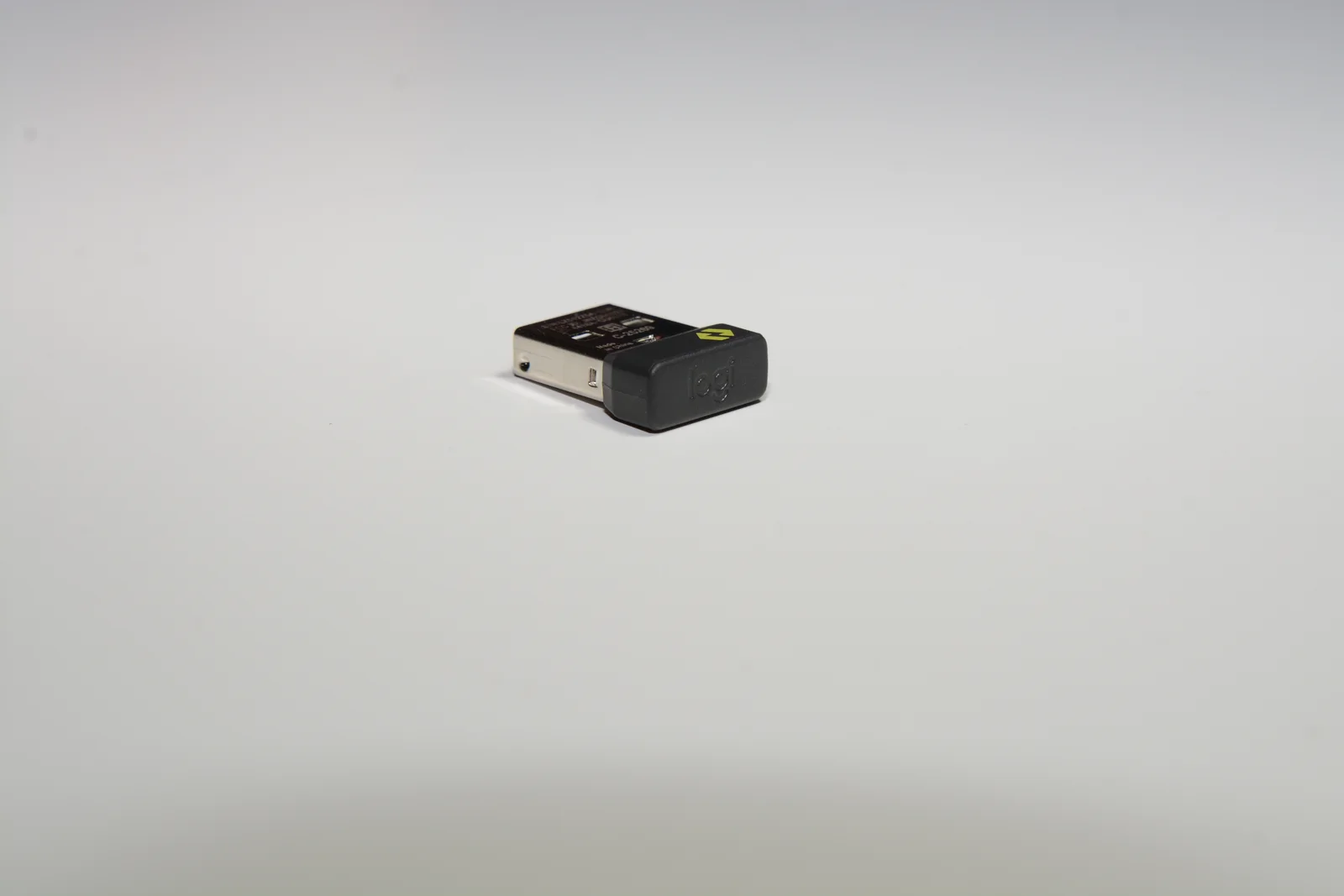
Identify the device rather than guessing from its shape
Read the model identifier and the receiver-family mark on the actual device, then compare them with its manufacturer support information. Logitech's receiver comparison recommends checking for the matching Bolt or Unifying logo on the underside. A listing that says only wireless Logitech receiver omits the information needed to establish a supported match.
Even a familiar product-family name is insufficient when different generations or business variants exist. Confirm the complete model and any supplied receiver before assigning an existing dongle a saving in the basket. A photograph or a software pairing screen from another model does not establish that the receiver you own supports the product being ordered.
A Bluetooth option and a USB receiver are separate routes
MX Vertical is a real Unifying-family example with a separately listed Bluetooth connection route. That does not mean its Bluetooth capability makes it a Bolt device. Likewise, the fact that Bolt uses a Bluetooth Low Energy-based protocol does not make arbitrary Bluetooth hardware a supported Bolt-receiver product. Follow the named device's documented connection choices.
If you want to avoid occupying a USB port, confirm that the actual computer and device support the relevant direct Bluetooth route. Basic input support and customization software are different questions. Do not assume that every operating system offers every remapping or productivity feature merely because basic pointer movement works. Check current software support for the exact model and platform.
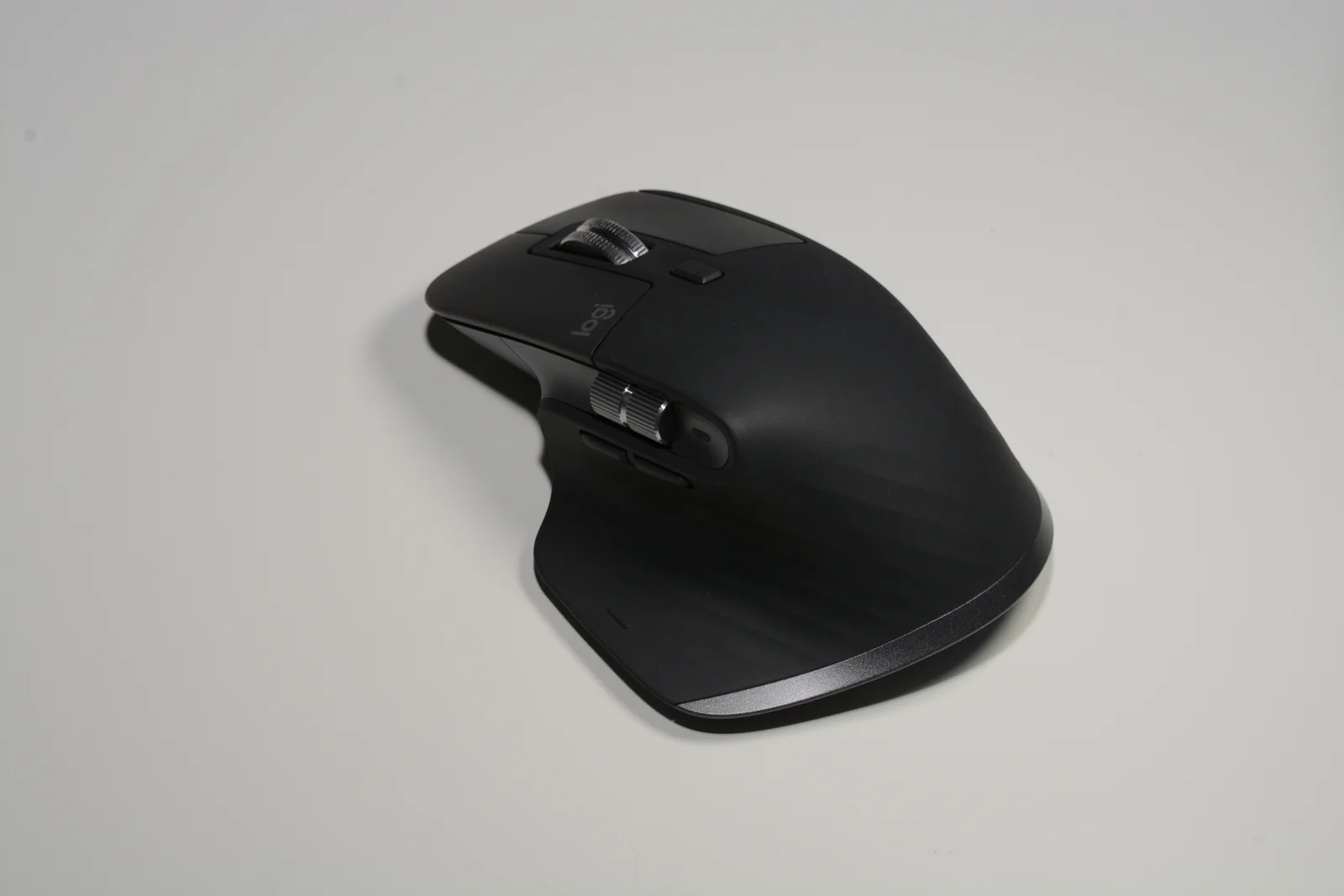
Receiver compatibility and package contents are separate checks. Logitech lists Logi Bolt and Bluetooth Low Energy for the original MX Master 3S, model MR0077. Its Standard Edition contents include a Bolt receiver. The separate MX Master 3S Bluetooth Edition specification identifies model MR0096 and explicitly says it can connect to a Bolt receiver that is not included. A familiar mouse shell or a Bluetooth Edition name therefore does not establish either an incompatible radio or a bundled dongle.
Read the complete edition and model label before ordering a replacement or adding a receiver to the basket. The US MX Master 3S shop page checked on 29 October 2026 displays Bluetooth Edition. The photographed mouse below is an October 2025 hardware example; its exterior is not a package-content checklist for the current offer. Verify the actual seller package, including any charging cable, independently.
Choose the USB connector variant without changing the pairing family
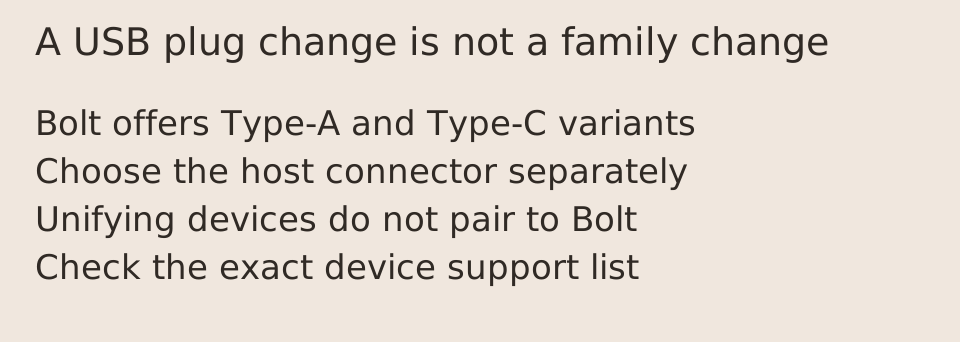
The current US Bolt product page offers Type-A and Type-C receiver variants. Its published dimensions differ: the Type-A reference is 14.4 mm wide and 18.65 mm deep, while the Type-C reference is 12.85 mm wide and 14.1 mm deep. These are manufacturer dimensions, not our measurements of port clearance. Select the actual plug needed by the host and consider adjacent-port space separately.
Changing the host plug does not change the supported wireless family. Both Bolt variants remain Bolt products; neither makes a Unifying-only device compatible. A USB adapter can address a physical connector mismatch in a supported arrangement, but it cannot translate an unsupported mouse's radio protocol. Confirm the complete host and receiver arrangement rather than treating plug fit as a pairing guarantee.
Keep gaming receivers and multiple-device limits explicit
G305 provides a concrete third-system example. Its LIGHTSPEED identity is different from both Bolt and Unifying, even though the manufacturer is the same. Use its exact receiver-support information instead of attempting to add it to an unrelated office-receiver setup. No gaming latency or interference result can be inferred from a picture of the mouse or receiver.
Logitech documents up to six compatible devices for each of its Unifying and Bolt receiver arrangements, but compatible is the essential condition. The two capacities do not combine into one universal mixed-family receiver. A computer may use separate supported receivers when its ports and configuration permit; that is a different arrangement. We have not verified today's replacement-receiver price, stock or every mixed-device setup, so retain the exact supported models and local seller conditions before ordering.