Keychron V1 or Q1: what changes beneath the keycaps
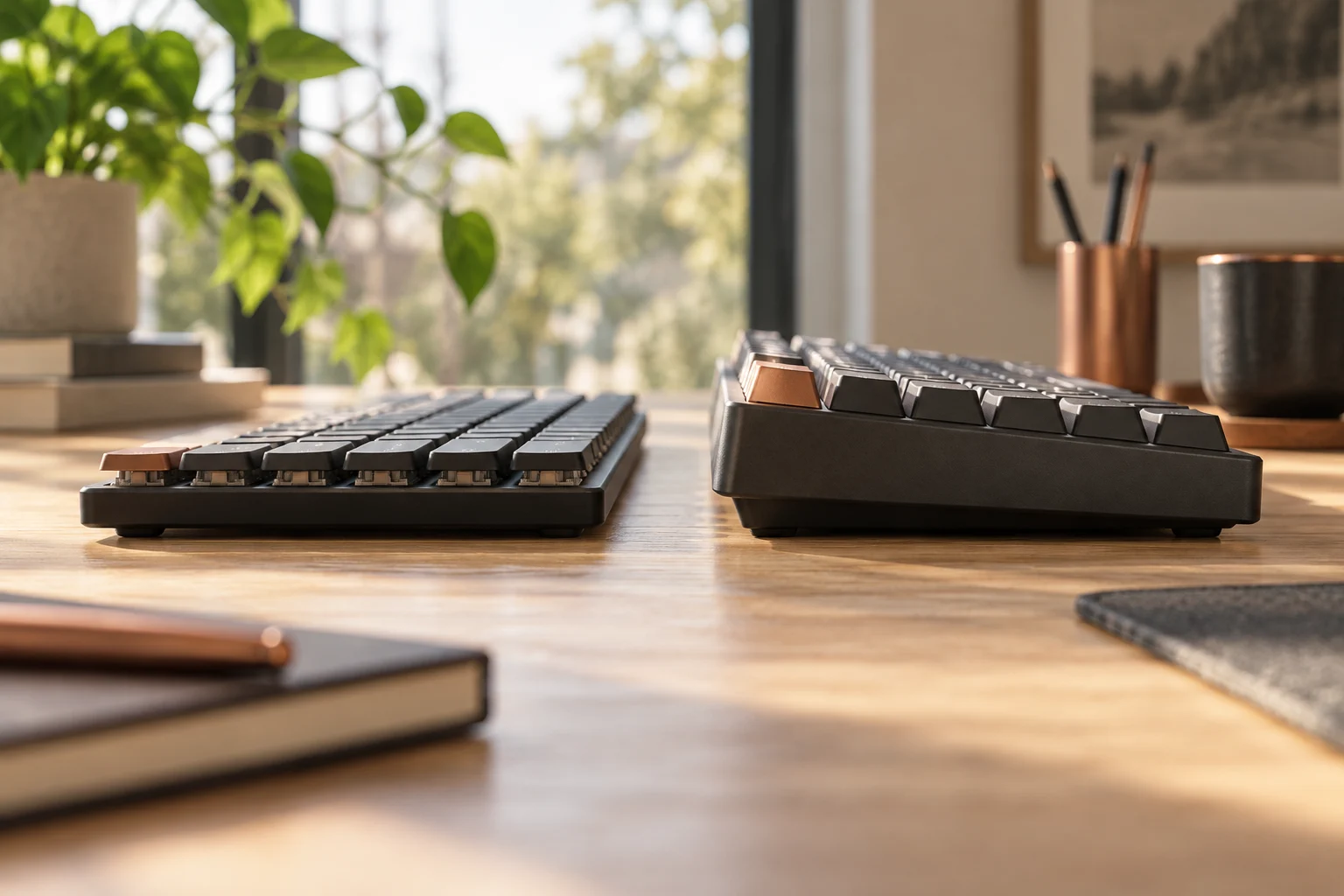
The manufacturer's V1/Q1 comparison lists an ABS tray-mounted V1 and an aluminium double-gasket Q1. Compare that construction difference without treating it as a measured sound or speed ranking.
Updated:

Choose the construction you actually want
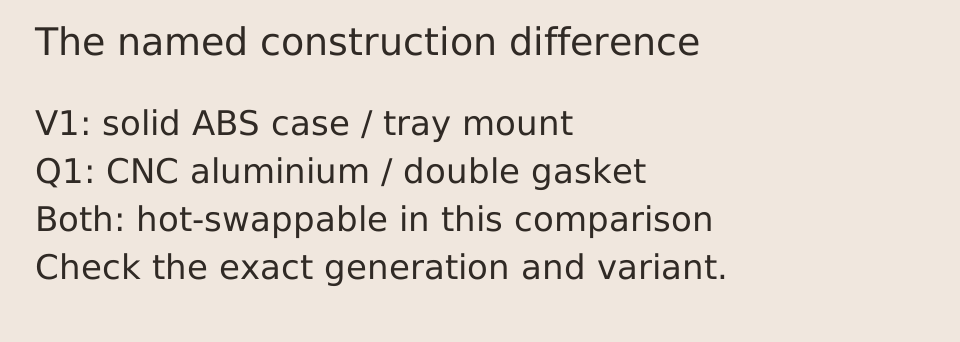
In Keychron's named V1-versus-Q1 comparison, the central difference is the case and mounting design: V1 uses solid ABS and a tray mount; Q1 uses CNC-machined aluminium and a double-gasket mount. Both entries list hot-swappable switches, double-shot PBT keycaps, screw-in stabilizers and 1000Hz polling. Choose Q1 when its documented construction is specifically valuable to you. Choose V1 when its documented feature set and adjustable feet meet your requirements. The document does not establish which one will sound better to you.
The comparison applies to the V1 and Q1 entries in the cited manufacturer table. V1 Max, Q1 Pro, Q1 Max, HE and other later variants need their own records. A shared family name cannot transfer wireless support, switch compatibility, mounting details or box contents between those products.
Read the actual manufacturer comparison
The following fields come from Keychron's comparison page, rather than a combined list assembled from differently named current models. The switch-brand row identifies the listed assembled configuration; confirm the exact switch option and whether the seller is offering an assembled board or a barebones kit.
Scroll the table sideways to view all model columns.
| Field in the named comparison | V1 | Q1 |
|---|---|---|
| Case material | Solid ABS | CNC-machined aluminium |
| Mounting style | Tray mount | Double gasket mount |
| Listed keycaps | Double-shot PBT | Double-shot PBT |
| Listed switch family | Keychron K Pro | Gateron G Pro |
| Knob option | Yes | Yes |
| Native QMK/VIA support | Yes | Yes |
| Adjustable feet | Yes | No |
| Hot-swappable | Yes | Yes |
| Polling rate | 1000Hz | 1000Hz |
| Stabilizers | Screw-in | Screw-in |
A mounting name does not predict your recording
Case material and mounting structure describe physical construction. They are useful selection criteria, but a sound recording also depends on switches, keycaps, plate, stabilizer condition, desk surface, microphone position and modifications. This guide has not made a matched acoustic recording, so it does not call aluminium louder, gasket mounting quieter or either keyboard more comfortable.
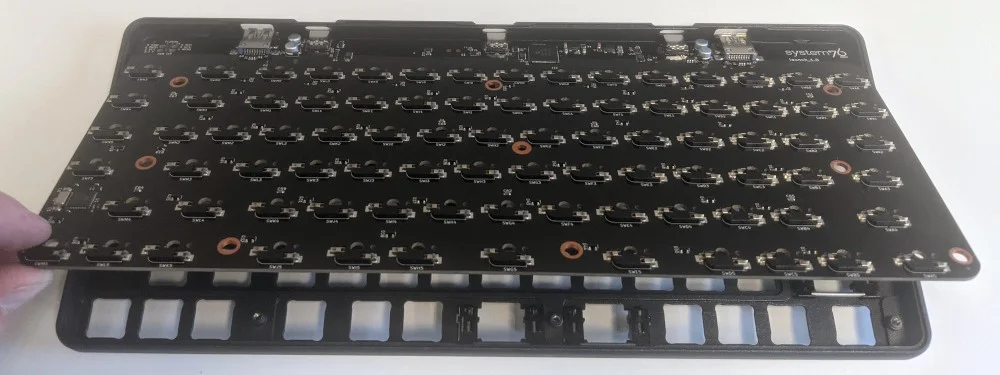
The real repair photograph below shows a System76 Launch 1 PCB lifted above its chassis. It distinguishes the electrical board from the case and removable keycaps. The Keychron table above supplies the actual V1 tray-mount and Q1 double-gasket facts. We have not obtained V1/Q1 teardown photographs: this physical example does not identify their mounting points. Keep case material, mounting design and switch compatibility as separate checks for the exact offered revision.
Separate hot-swap from complete compatibility
A hot-swappable description means that the specified socket design supports replacing compatible switches without soldering. It does not make every mechanical, optical, magnetic or low-profile switch interchangeable. Obtain the exact keyboard's compatibility statement before buying a switch set, and distinguish a switch change from replacement keycaps with different widths or stabilizer positions.
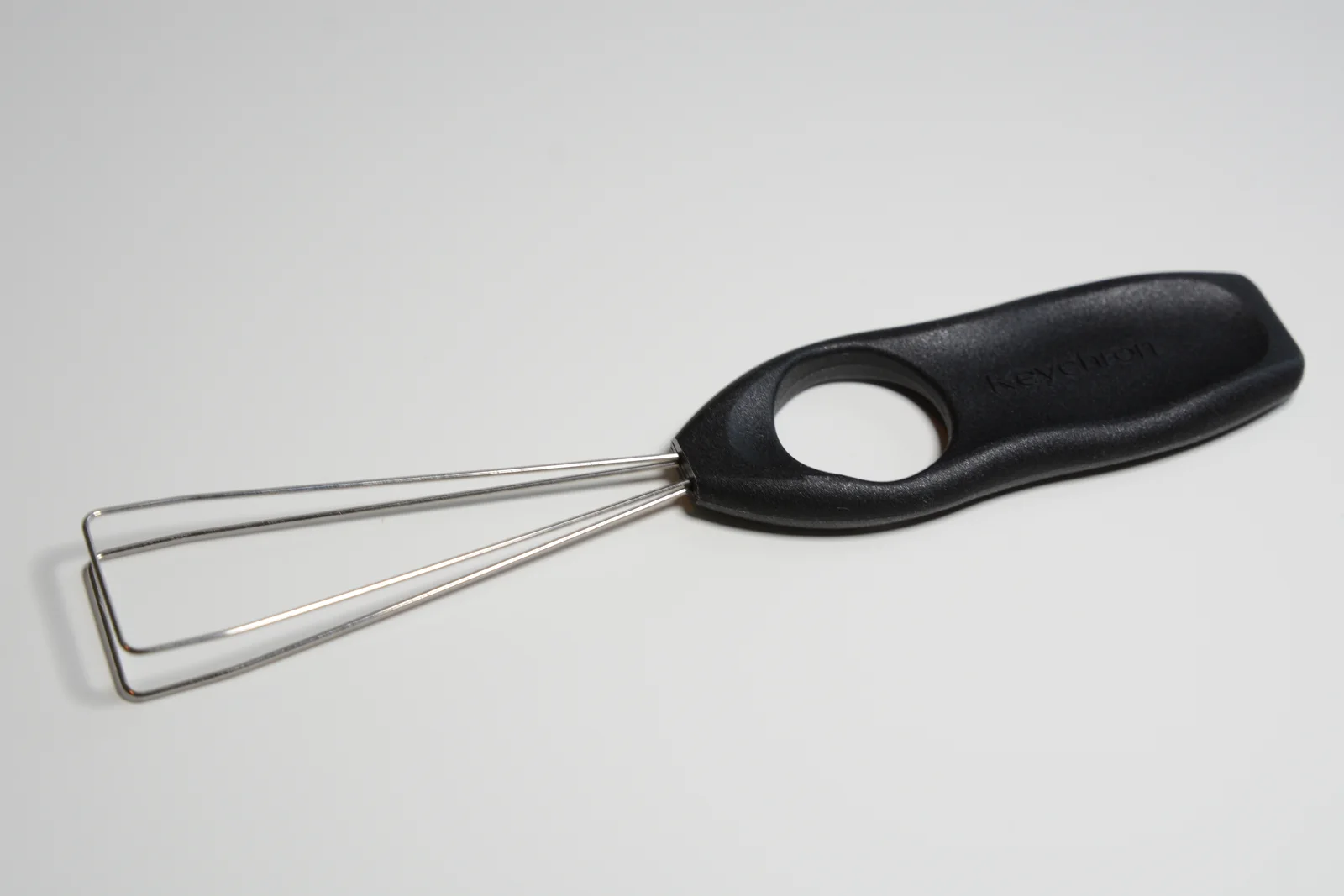
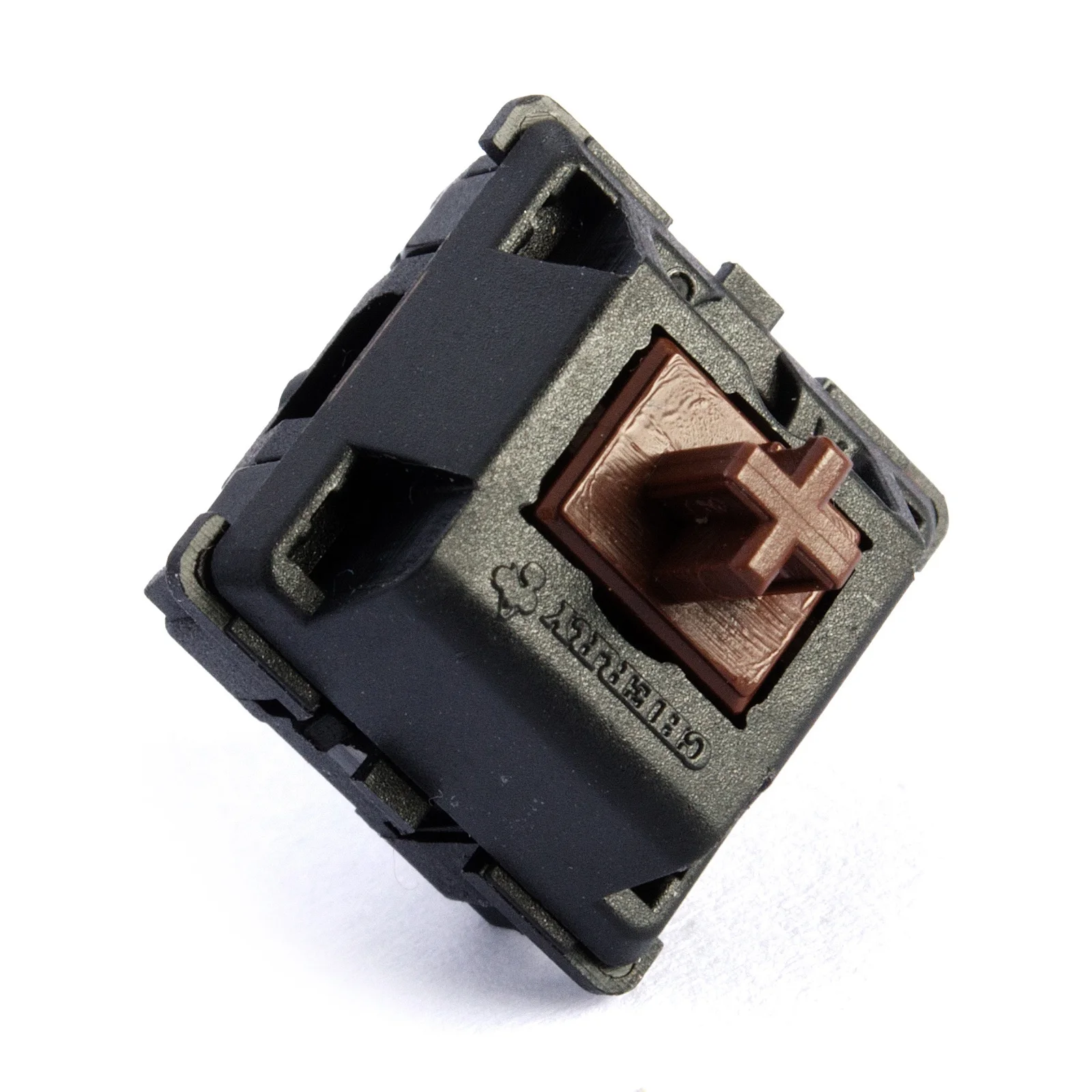
The two component photographs distinguish a tool from the part being replaced. The Keychron wire-loop puller grips a keycap; removing that cap does not identify the electrical socket underneath. The other photo shows an actual Cherry MX Brown housing and cross-shaped stem, not a K Pro or Gateron G Pro configuration. A familiar-looking stem is not proof of physical pin or electrical compatibility. Confirm the exact keyboard revision and its approved switch system.
Barebones and assembled listings can also have different required purchases. A barebones price may exclude switches and keycaps. A knob option in a comparison table does not mean every boxed variant includes one. Record the full product name, layout, knob option and included parts in the seller's quote; leave an unknown item unresolved instead of pricing it at zero.
Do not turn polling into a speed guarantee
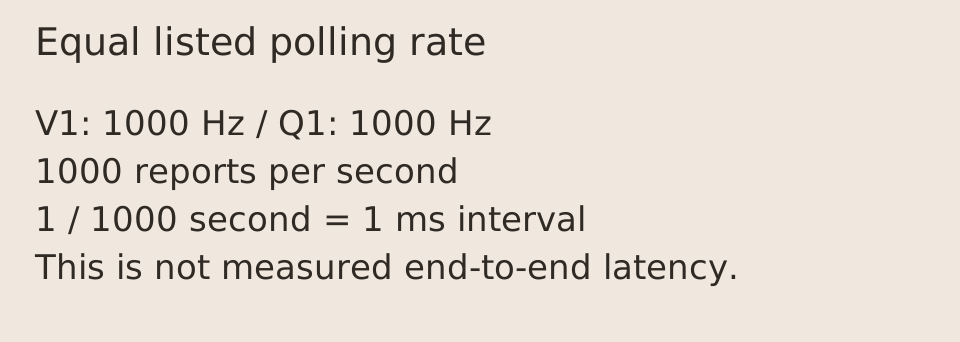
Both rows list 1000Hz. The reciprocal is a 1ms nominal reporting interval: one second divided by 1000. That arithmetic is not a measurement of the delay from a physical key press to a changed application frame. Scan timing, firmware, host scheduling and application behaviour are separate parts of that path.
For key remapping, follow the exact keyboard's manufacturer manual and supported configuration method. The Q1 manual describes different default Mac and Windows layers. Confirm the operating-system toggle and the intended layer before assuming a key is broken. A QMK/VIA label alone is not permission to flash a file intended for a different layout, revision or model.
Check the active Q1 layer before remapping
The linked original Q1 manual assigns different base layers to the system toggle. In its documented Mac mode, edit layer 0 for the normal keys; in Windows mode, edit layer 2. Editing only layer 0 while the toggle is on Windows is the wrong starting point for a change that appears to have no effect. The function layers are separate from those base layers.
Use this table for the Q1 described in that manual, not as a firmware map for Q1 Pro, Max, HE or another revision. If VIA does not recognize the exact keyboard, the manual directs the reader to Keychron support. Identify the board, layout and revision before using a configuration or firmware file; changing the active layer is a different task from flashing firmware.
Scroll the table sideways to view all model columns.
| System toggle in the cited Q1 manual | Normal/base layer | Layer while the assigned Fn/MO key is held |
|---|---|---|
| Mac | 0 | 1, using Fn/MO(1) |
| Windows | 2 | 3, using Fn/MO(3) |
Finish with the exact variant and complete quote
The practical choice is therefore a documented construction and configuration choice, rather than a universal mechanical-keyboard winner. Check the physical layout you need, the keys you use, adjustable-foot preference and the complete included set. Then compare the actual seller's current total, return eligibility and warranty coverage for that exact variant.
Keep the cited comparison and the variant-specific manual with your order record. If a seller's name or photograph conflicts with the manufacturer record, resolve the discrepancy before ordering replacement parts. This page reports documented features and transparent arithmetic; it claims no personal typing test, current stock or independently measured sound, latency or durability.