Brio 4K or Brio 500: compare resolution, frame rate and connection limits
Compare the current Brio 4K Business specification with Brio 500, including actual mode pairs, the manufacturer's USB 3.0 requirement and the complete host and application path.
Updated:
Choose the mode the actual work requires
Choose the current Brio 4K Business reference when a documented higher-resolution capture mode is necessary and the complete computer, connection and application arrangement supports it. Choose Brio 500 when its 1080p modes and documented connection or framing features satisfy the work. A 4K label alone does not make the remote participants in every meeting receive 4K video, and we have not performed an image-quality or conferencing comparison.
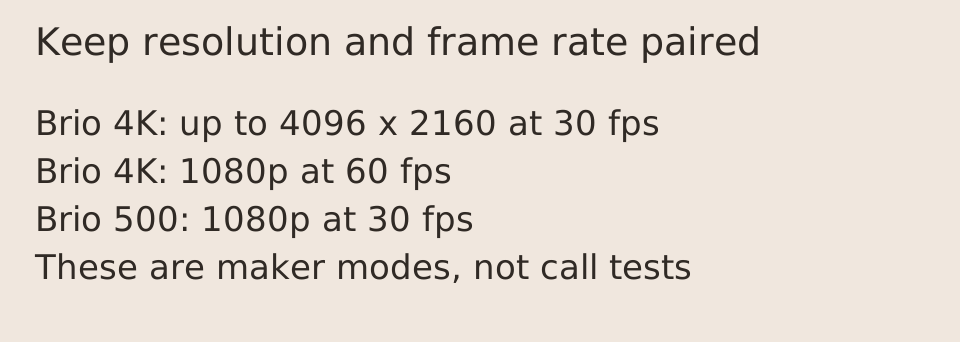
The current US business page lists Brio 4K at 30 fps up to 4096 × 2160 pixels, 1080p at 60 fps and 720p at 90 fps. Brio 500 lists 1920 × 1080 at 30 fps and 1280 × 720 at 60 fps. Keep each resolution paired with its stated frame rate; the larger model's 1080p rate does not turn its 4K mode into 60 fps.
Scroll the table sideways to view all model columns.
| Current manufacturer reference | Brio 4K Business | Brio 500 |
|---|---|---|
| Highest listed mode | 4K/30 fps, up to 4096 × 2160 | 1080p/30 fps, 1920 × 1080 |
| Other listed mode | 1080p/60 fps; 720p/90 fps | 720p/60 fps |
| Diagonal field-of-view options | 90°, 78°, 65° | 90°, 78°, 65° |
| Privacy shutter | Attachable | Integrated |
| Host connection evidence | Supplied USB-A host cable; confirm USB-C adapter route | Attached USB-C cable |
The current Brio FAQ states a USB 3.0 requirement
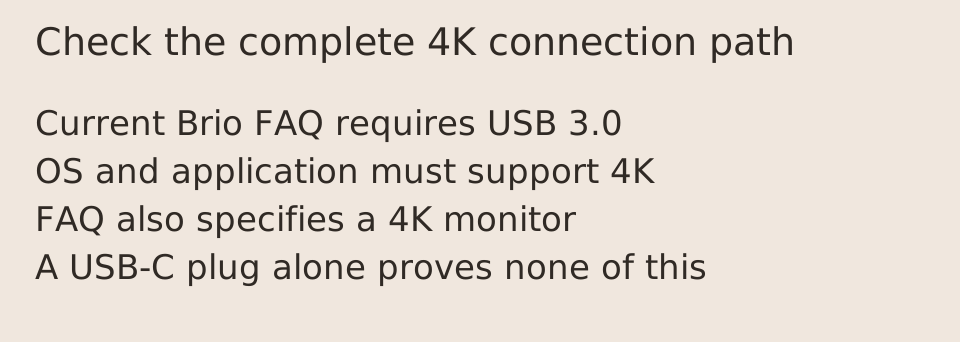
The current Brio 4K page's own FAQ states that a USB 3.0 connection is required to support its UHD 4K arrangement. It also lists 4K support in the operating system and application, together with a 4K monitor, for the setup it describes. Those conditions come from the current product page, not an assumption that every port accepting a USB-C plug supplies the needed capability.
Confirm the full camera, cable, adapter, hub and host path before buying equipment for that mode. A connector adapter addresses a physical plug requirement; it does not upgrade a lower-capability data path or establish application support. If your intended recording or display workflow differs from the manufacturer's stated setup, obtain the relevant software or manufacturer confirmation instead of treating this guide as approval of an unverified configuration.
Separate cable ends and mounting requirements
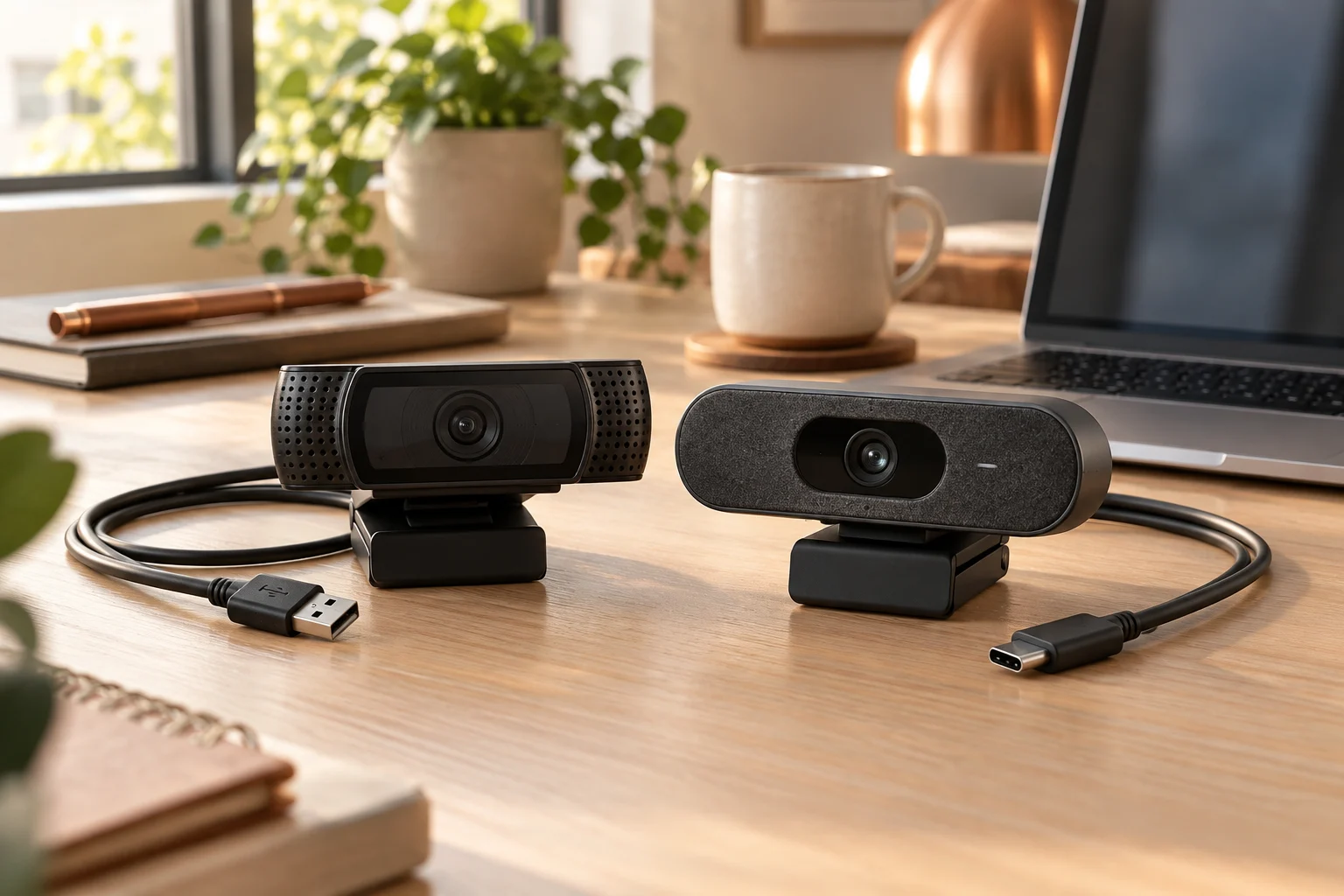
Brio 4K's current package contents list a USB-A to USB-C cable, while its FAQ describes the supplied USB 3.0 cable connecting to a USB-A host port with a 1.5 m length. The USB-C host route has an additional third-party-adapter qualification. Brio 500 instead lists an attached USB-C cable, also 1.5 m. A USB-C connection on a camera end is not proof that the included host end fits every laptop.
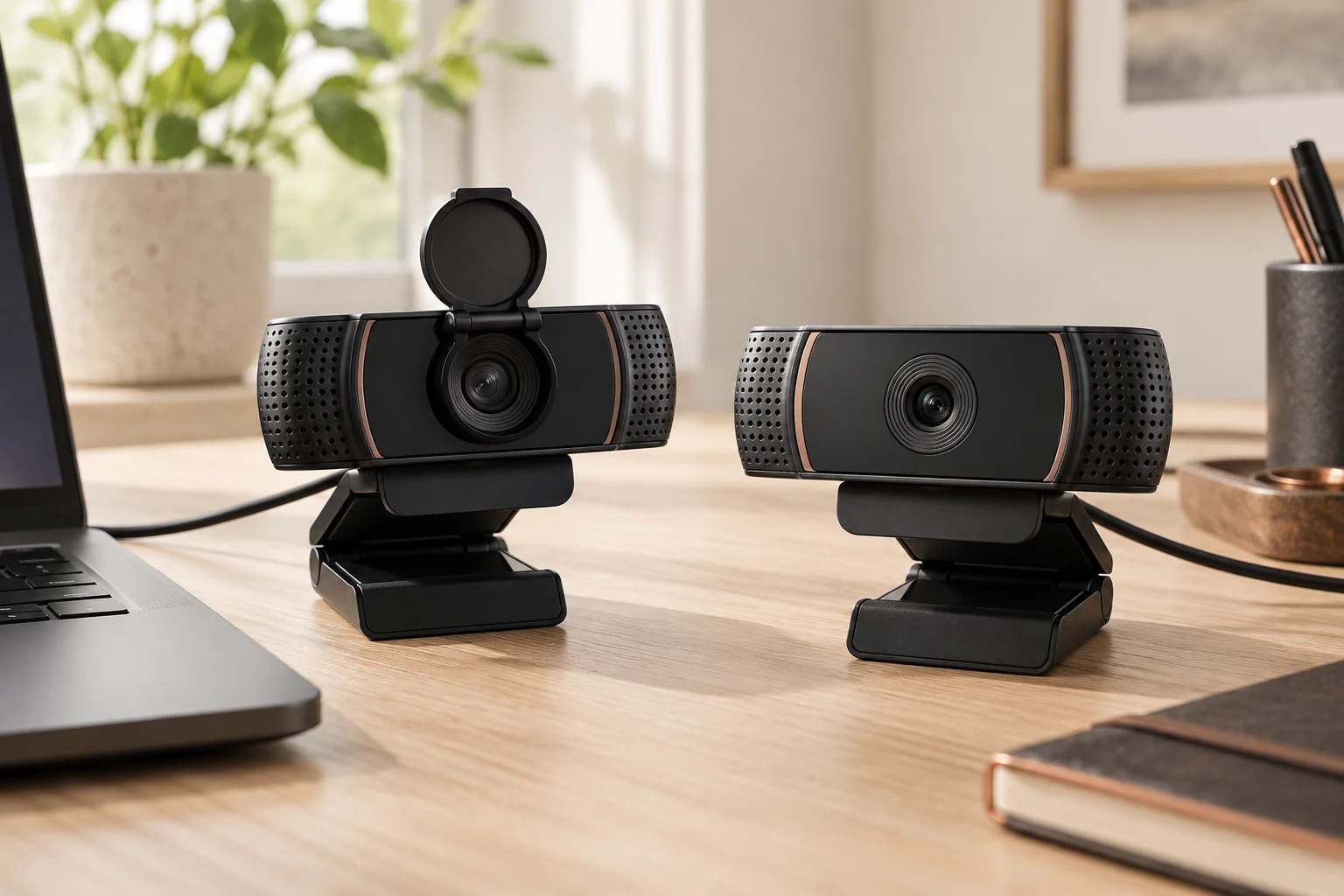
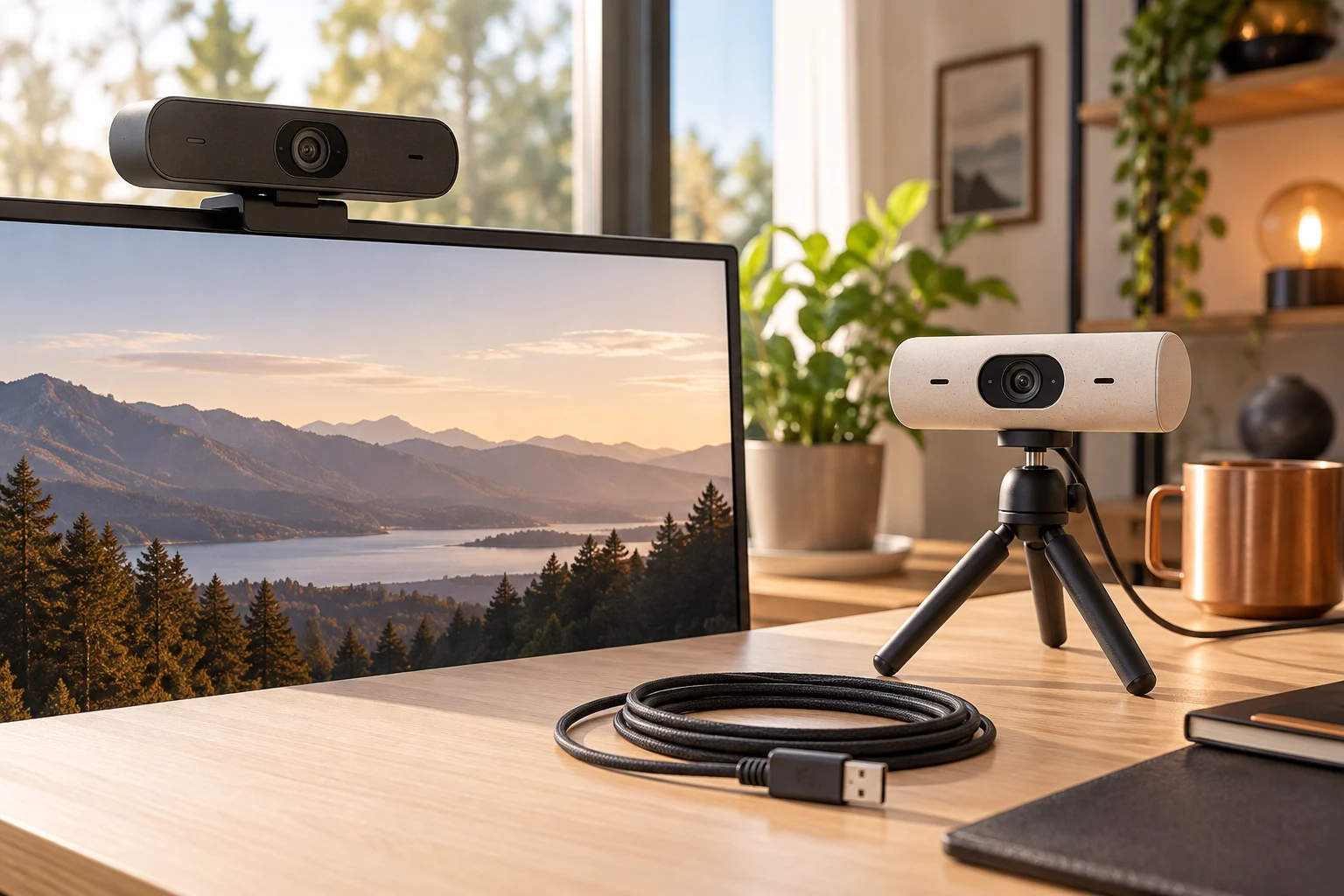
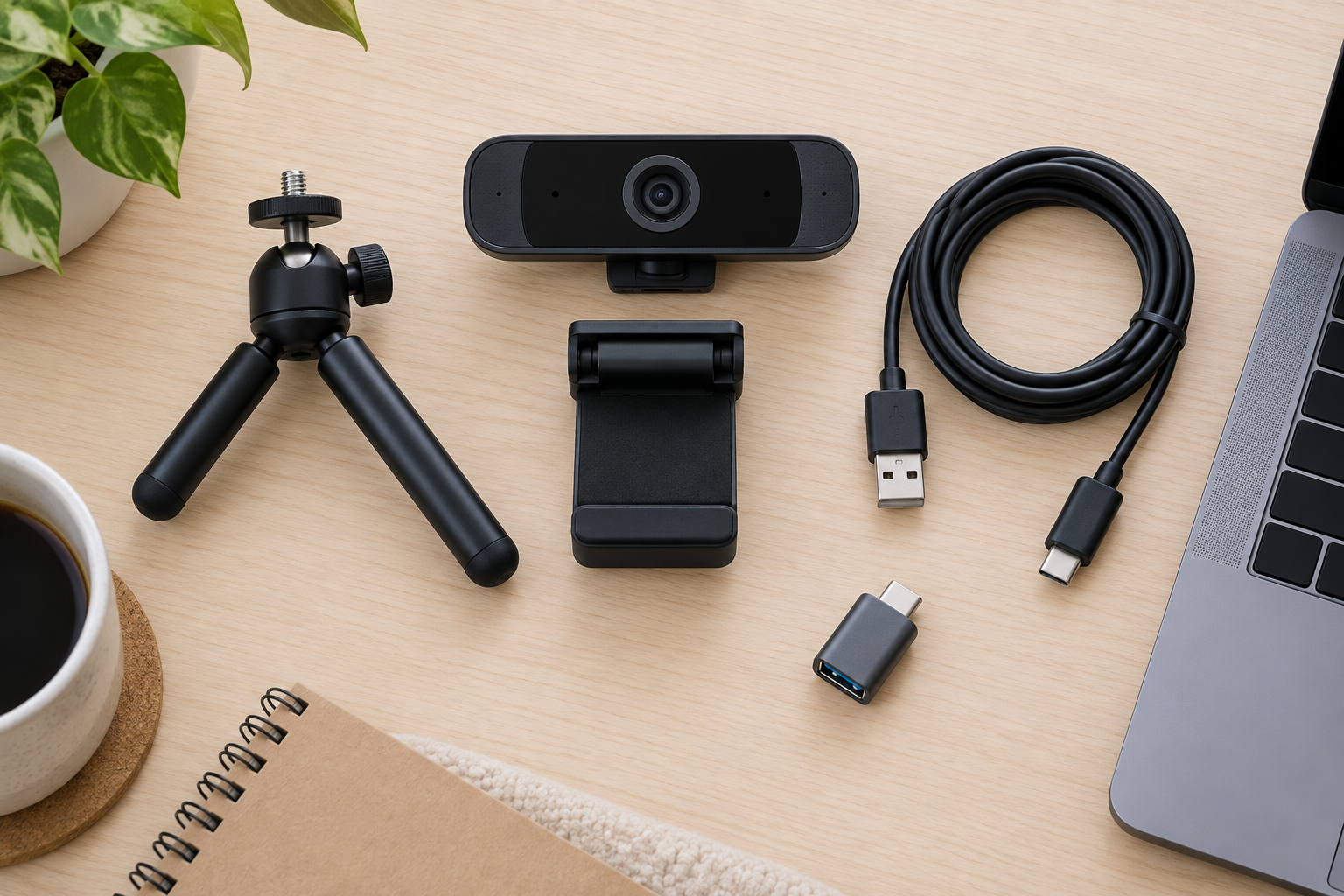
The manufacturer lists different mounting arrangements, including a detachable clip and quarter-inch tripod thread for Brio 4K. Our generated preparation illustration separates a generic clip, tripod and cable; it does not reproduce either Brio's supplied equipment or prove fit. Check the actual display bezel, support arrangement and accessory specification before ordering.
Camera capability is not the delivered meeting quality
Both current product references list selectable 90°, 78° and 65° diagonal fields of view, so the widest-angle label does not decide this comparison. Check which framing or automatic features require the manufacturer's supported software, and whether that software can be used on the actual computer. A specification available in a camera utility is not automatically exposed by every conferencing application.
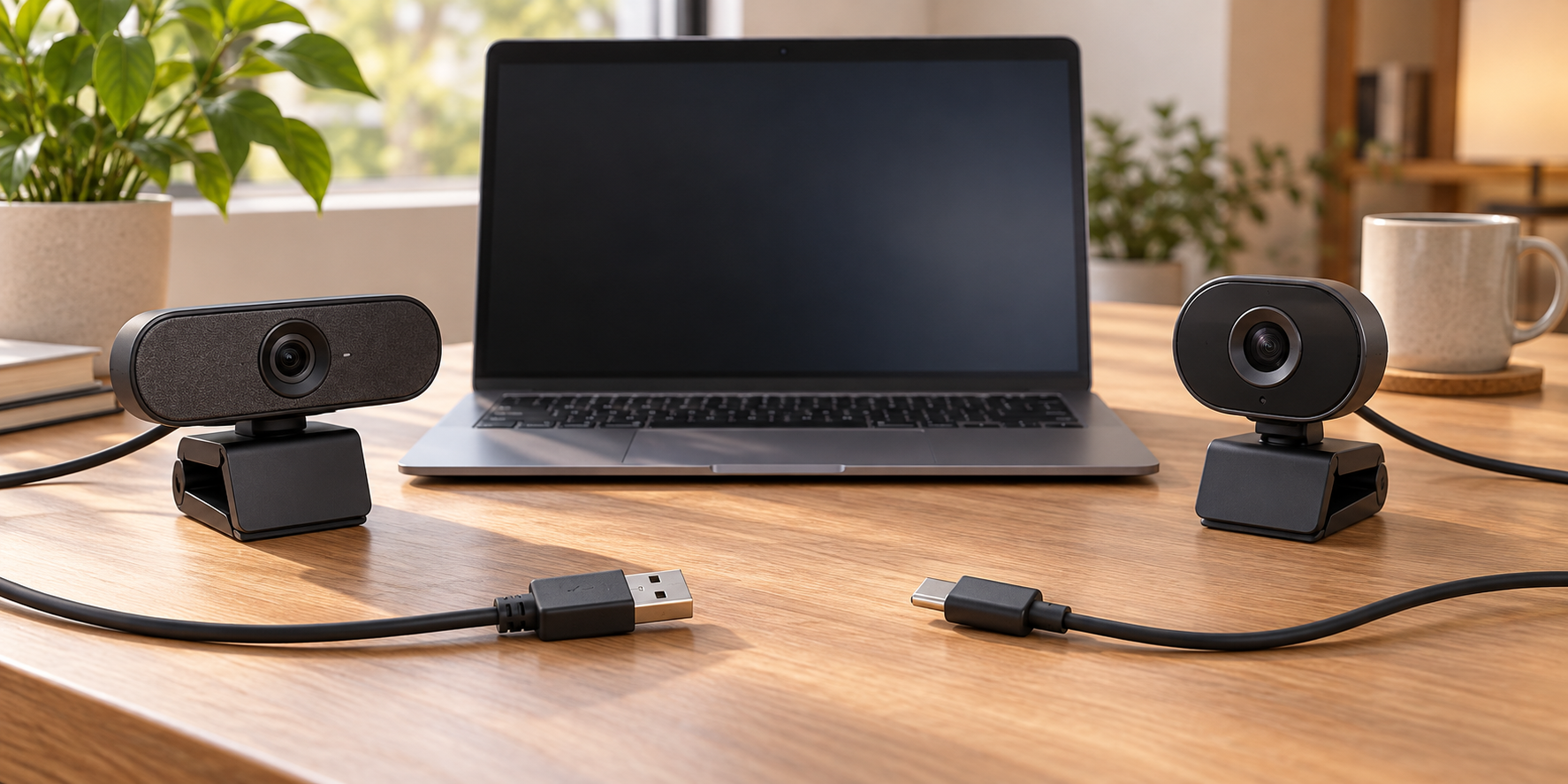
Network conditions, application support and the selected mode can affect the actual delivered result. We have not measured a low-light, microphone, latency or remote-call winner. Use the exact current mode table rather than a generic webcam category label. The generated choice illustration communicates the connector decision only; its camera bodies do not establish either model's dimensions or features.
Keep model identity and document generation with the order
Check the actual product identifier before applying mode or cable claims. This comparison uses the current Brio 4K Business page's 4096 x 2160 maximum and current package information. It does not import the older 2017 BRIO datasheet's cable length, software instructions or warranty into a present order.
Before deciding, retain the exact US model, required mode, supported host path, software conditions and included equipment together. The manufacturer's privacy-shutter distinction describes a physical accessory, not a complete audio or software-privacy guarantee. We have not verified current stock, final prices or delivery, and do not claim that paying for a 4K-capable camera improves an application that does not provide the required supported mode.