WD19S or WD22TB4: match the host port and power variant
Compare the actual Dell dock, included adapter and laptop power limit before treating a USB-C connector or a 180 W brick as a compatibility guarantee.
Updated:
Choose the host connection and the power bundle together
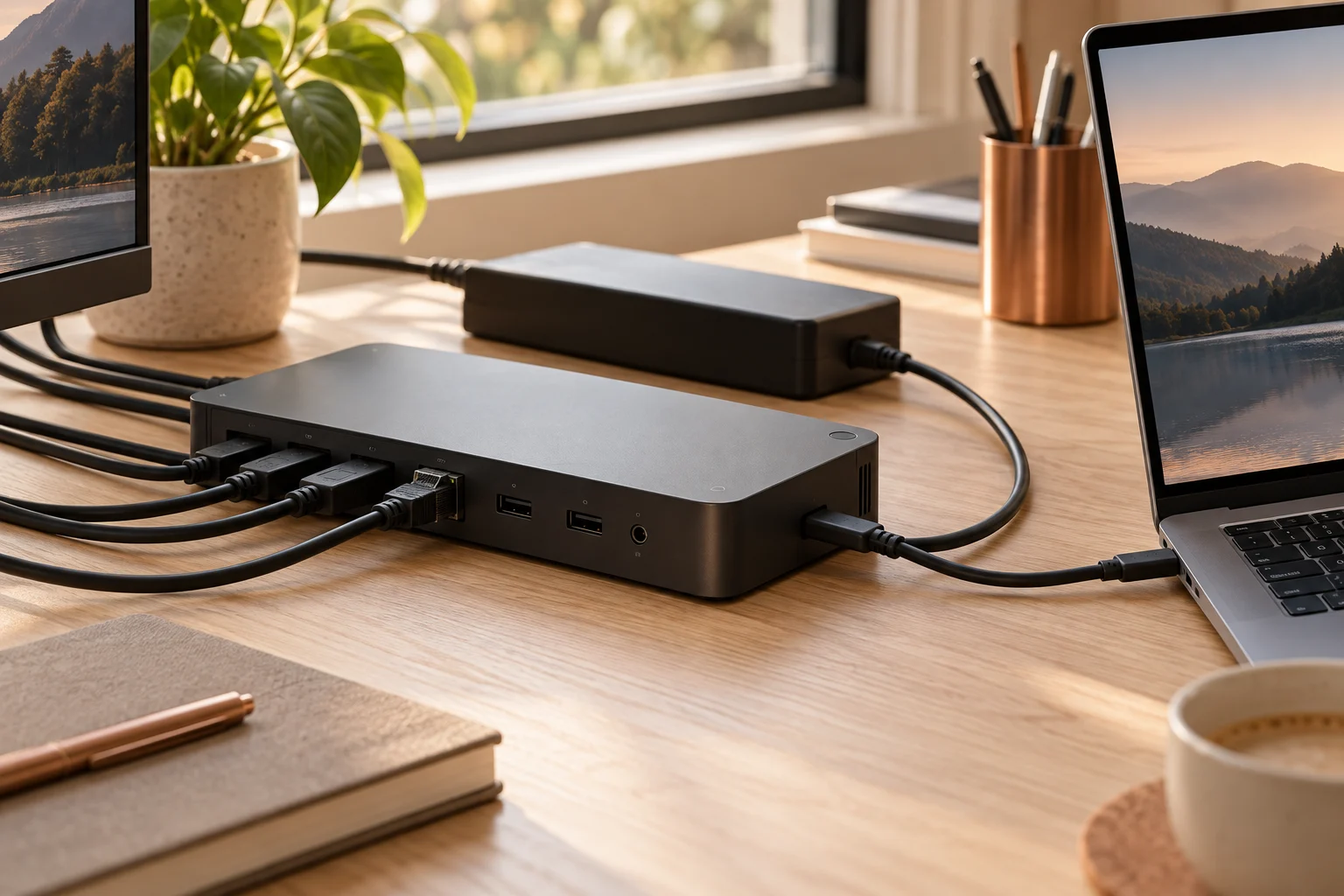
Start with the exact laptop configuration, not merely the presence of a USB-C-shaped socket. Dell identifies WD19S as a USB-C docking option and WD22TB4 as its Thunderbolt 4 dock. Its June 26, 2026 compatibility guide explicitly excludes notebook configurations whose USB-C ports carry data only: the notebook port must support the required DisplayPort and Power Delivery functions. A matching connector does not create those capabilities.
Next identify the included power adapter. WD19S is documented with more than one adapter bundle, and those bundles do not provide the same maximum laptop power. WD22TB4 also has a distinct documented adapter-to-host relationship. This comparison separates the dock input supply from the power available to an eligible laptop; it does not assume that every compatible laptop accepts the maximum.
Compare the actual adapter-to-host limits
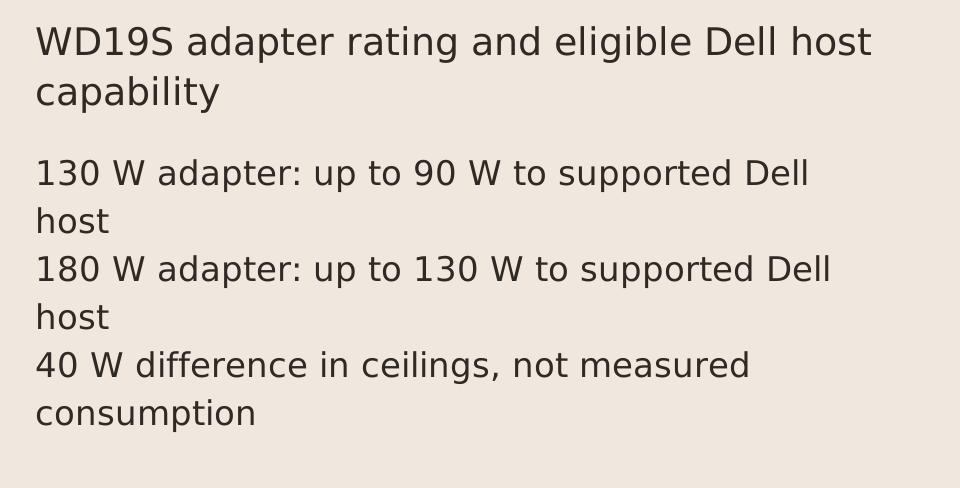
Dell support article 000181877 gives these values for its supported commercial-laptop context. With the same 180 W adapter rating, WD19S and WD22TB4 both list up to 130 W capability to Dell systems. WD19S with the smaller 130 W adapter lists up to 90 W. The dock model and the power bundle therefore belong together in the quotation.
The same article lists up to 90 W for Apple USB-C hosts and non-Dell laptops, subject to supported industry standards and host requirements. Do not apply the Dell-specific 130 W capability indiscriminately to another brand. The actual negotiated supply can be lower, and a workstation with a greater requirement can still need its own power adapter.
Scroll the table sideways to view all model columns.
| Field | WD19S | WD22TB4 |
|---|---|---|
| Dock connection family | USB-C | Thunderbolt 4 |
| 130 W AC-adapter bundle | Up to 90 W to supported Dell systems | Not the bundle specified in this comparison |
| 180 W AC-adapter bundle | Up to 130 W to supported Dell systems | Up to 130 W to supported Dell systems |
| Apple/non-Dell host limit in cited article | Up to 90 W | Up to 90 W |
| 3.5 mm audio jack | Not equipped | Not equipped |
| Non-Thunderbolt host | Check exact USB-C support | Thunderbolt functionality not retained |
An adapter rating is not a promise of laptop charging power
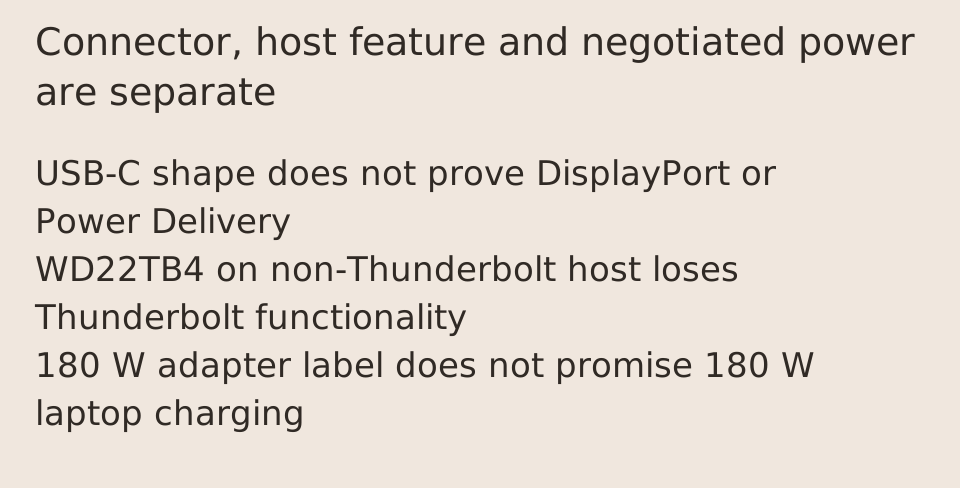
A 180 W label on the external supply is not a 180 W USB-C charging promise to the laptop. Nor does the numerical difference between the supply rating and the listed host limit measure actual dock consumption or wasted power. Input rating, negotiated delivery, connected accessories and actual operating draw are different quantities. We have not measured the efficiency of either dock.
For WD19S, the two documented host ceilings differ by 40 W: 130 minus 90 equals 40. That is a difference between stated maximum capabilities for the two bundles, not an amount automatically added to every laptop. Ask the seller to identify the adapter included with the exact dock, especially for used or refurbished offers where the original bundle may have changed.
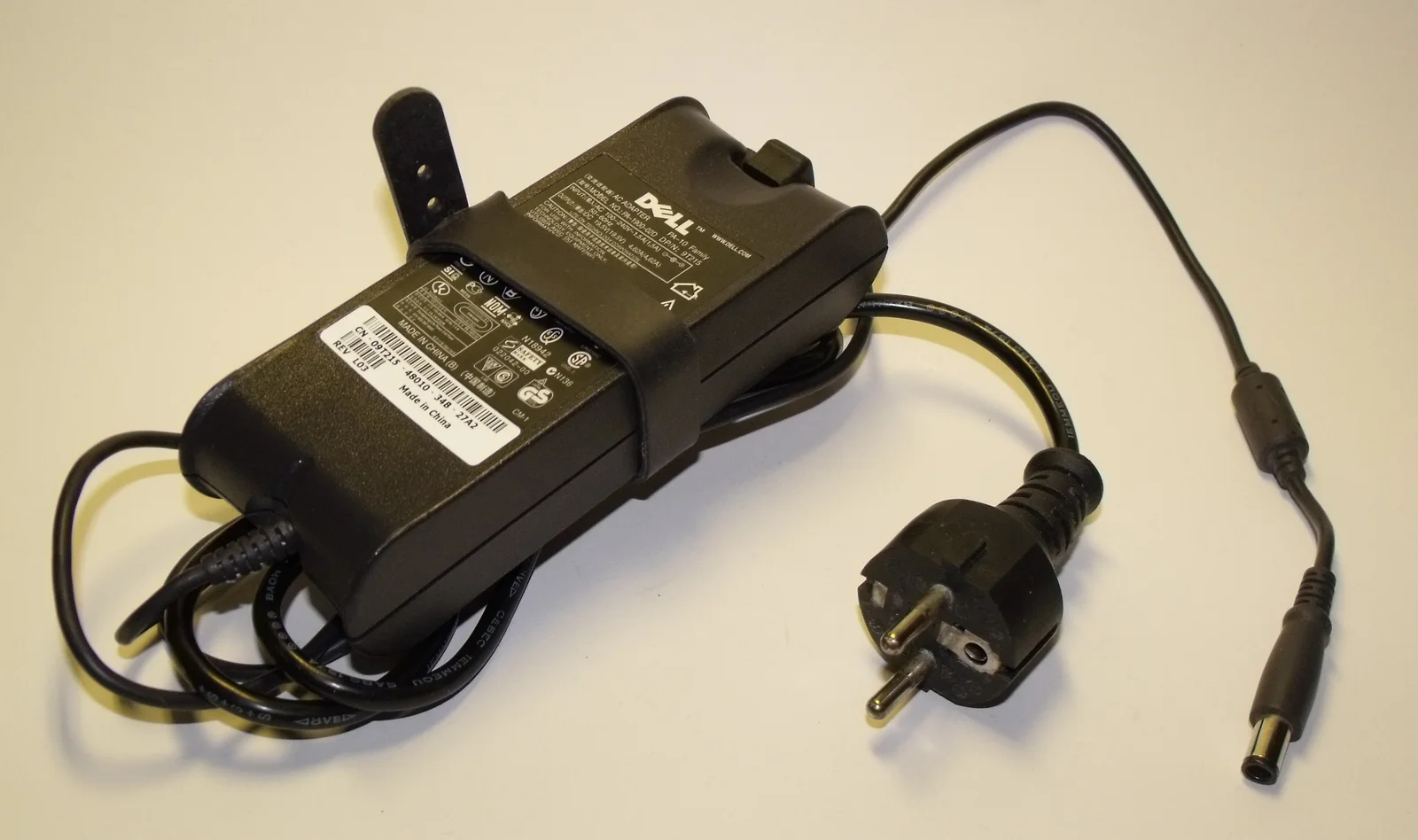
The older Dell adapter photograph makes the identification task concrete: its printed nameplate and round output plug belong to that supply, not to the dock bundle in a seller offer. A Dell logo is insufficient. Request the actual included adapter label and exact dock model together; do not select an older supply from this picture, or treat a visually matching barrel connector as an electrical compatibility check.
Thunderbolt features do not survive every USB-C connection
Dell states that WD22TB4 connected to a non-Thunderbolt system does not retain its Thunderbolt functionality. That does not make every USB-C system incompatible, but it means the Thunderbolt feature set cannot be assumed from the dock name alone. Check the exact notebook row and its footnotes in the compatibility guide rather than generalizing from another laptop in the same family.
Display support also depends on the host. Dell separately lists limits involving Apple USB-C hosts and Multi-Stream Transport extended-desktop behavior. Several physical monitor outputs do not prove that your particular computer will drive that many independent extended desktops. Confirm the exact operating system, processor configuration, display modes and connection route against the relevant model documentation.
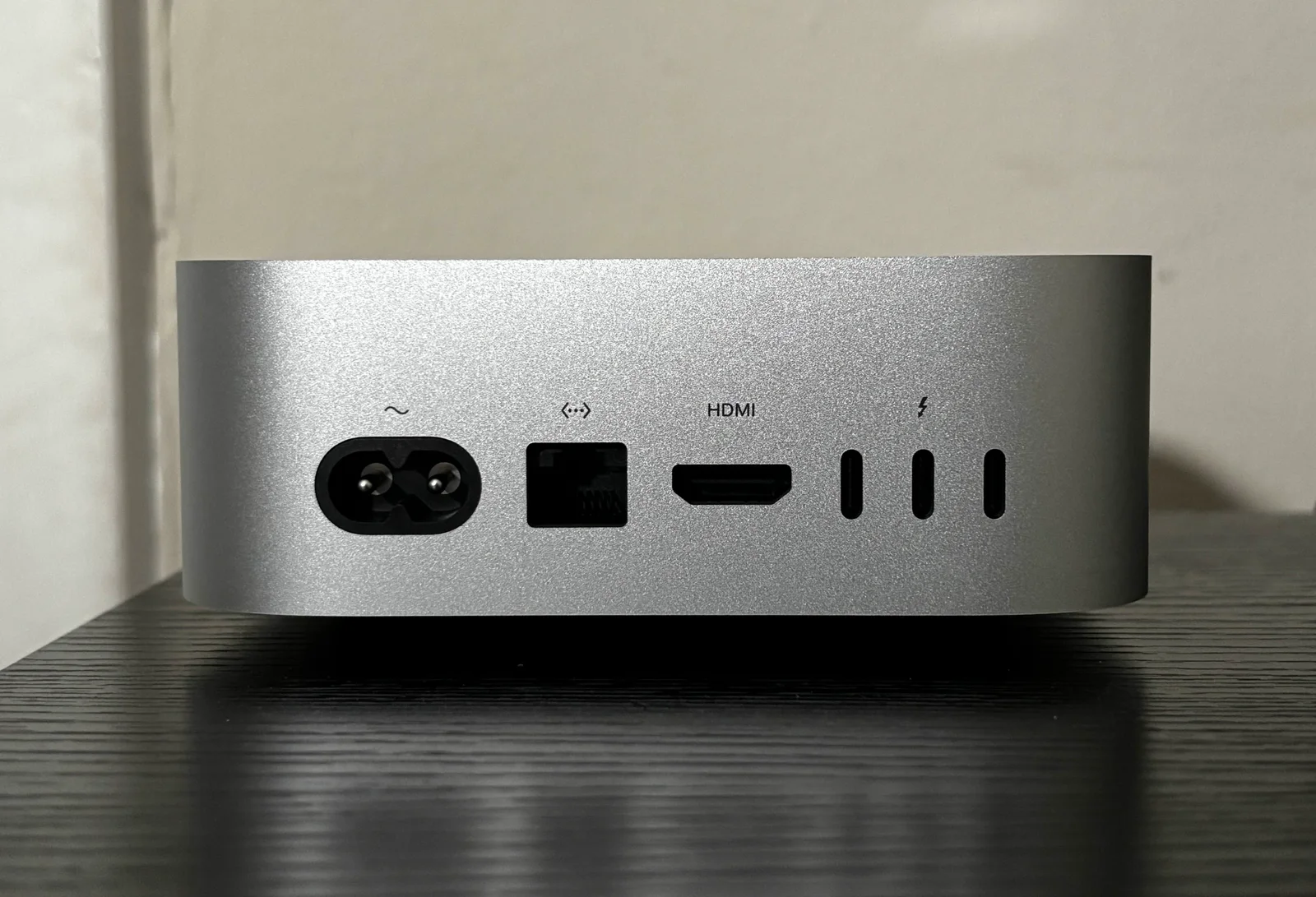
The Mac mini photograph shows an actual Thunderbolt symbol above a group of USB-C-shaped sockets. It illustrates why identifying the port family is a separate step from identifying the connector shape. That desktop is not a laptop charging example and was not connected to either dock for this guide. Obtain the exact host documentation instead of deriving Power Delivery, monitor support or a successful dock test from this photograph.
Power-button behavior and audio are separate requirements
Dell describes differences beyond power and displays. The dock button can emulate the power button on supported Dell commercial systems, while its compatibility table does not promise that behavior for Apple or other manufacturers. A USB connection that transfers data successfully is therefore not evidence that every convenience feature is supported. Use the laptop button when that is the documented supported path.
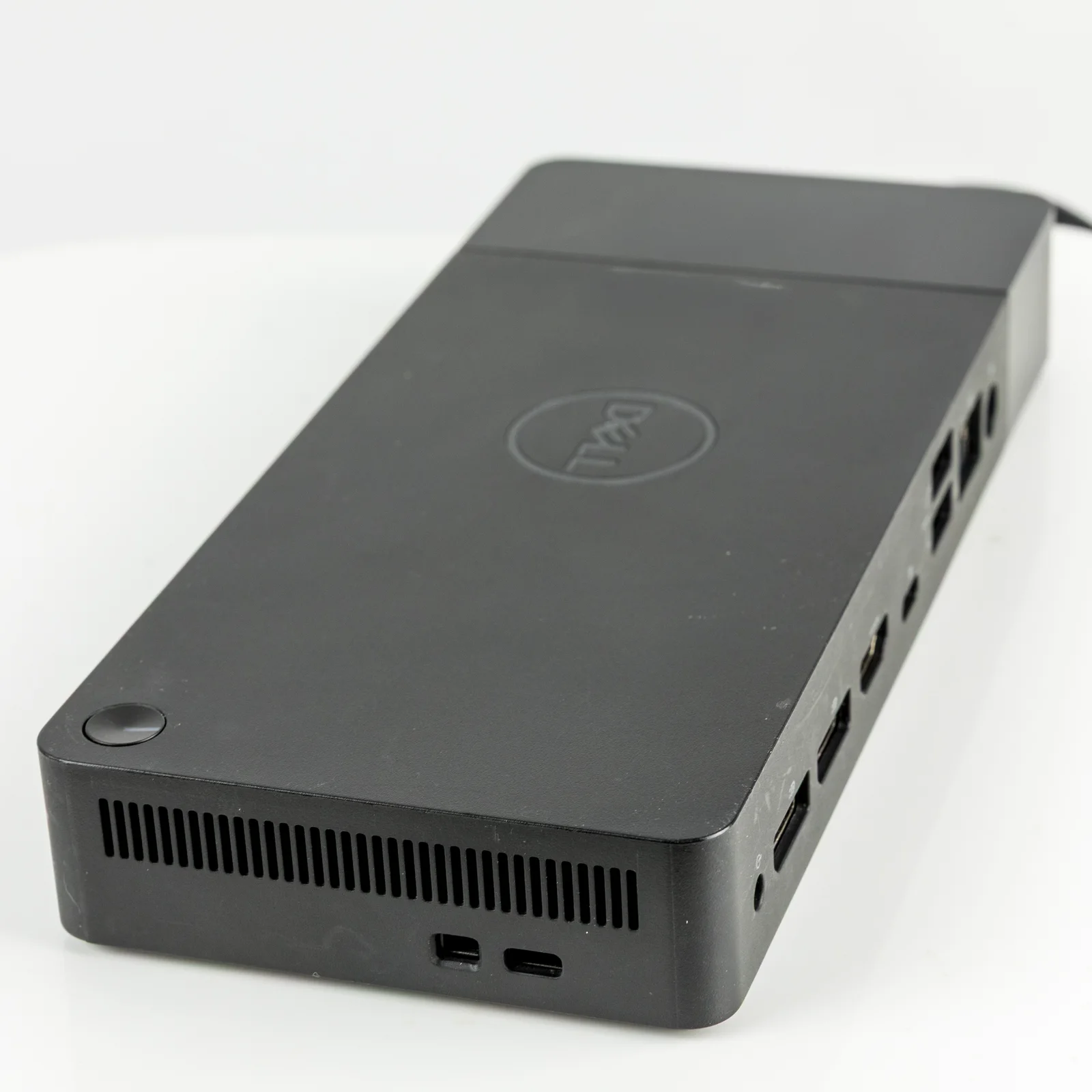
The cited article explicitly notes that WD19S and WD22TB4 do not have3.5mm jacks. The actual older WD19/K20A photograph has a visible front audio jack. That is a direct reason to keep the full model suffix with the specification: neither the older dock photograph nor its familiar port grouping establishes an audio socket on the S or TB4. The model identity here comes from the Commons description; no underside identifier is visible in the photograph.
Which bundle should remain on the shortlist?
WD19S is the candidate to assess when the exact host supports the required USB-C docking functions and its documented power bundle meets the laptop requirement. WD22TB4 is the candidate when the supported host and workflow actually use its Thunderbolt capability. Paying for the dock family name does not add Thunderbolt to a data-only connector or remove a high-power workstation limitation.
Before ordering, record the dock model, adapter wattage, supported laptop configuration and required display arrangement in one complete offer. This article has not verified current prices or stock and does not declare a universal performance winner. Its concrete outcome is the correct host-and-bundle selection, with the manufacturer limitations kept alongside the advertised maximum power.