Separate data ports and charging ports before selecting a USB hub
Compare Sabrent HB-UM43 and HB-B7C3 by actual data-port count, dedicated charging outputs, host bandwidth and supplied power hardware.
Updated:
Count the ports that perform the job you need
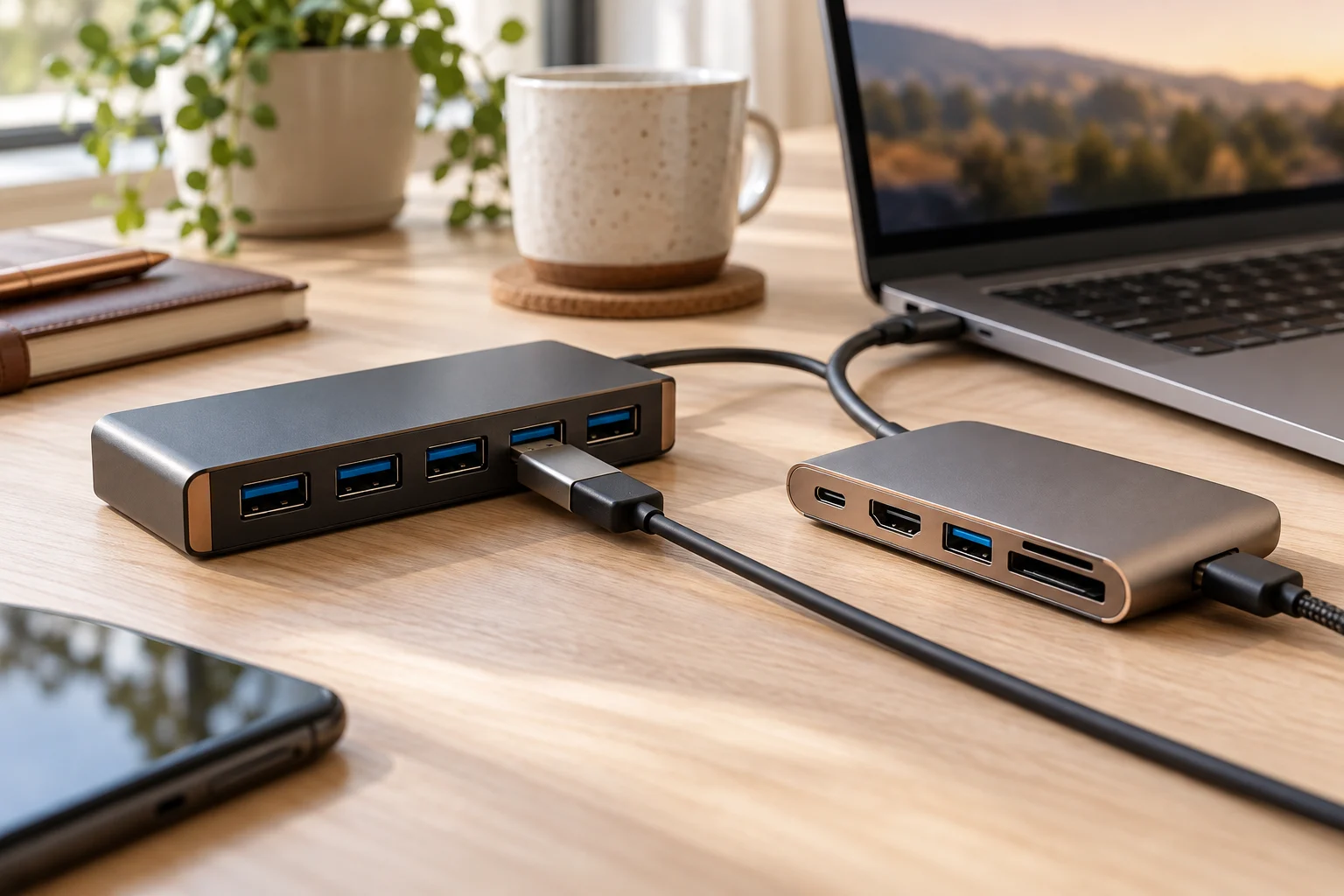
A hub advertised with ten sockets does not necessarily connect ten data devices to your computer. Sabrent HB-B7C3 is a concrete example: its product page specifies seven USB 3.0 data ports and three separate smart-charging ports. By comparison, HB-UM43 is a four-port USB 3.0 hub. Those are different connectivity and power arrangements, not simply a six-port difference in computer connections.
Write down which devices must exchange data and which only need power. A keyboard, mouse, storage device or webcam requires an appropriate data path; a device being charged may have another requirement. Dedicated charging outlets should not be counted as extra keyboard or storage connections unless the manufacturer explicitly documents data capability. The following comparison uses the exact Sabrent model identifiers.
The actual two hub configurations
Sabrent lists the HB-UM43 package as a four-port USB 3.0 hub with an integrated USB cable; an external AC adapter is not listed in that package. Its specification gives up to 5 Gbps USB 3.0, with lower USB 2.0 and USB 1.1 modes also supported. That is a link specification, not an independently measured sustained storage speed.
HB-B7C3 specifies seven USB 3.0 data ports plus three smart-charging ports, with a 12 V, 5 A adapter and USB 3.0 cable in the box. Its page describes up to 2.4 A per dedicated charging port and up to 900 mA per ordinary data port. These maximum figures do not establish that every connected device draws the maximum at once.
Scroll the table sideways to view all model columns.
| Field | HB-UM43 | HB-B7C3 |
|---|---|---|
| Computer data ports | 4 USB 3.0 | 7 USB 3.0 |
| Separate smart-charging ports | None separately listed | 3 |
| Advertised USB 3.0 link rate | Up to 5 Gbps | Up to 5 Gbps |
| External adapter in documented package | Not listed | 12 V, 5 A |
| Dedicated charging current | No equivalent claim used here | Up to 2.4 A per charging port |
| Physical size on product page | 3.4 × 1.4 × 0.6 in | 5.7 × 1.9 × 0.94 in |
Ten physical sockets do not mean ten computer data connections
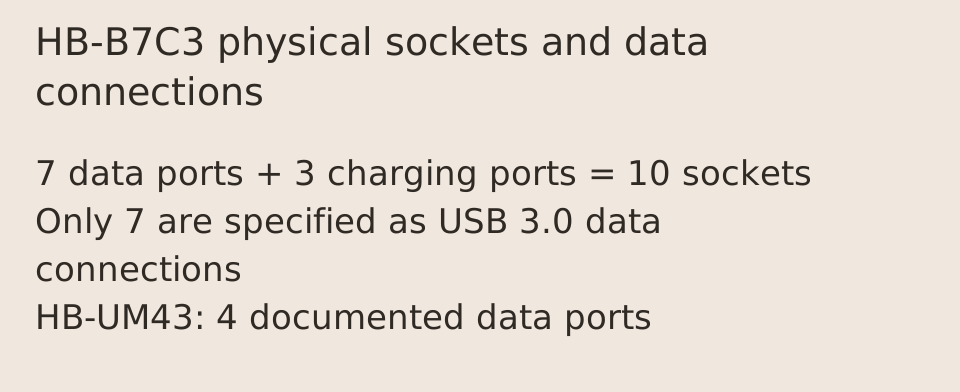
For the HB-B7C3, seven data ports plus three dedicated charging ports equals ten physical downstream sockets, but only seven are specified as USB 3.0 data connections. If your plan needs eight simultaneous data peripherals, this model does not meet that port-count requirement simply because its enclosure has ten sockets. A charging-only socket is not a substitute for a missing data port.
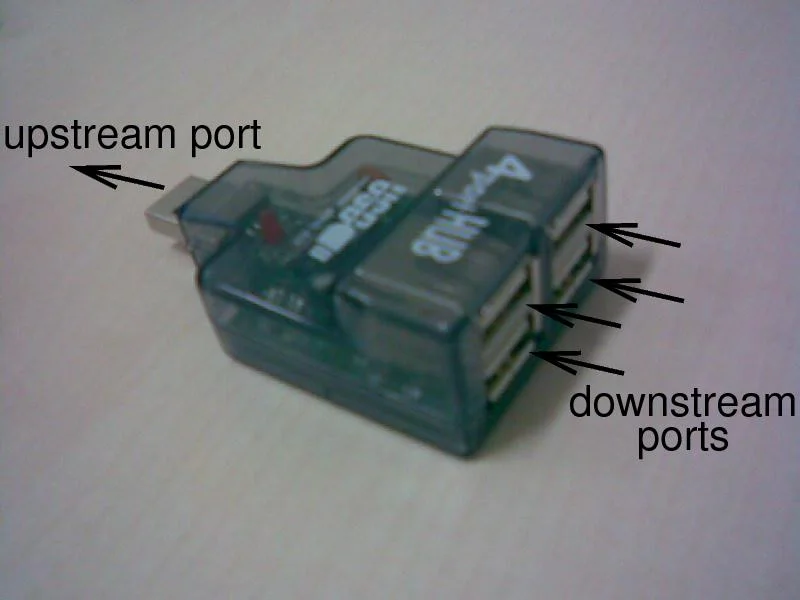
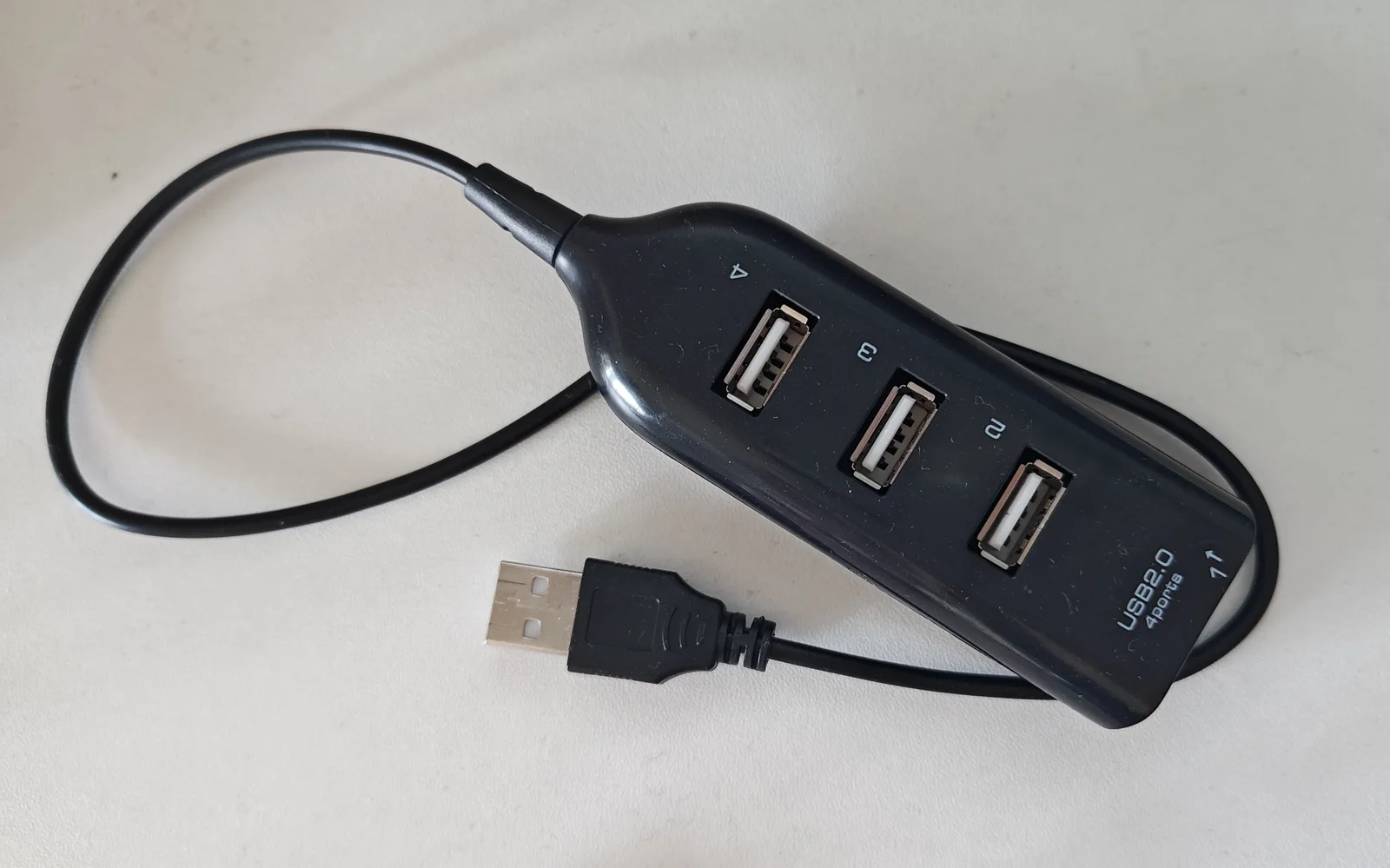
HB-UM43 provides four documented data ports. That can be the more compact arrangement when four suitable data connections are the actual requirement and the available host supply is sufficient. The difference is meaningful before any discussion of price. The two older hub photographs show actual host-versus-peripheral direction and a legacy unpowered arrangement. Neither is an exact Sabrent model, a current speed comparison or a test of the power budget.
A shared upstream connection is not multiplied by port count
Sabrent explicitly warns for HB-B7C3 that bandwidth is divided between connected devices and can affect transfer speeds. Seven downstream USB 3.0 sockets do not create seven independent 5 Gbps links back to the computer. Simultaneous storage transfers and other traffic share the upstream path and the host has its own limits. We have not measured sustained transfer rates for either hub.
The HB-UM43 FAQ also explains that attaching the hub to a USB 2.0 computer port makes the communicating devices operate at USB 2.0 speeds. Buying a hub with faster downstream labels does not upgrade the host port. Identify the computer connection and required workload before interpreting the maximum link-rate number as a performance promise.
External power changes the supply arrangement, not every compatibility rule
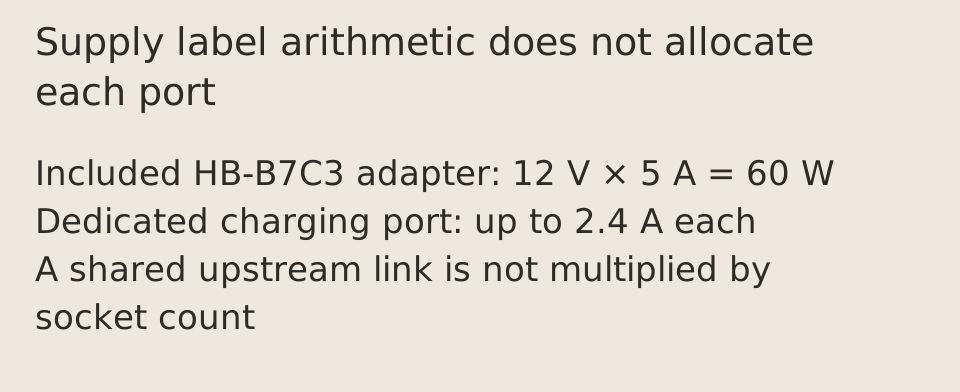
The supplied HB-B7C3 adapter is rated 12 V and 5 A. Multiplying those label values gives 60 W, matching the page’s advertised supply-related figure. That arithmetic does not allocate 60 W to each port or establish a USB-C laptop Power Delivery output. Its dedicated charging outlets and ordinary USB data ports have their own stated roles and limits.
For HB-UM43, do not invent an external adapter requirement or a particular per-port current guarantee from the appearance of a socket. Match the actual devices to documented host and hub power conditions. Do not connect arbitrary power supplies or assume an individual port switch safely substitutes for the operating system’s storage-eject procedure. Use the manufacturer’s instructions for the actual connected equipment.
Choose the smaller data hub or the powered mixed-role hub
HB-UM43 is the four-data-port candidate with the smaller documented body and no AC adapter listed in its package. HB-B7C3 is the candidate when seven data connections and three separate charging outputs are useful and a suitable place for its supplied power adapter is available. Neither choice is established merely by the headline total number of sockets.
Before ordering, confirm the exact SKU, the included cable and adapter, how many devices need data, and the host connection. Current prices and stock have not been compared here, and no customer review is used as a measured performance result. The useful decision is a correctly counted and supplied arrangement, with bandwidth sharing and charging limits left visible.
A8383 shows why two USB-C sockets can perform different jobs
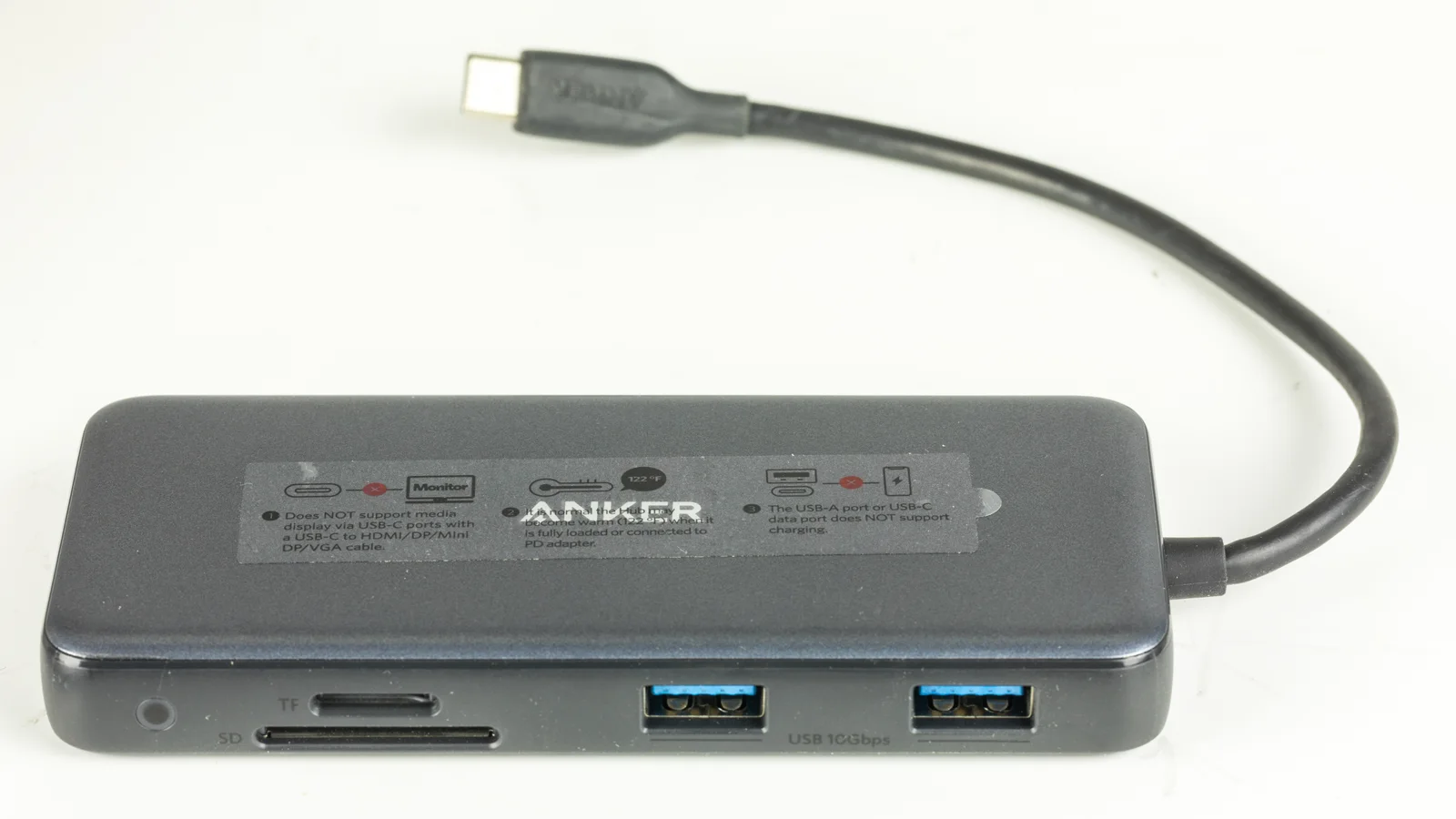
The Anker555 USB-C Hub8-in-1 is model A8383, also named PowerExpand8-in-1 USB-C PD10Gbps Data Hub. Its official US page separates the USB-C data port and two USB-A data ports from the Power Delivery input. The photographed A8383 has a warning that its USB-A or USB-C data port does not support charging. Use the role documented for the exact socket rather than treating every USB-C opening as interchangeable.
Anker specifies up to10Gbps via the USB-C3.2Gen2 data port and the two USB-A3.2Gen2 data ports. This is a manufacturer link-rate specification; it does not establish three simultaneous independent10Gbps storage transfers or a measured file-copy rate. The actual host, attached device, cable and shared connection still matter. The older USB2.0 example in this guide is not evidence that the Anker uses the same controller or speed.
For laptop power, the A8383 page states up to100W pass-through input with15W reserved for hub operation, leaving up to85W for the host laptop. To reach that advertised85W condition, Anker requires a100W PD wall charger and100W USB-C-to-C cable; the charger is not included. A100W number on an input specification is therefore not a100W output guarantee for the laptop. A higher-demand laptop may need its original power arrangement.
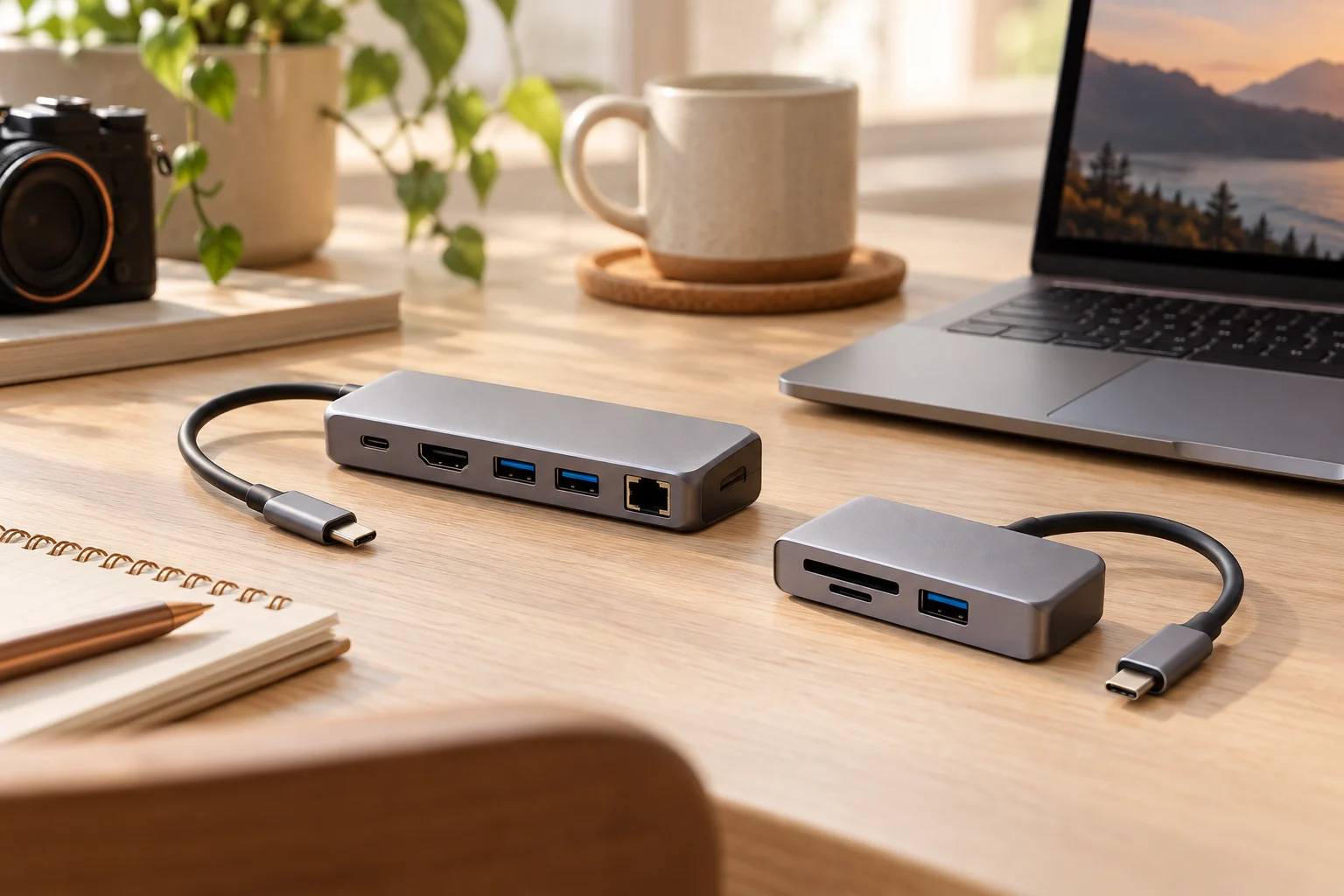
The A8383 USB-C sockets do not provide display output according to Anker. Video uses its HDMI port and compatible host display capability; the4K60 condition requires an appropriate DisplayPort1.4 host. A USB-C-to-HDMI cable placed in a data-only socket does not add that missing output. These statements apply to A8383, not to every Anker hub or the Sabrent USB-A models.
Choose the Sabrent options when their documented USB-A data and charging arrangement matches the actual peripherals. Consider A8383 separately when USB-C host connectivity, its particular card/video/network functions and conditional laptop pass-through are needed. Confirm the actual laptop port and exact offer before purchasing; current price, stock and independently measured charging performance were not checked.