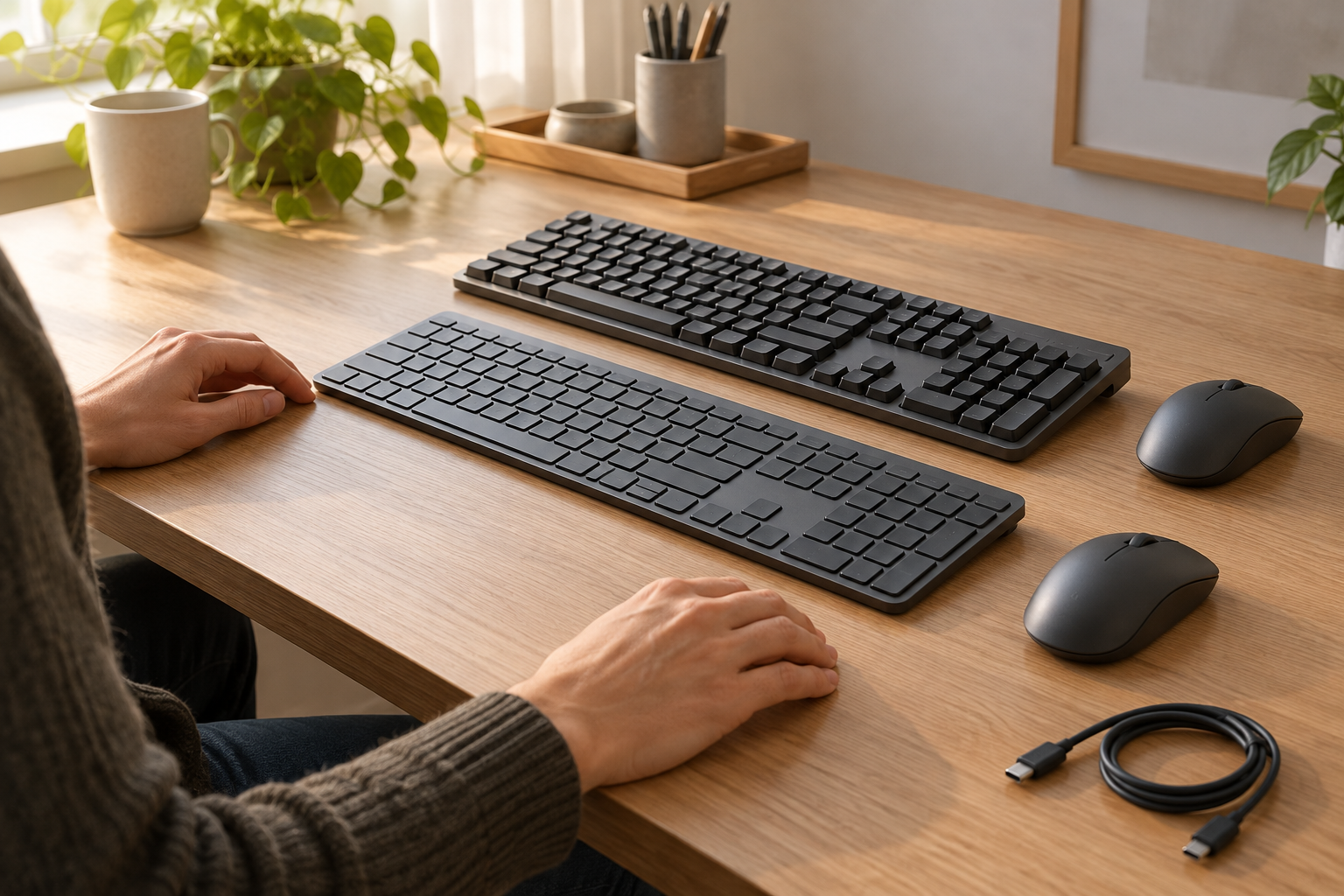
KeyboardsChoose between mechanical switch options and a flatter scissor-key arrangement using exact full-size dimensions, charging conditions and receiver requirements.
Read the guide ↗ 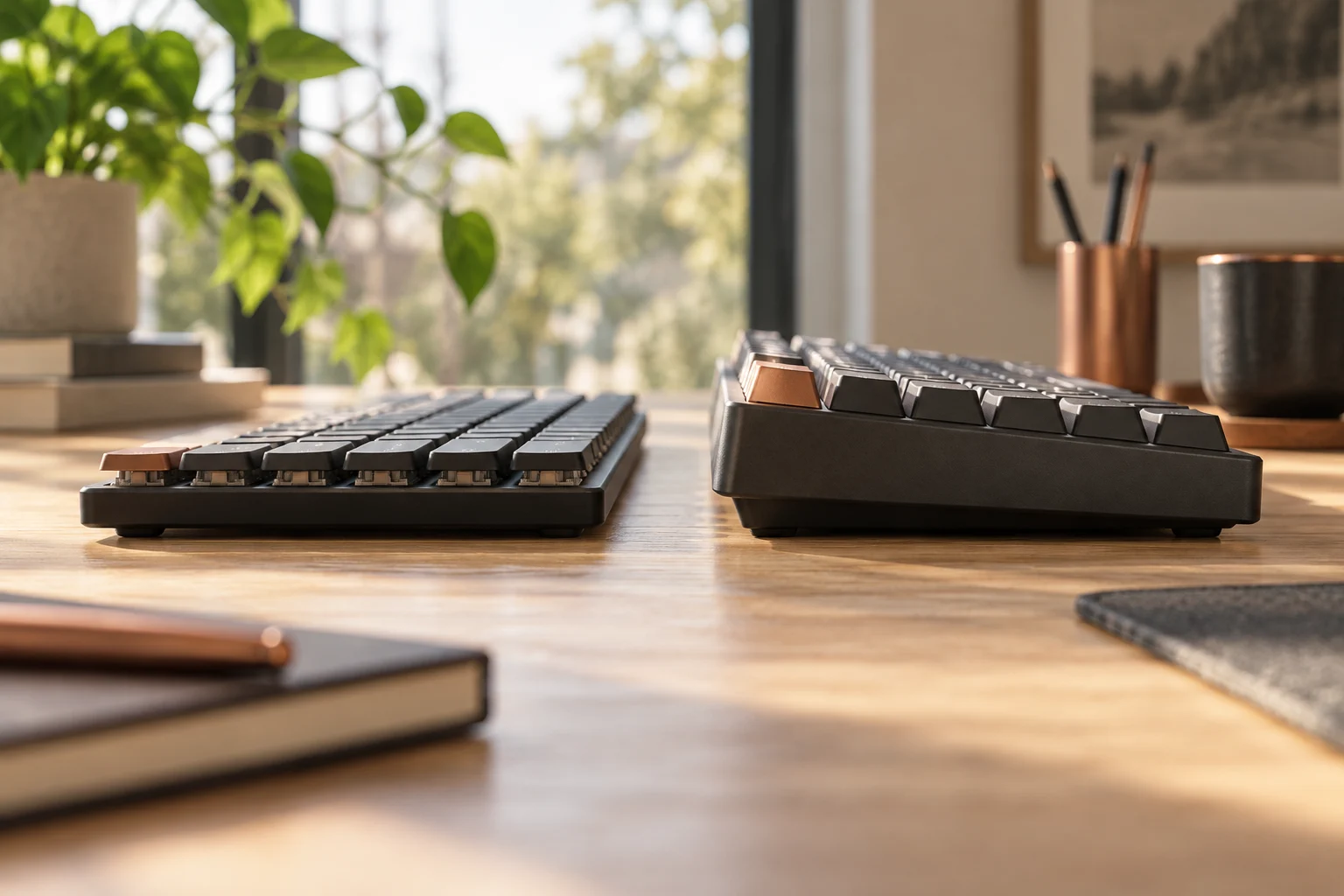
KeyboardsCompare K3 Version 2 low-profile mechanical and optical options with the regular-height K2 Version 2 reference, keeping hot-swap, keycaps and exact generation separate.
Read the guide ↗ 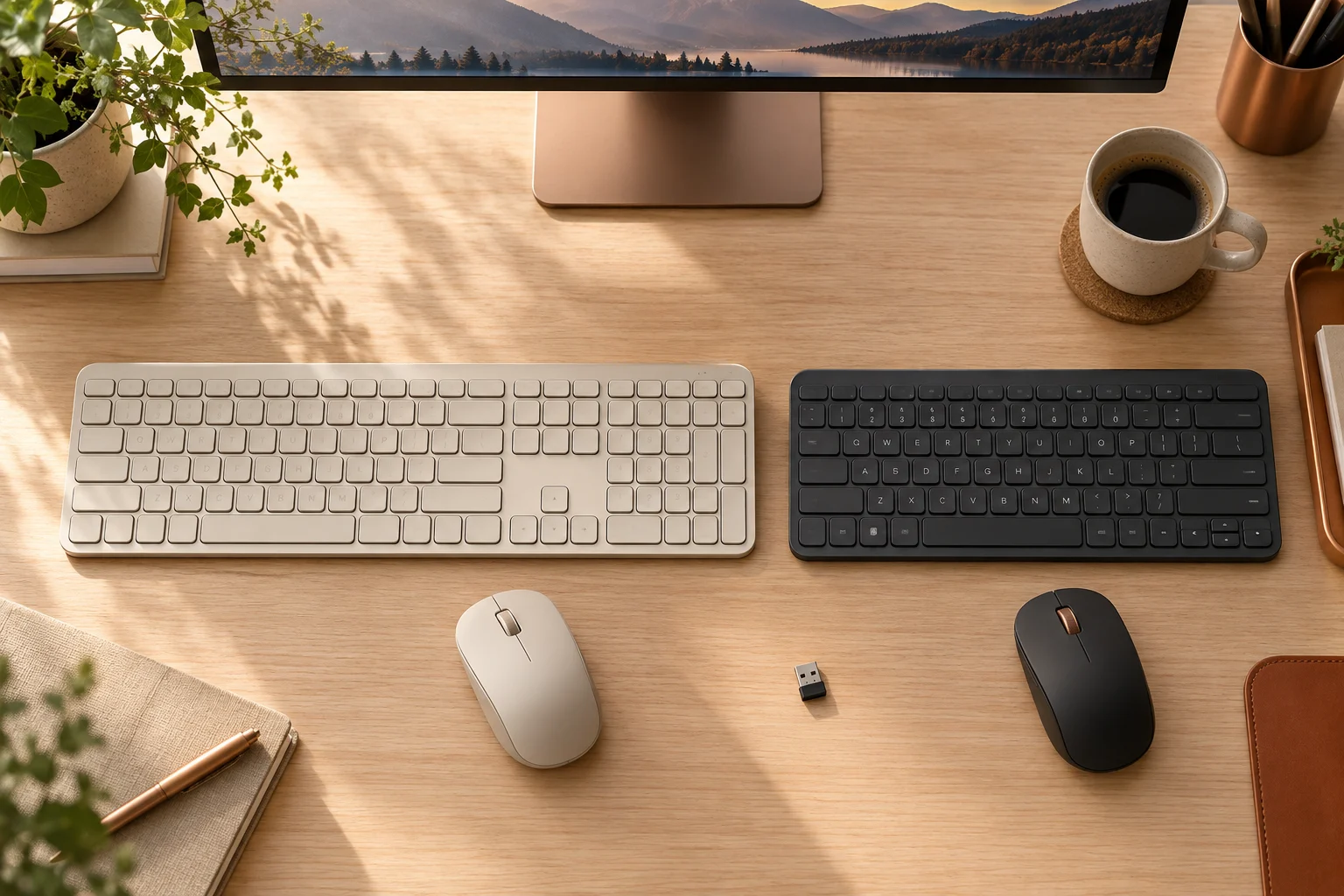
KeyboardsCompare MX Keys S and MX Keys Mini body width, number pad and the standard US receiver packages, while keeping older MX Keys and Unifying hardware separate.
Read the guide ↗ 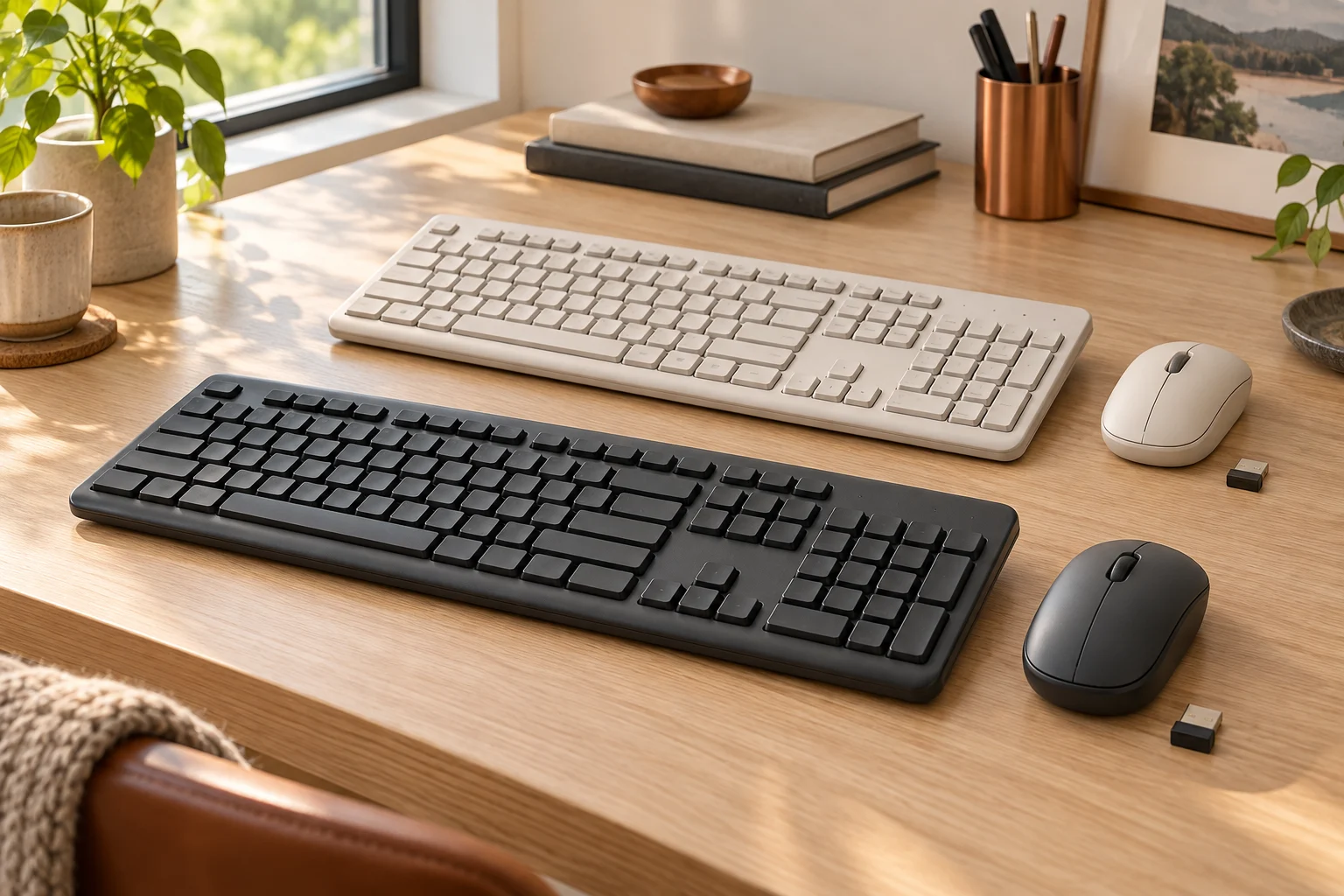
KeyboardsCompare the US MK270 and MK295 offers, full-size layout, SilentTouch claim and model revisions before assuming that a similar keyboard or tiny receiver identifies the same bundle.
Read the guide ↗ 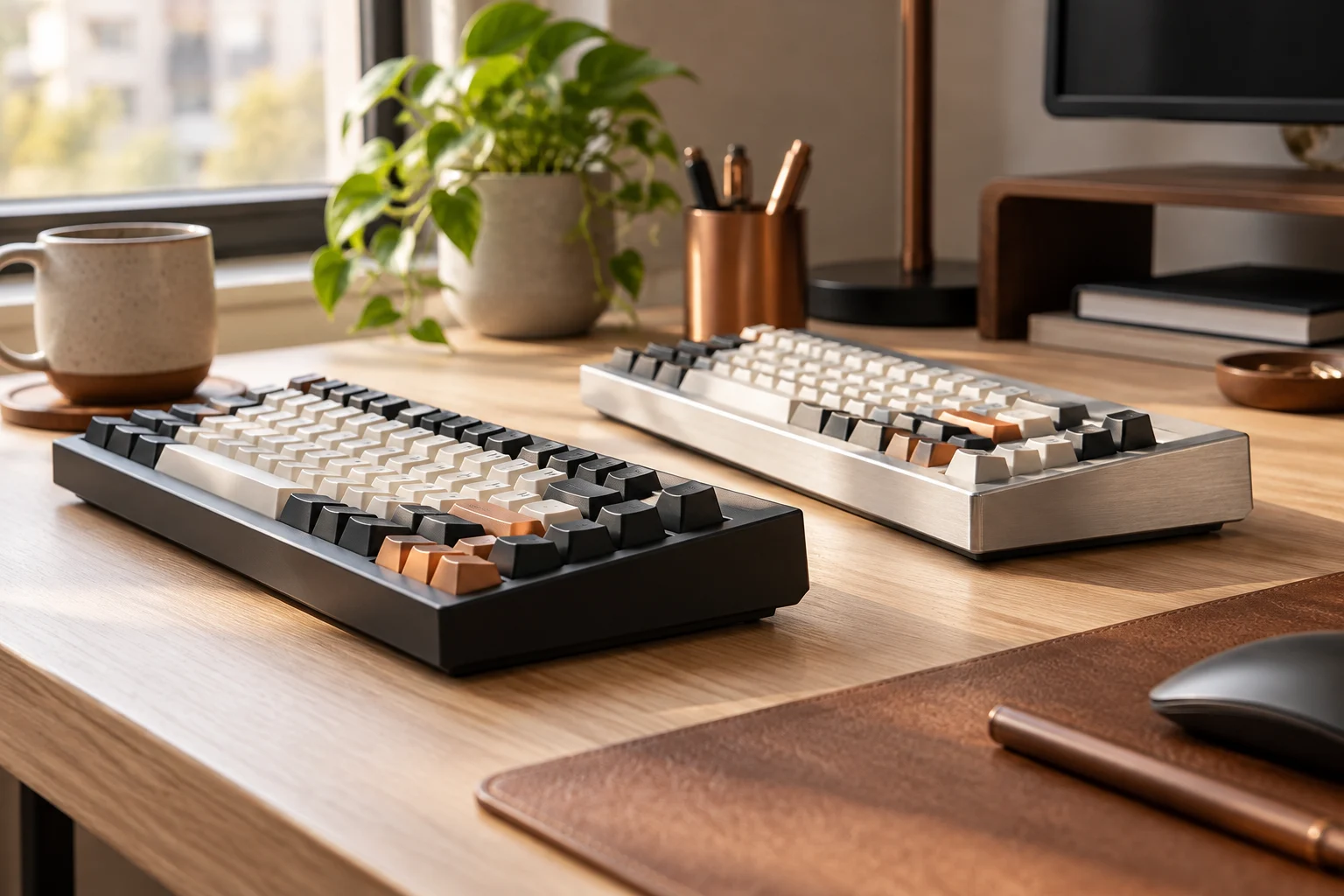
KeyboardsThe manufacturer's V1/Q1 comparison lists an ABS tray-mounted V1 and an aluminium double-gasket Q1. Compare that construction difference without treating it as a measured sound or speed ranking.
Read the guide ↗ 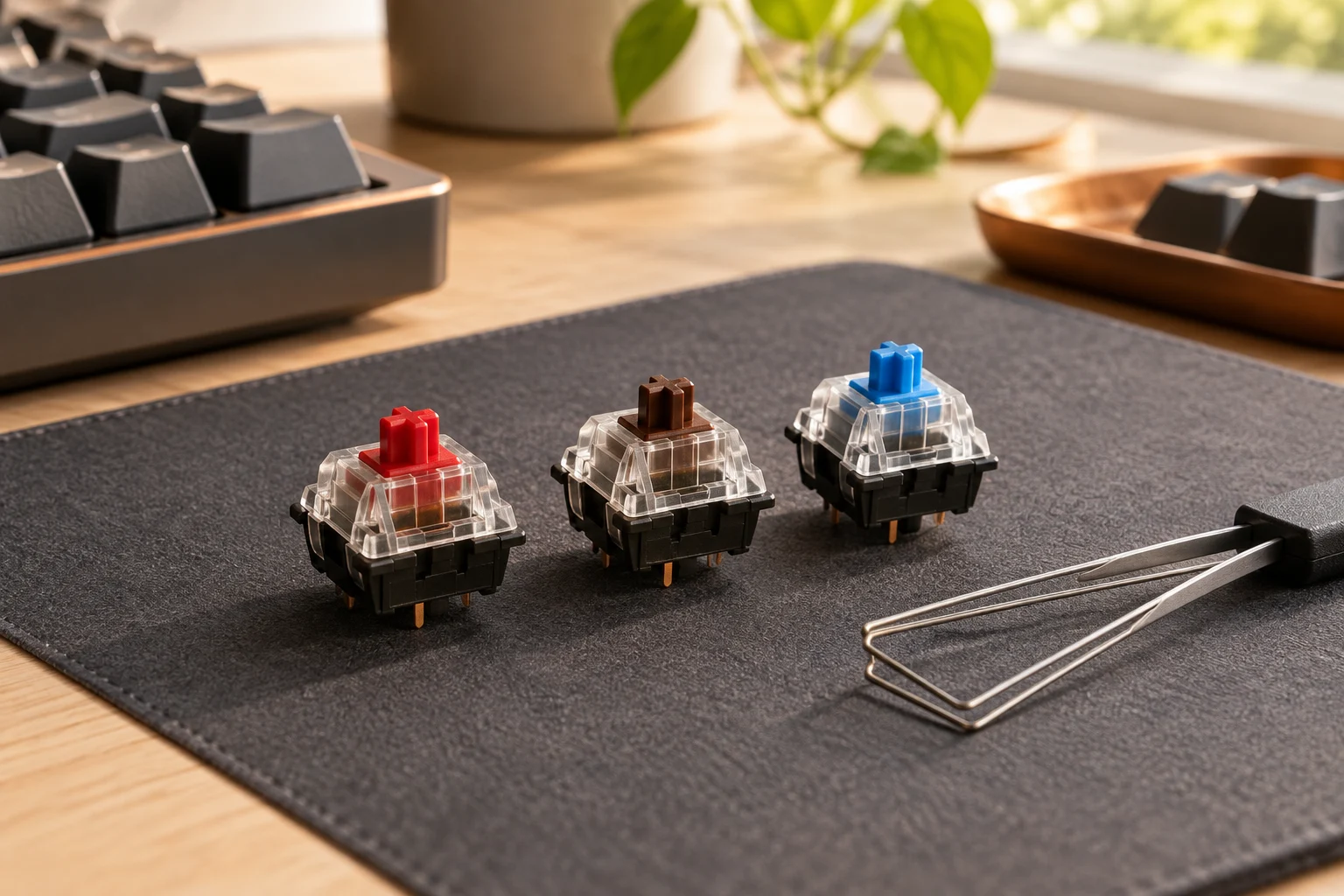
KeyboardsK Pro Red is listed as linear 45±10gf, Brown as tactile 50±10gf and Blue as clicky 60±10gf. Those are this switch family's ratings; colour alone does not establish compatibility or a guaranteed personal preference.
Read the guide ↗ 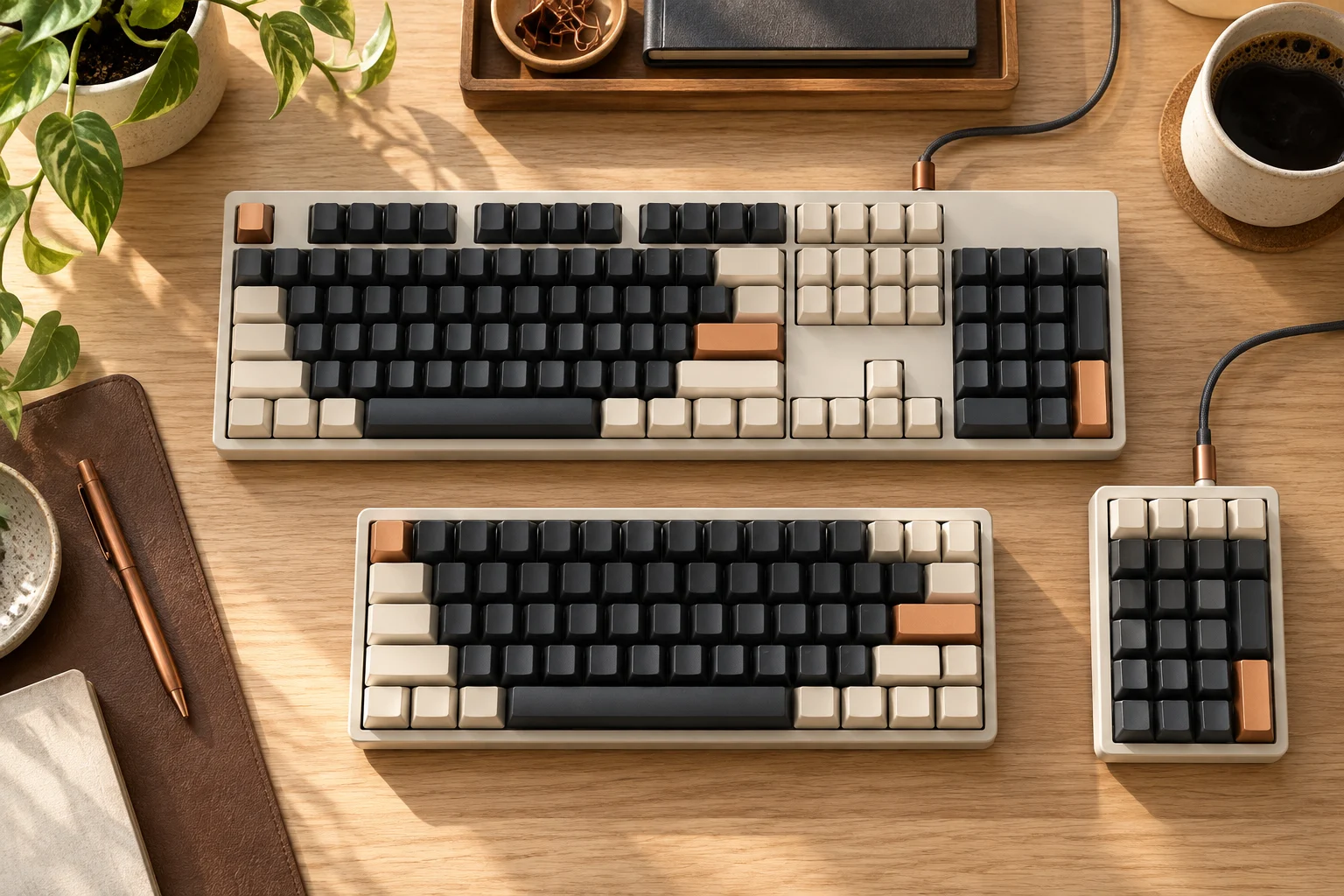
KeyboardsCompare the cited K2 Version 2 84-key 75% and classic K10 104-key full-size layouts, with actual key positions, generation and Windows-only Num Lock conditions kept clear.
Read the guide ↗